Join my daily email list for small, doable sparks of inspiration, tutorials, and exclusive product news.
Sale!

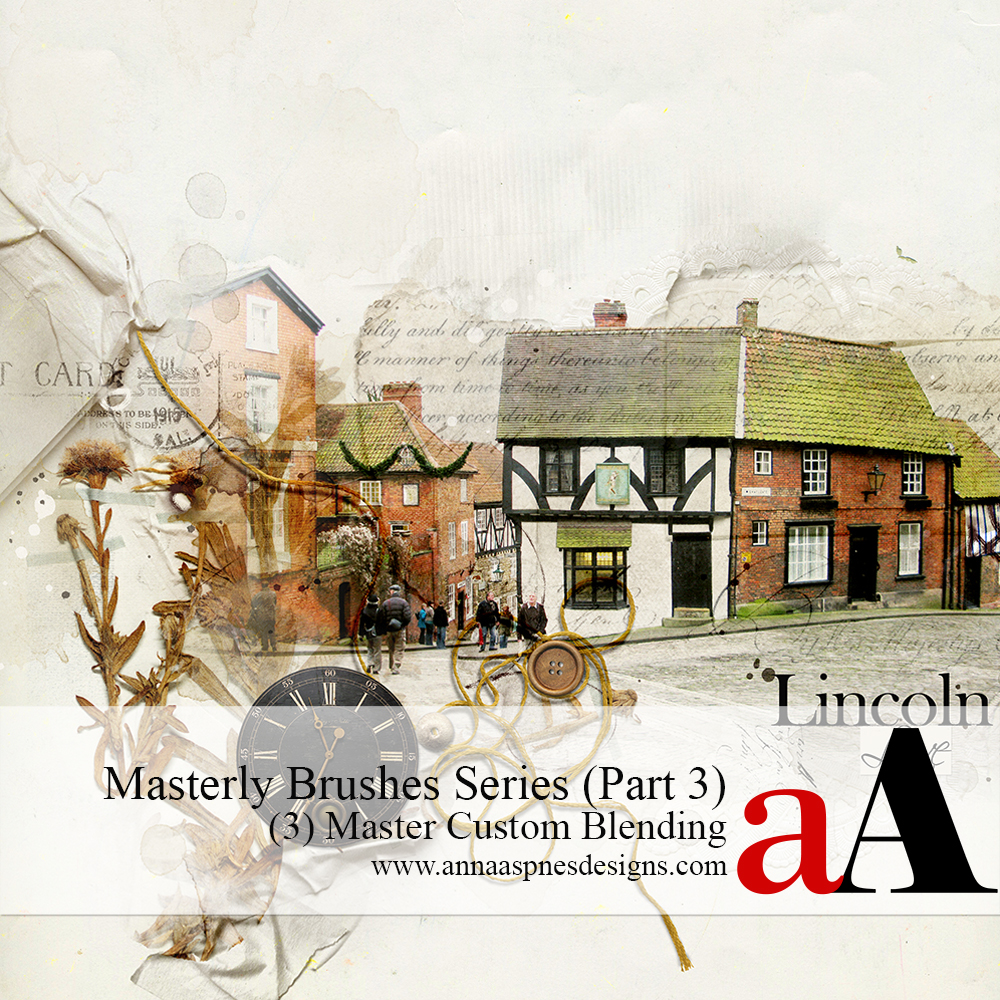
Masterly Brushes (3) Master Custom Blending

Original price was: $ 50.00.Current price is: $ 25.00.

Learn to customize the blending of your photos with ease in this 2 part LIVE workshop.

Description

This class is part of the Masterly Brushes series

Learn more about the Masterly Brushes series.

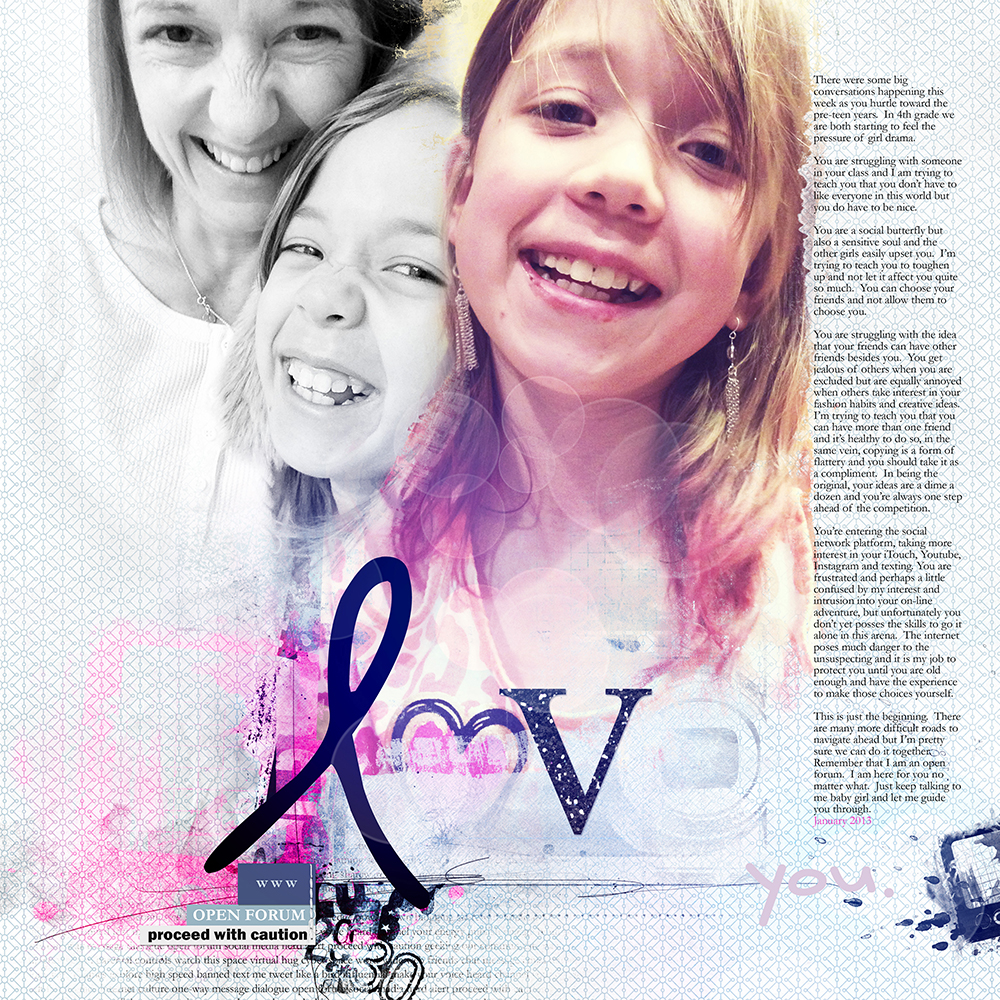
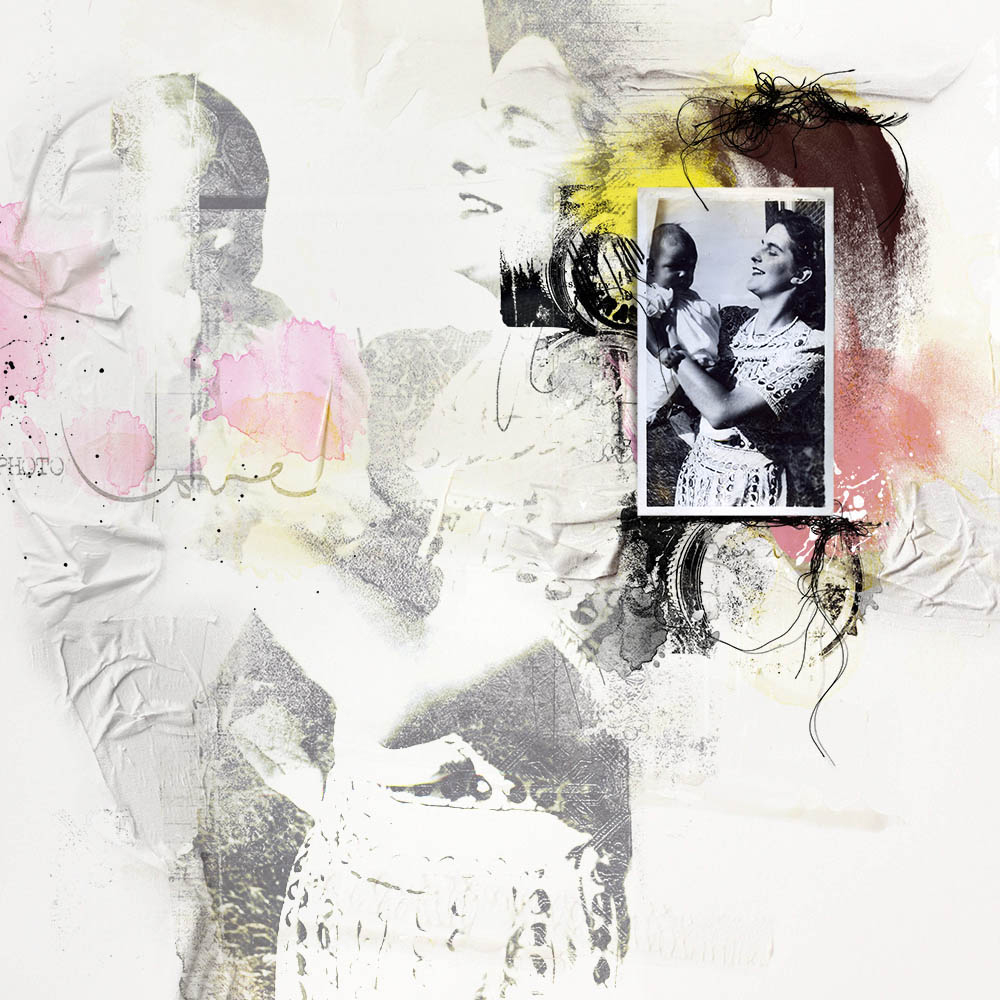
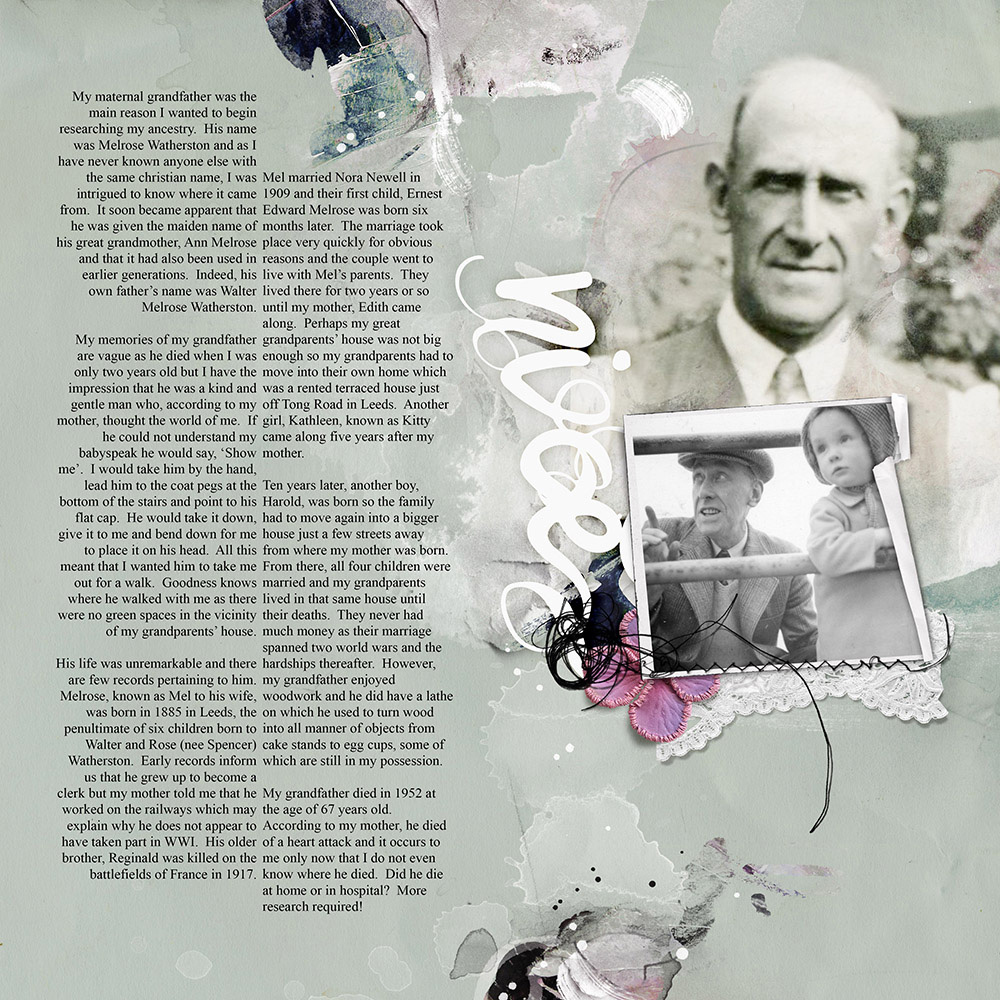
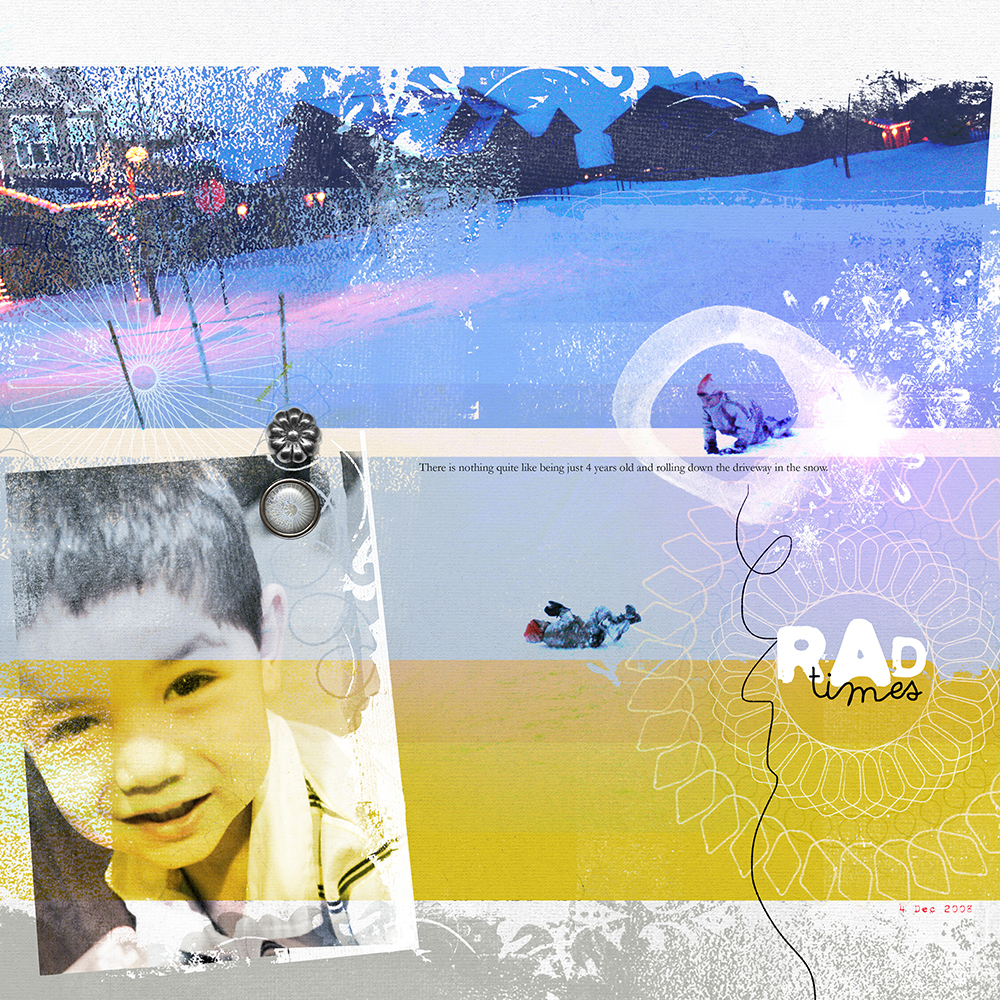
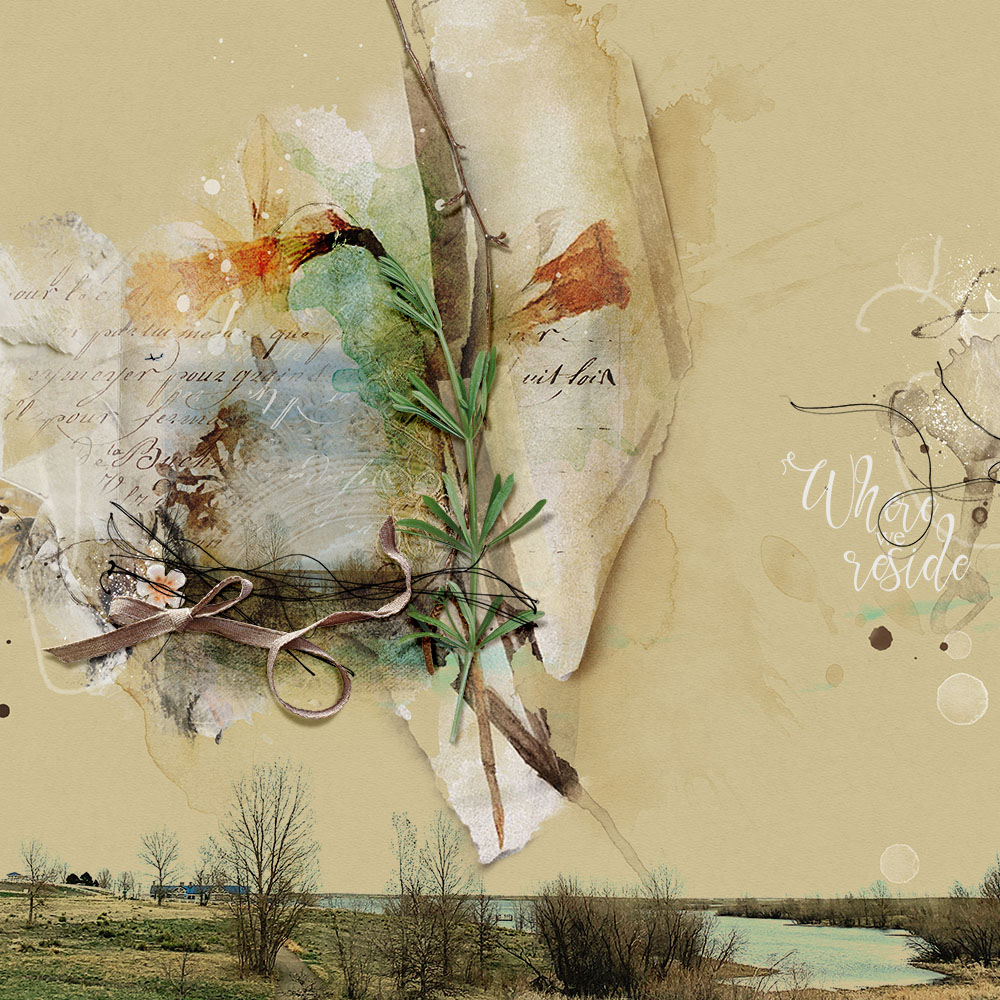
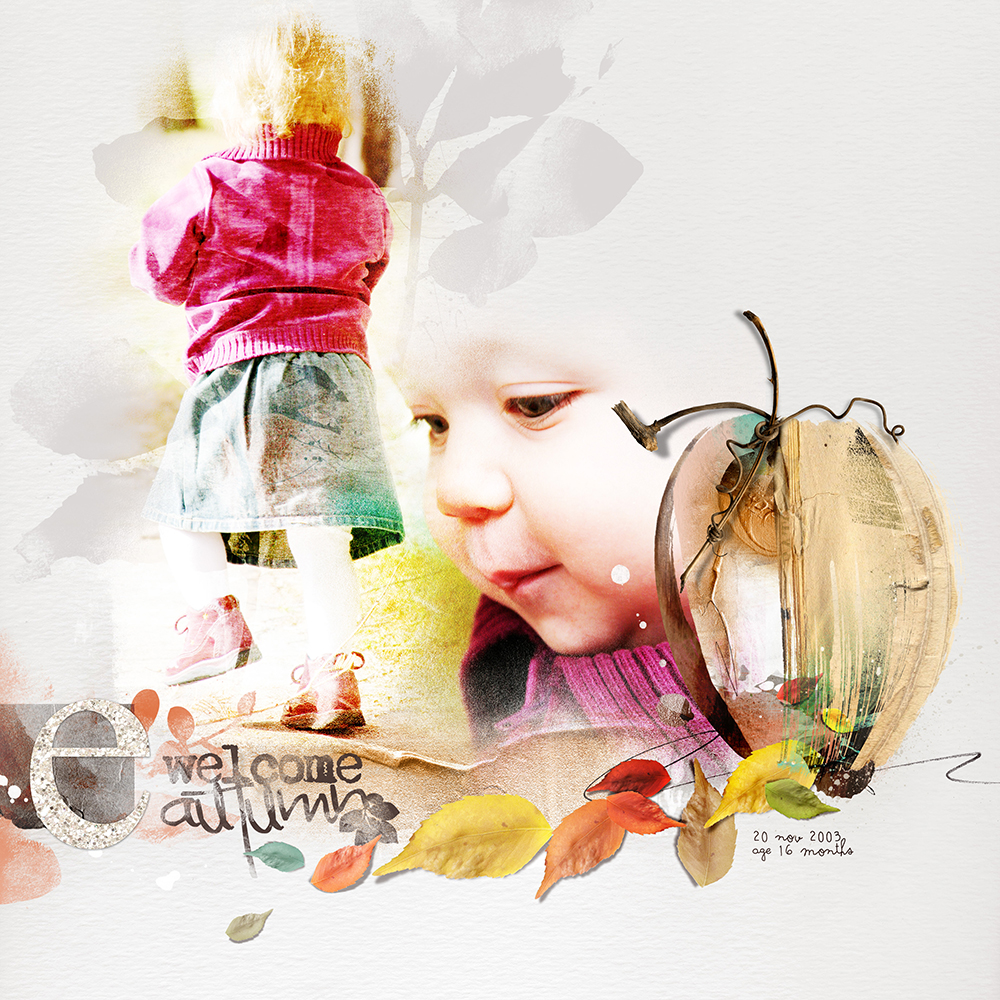
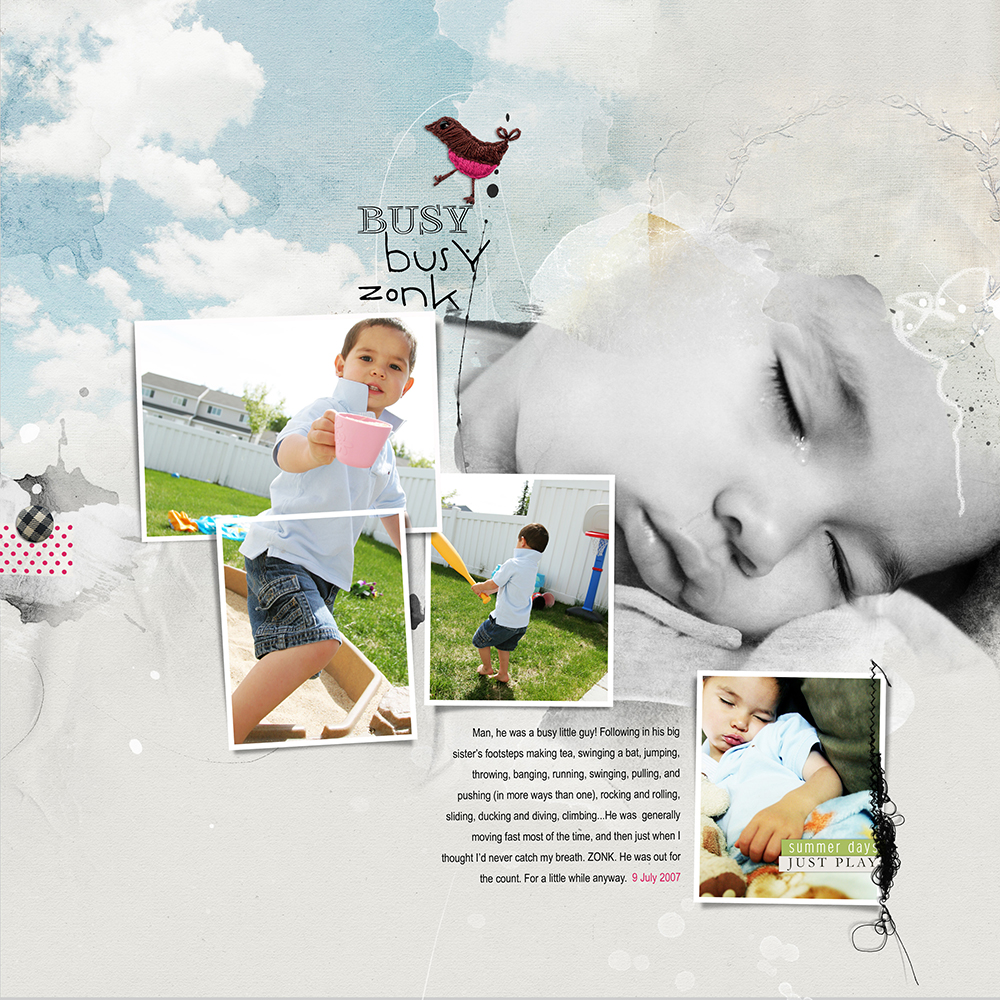
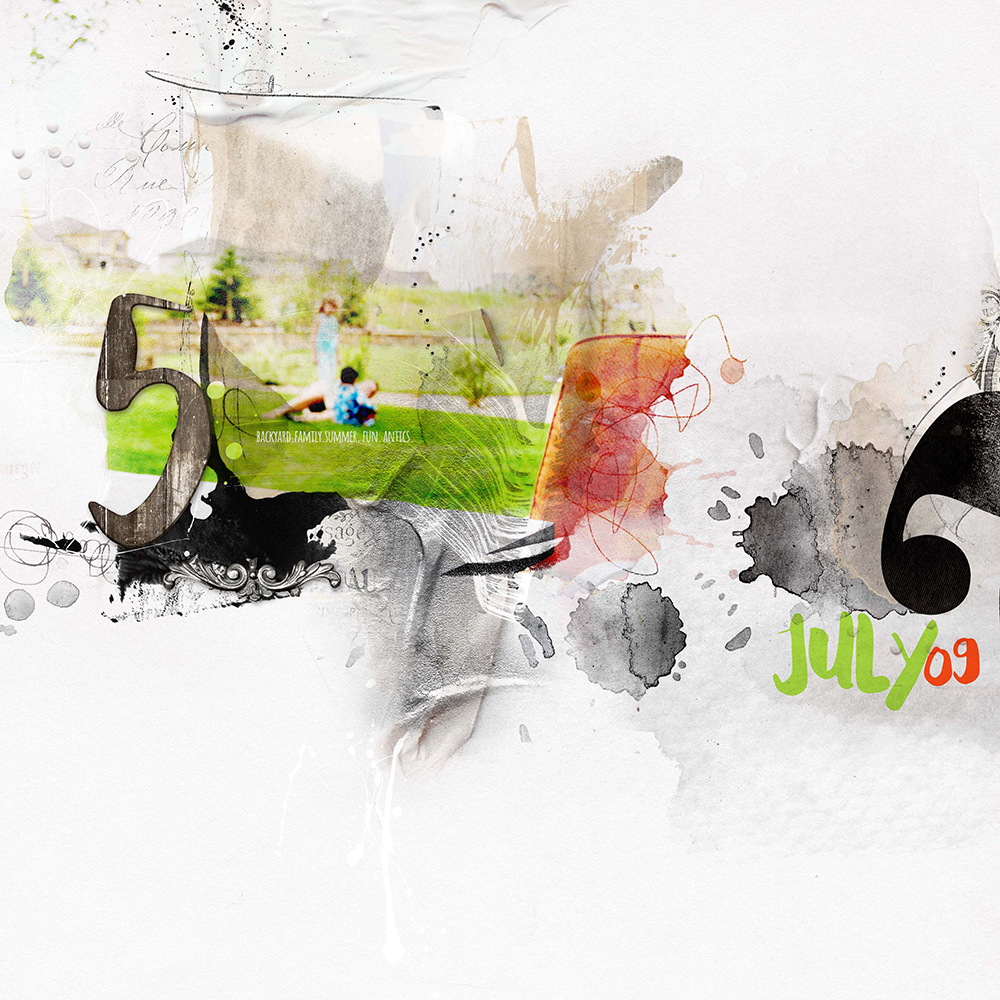
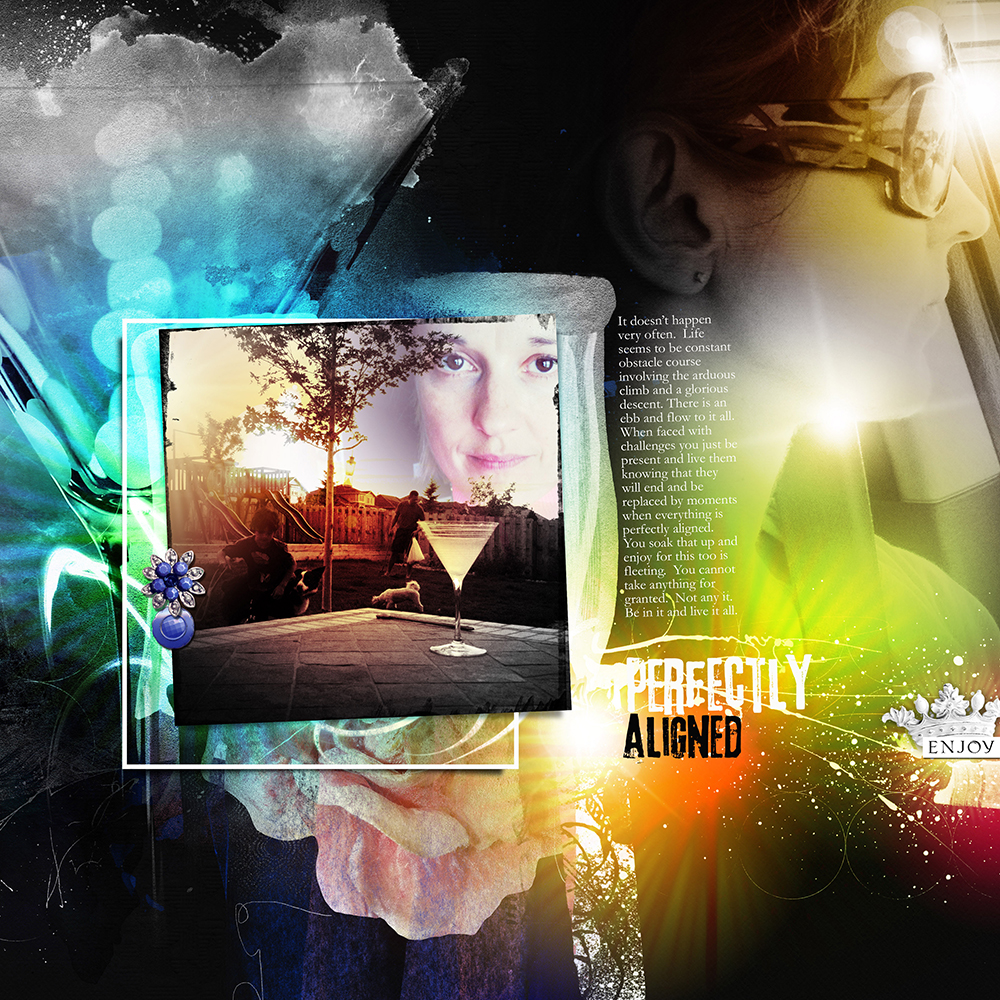
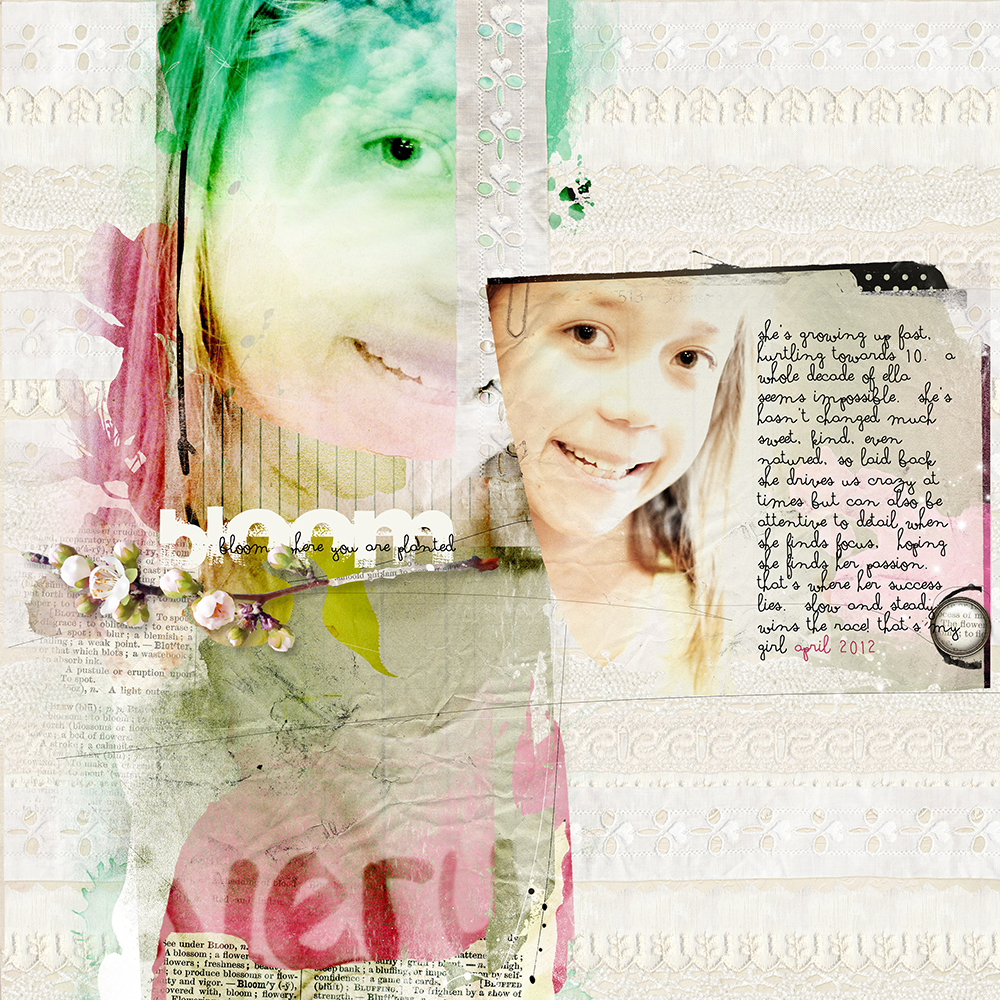
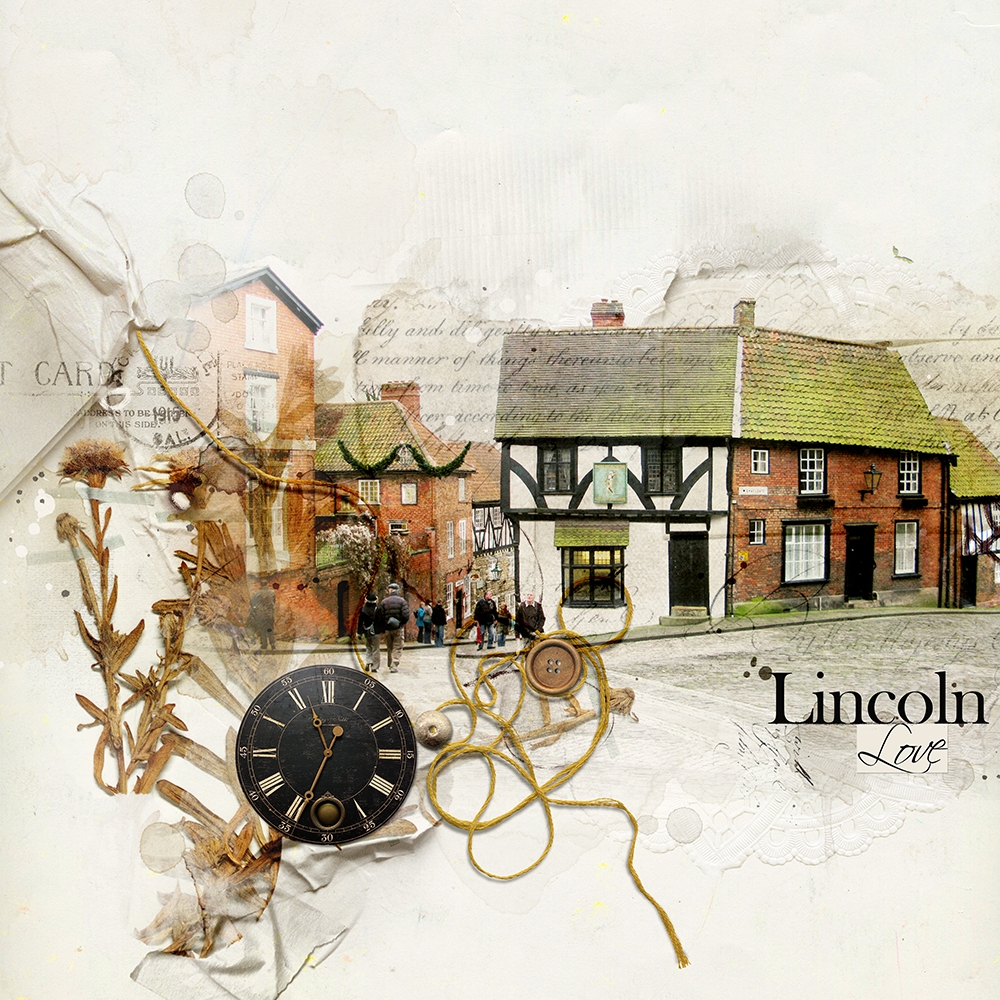
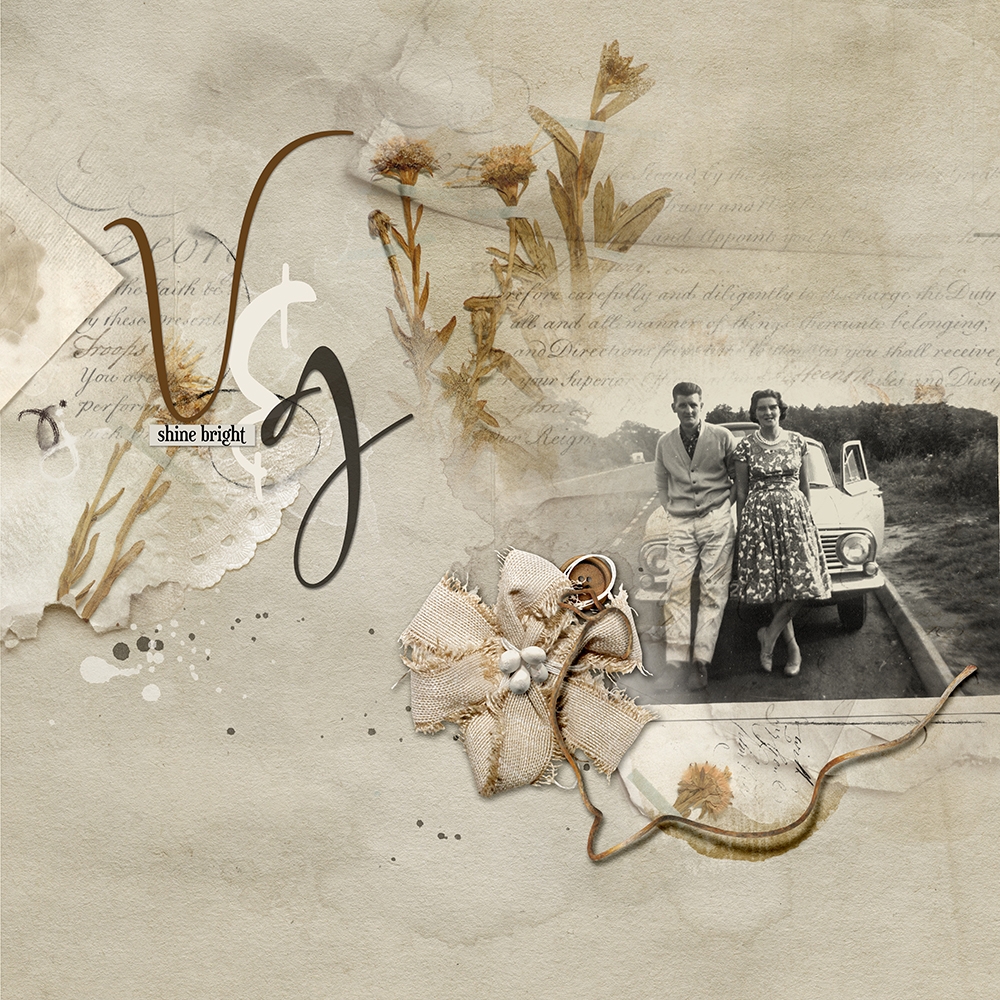
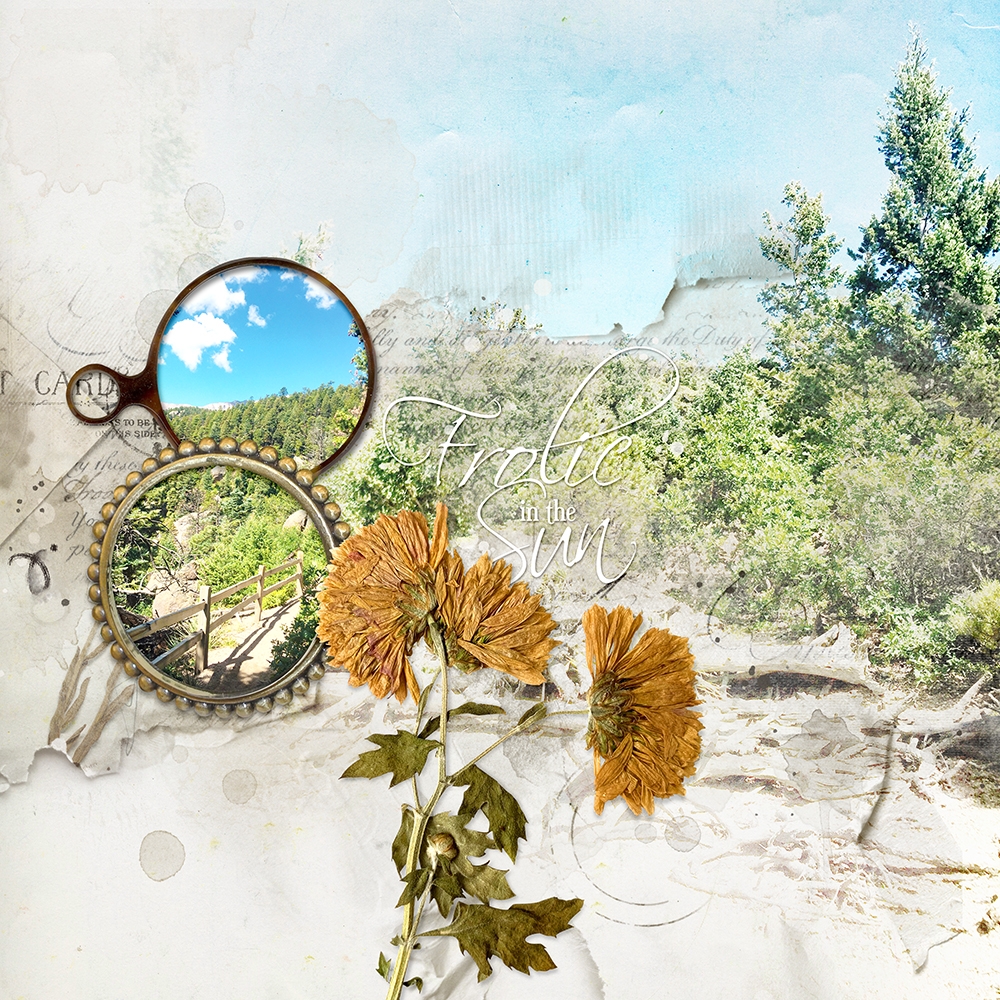
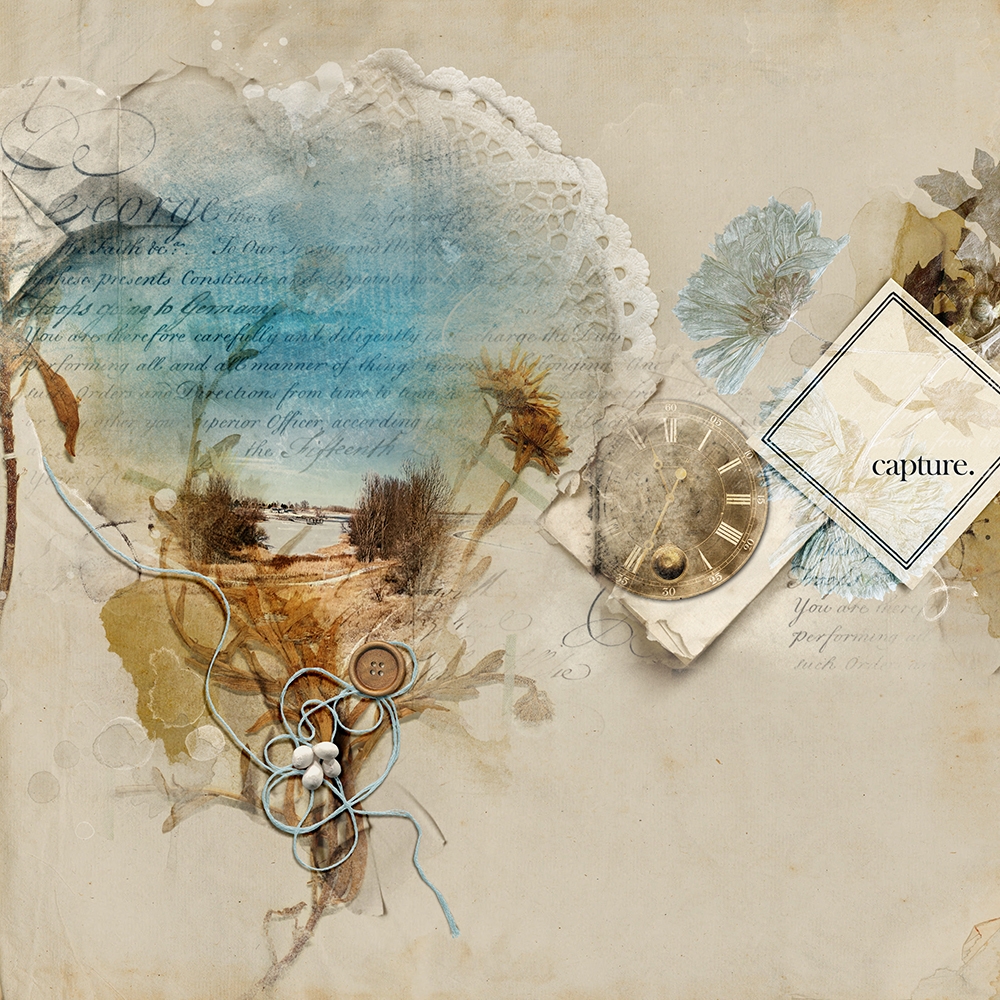
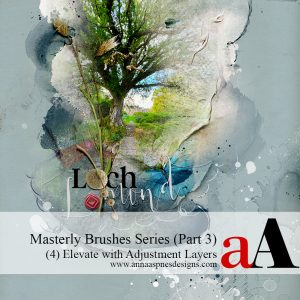
Master Custom Blending with Gradients and Photoshop Brushes.

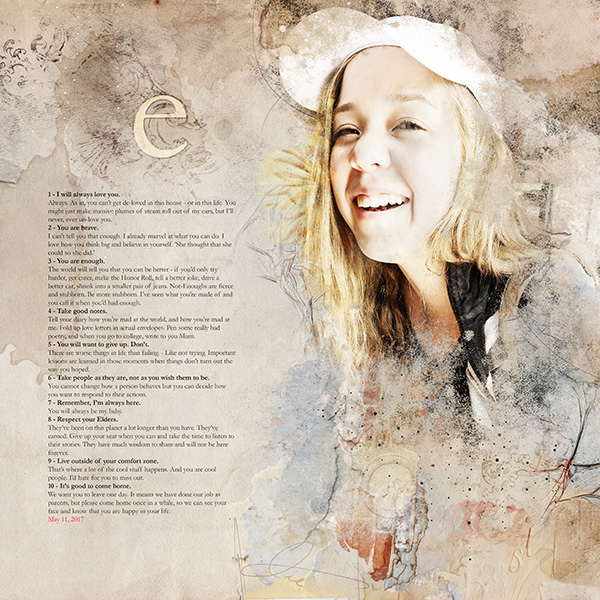
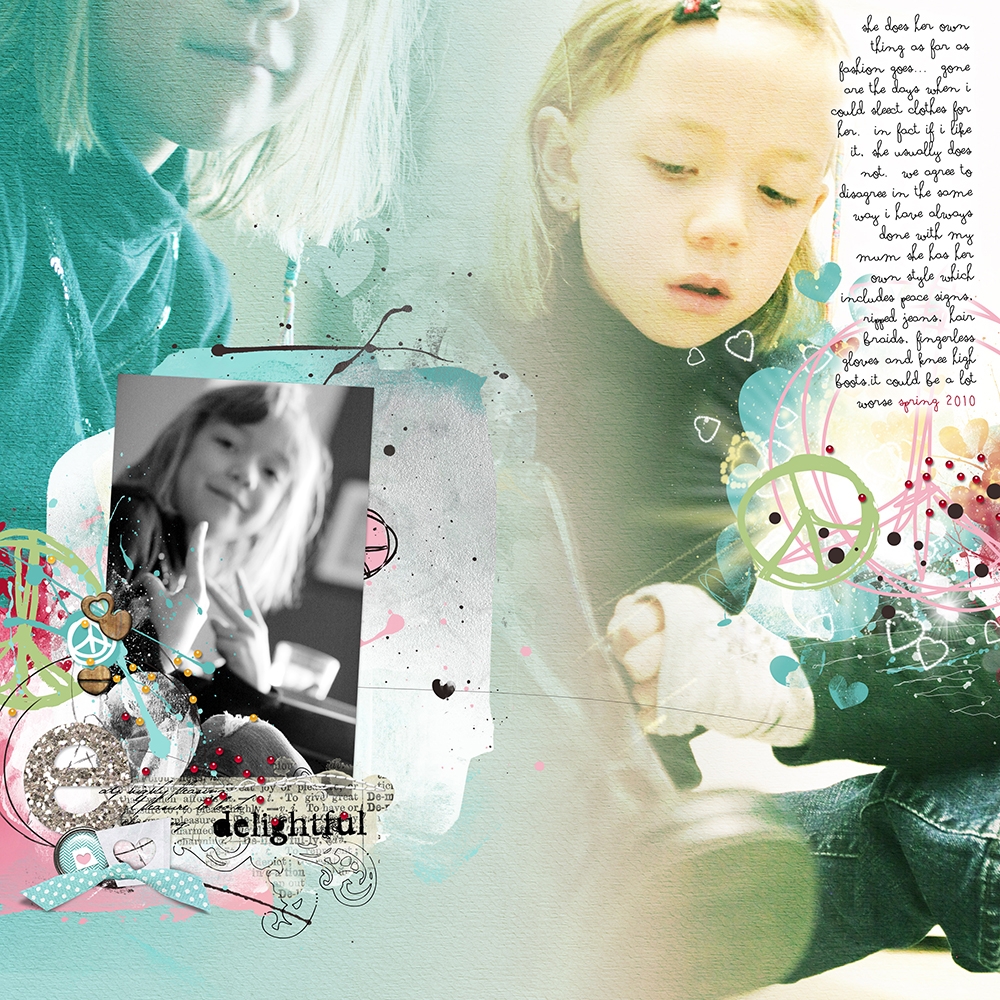
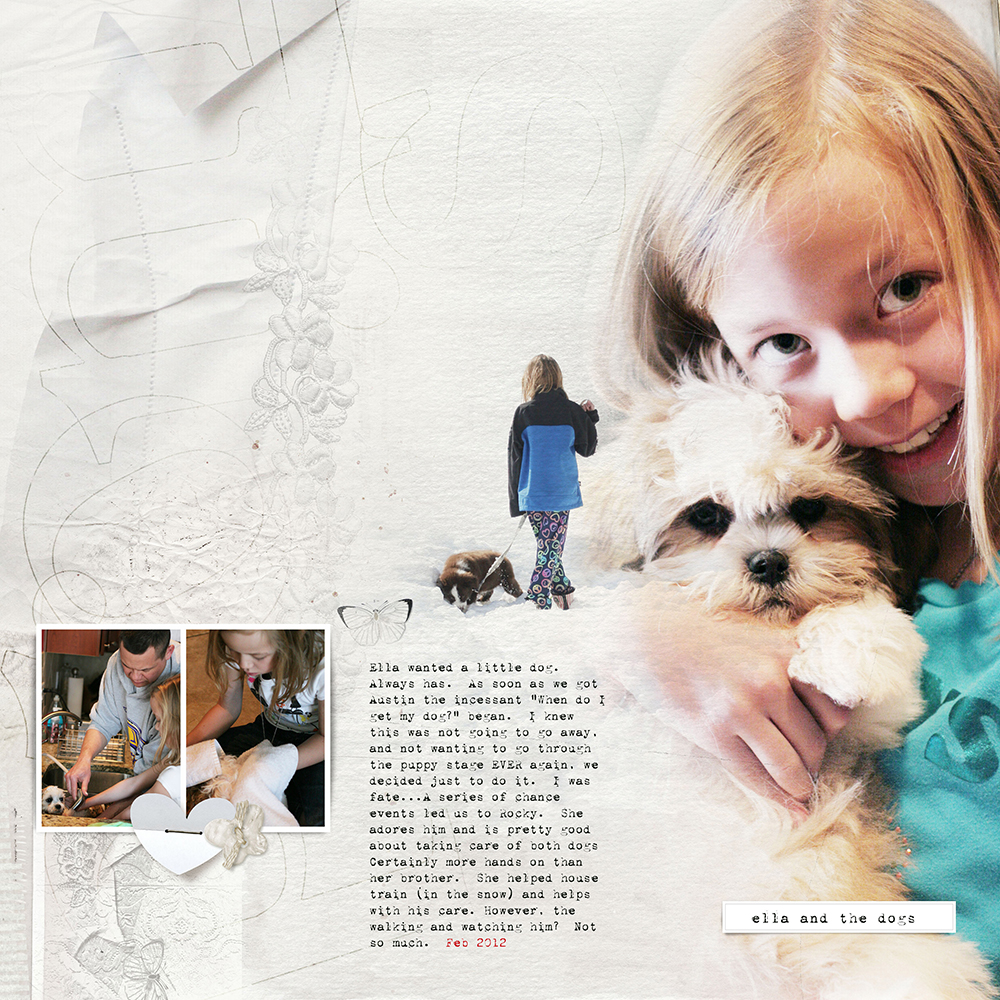
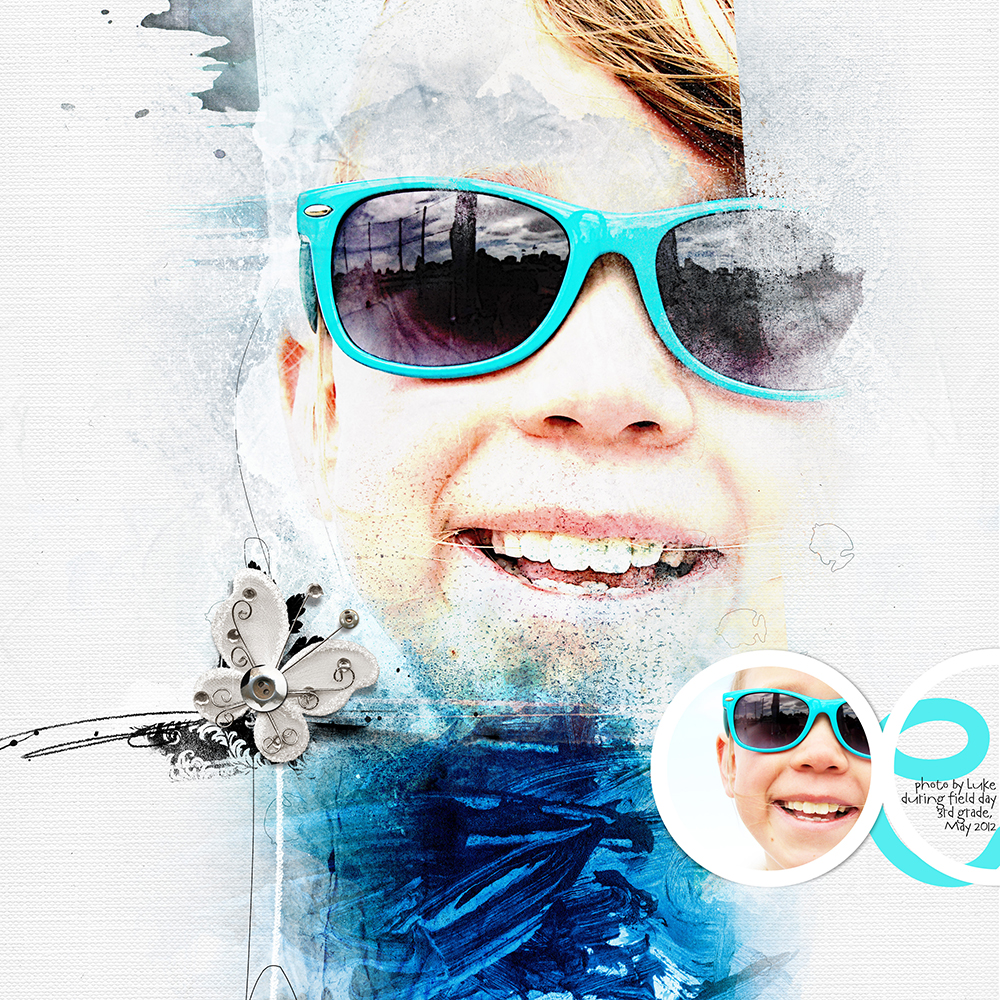
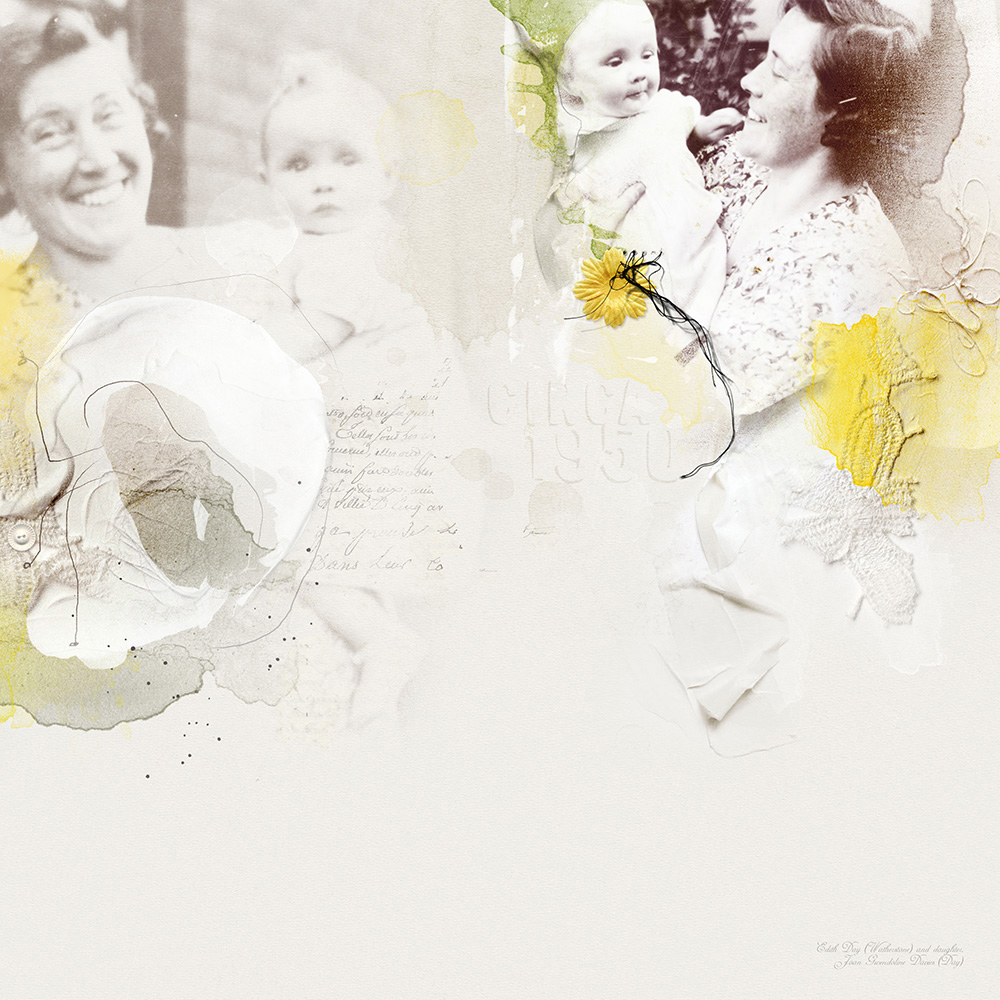
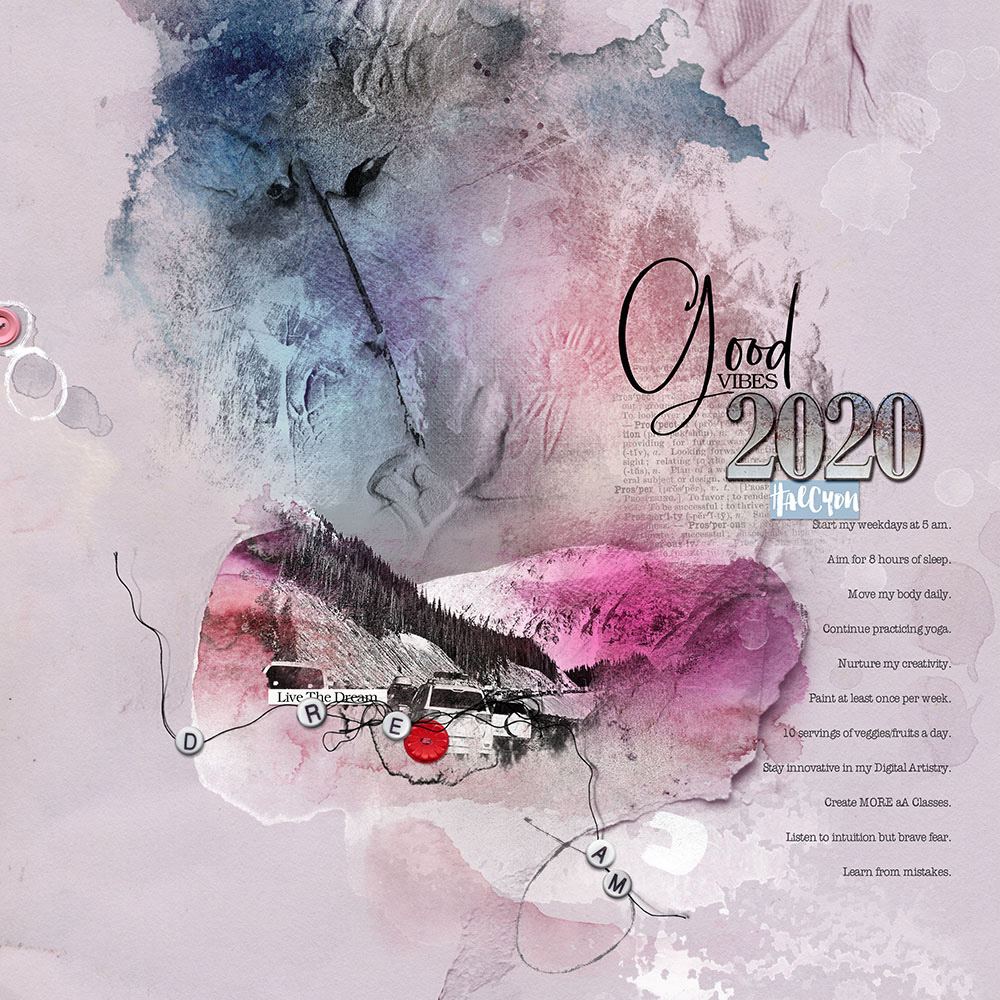
Everything you need to know about blending photos in Adobe Photoshop and Elements.

  • Master the art via step-by-step Guidance and Instruction for blending photos with digital art supplies.
  • Demonstrations via a series of predesigned photo artistry layouts and on-the-fly constructs.
  • Take your blending skills from Basic to Advanced by the end of this course.

Part 1: Basic Blending Techniques (approx. 2 hours)

Introductions to the tools and techniques for custom blending your photos with digital art supplies

What you will learn:

  • Understand the 5 Approaches to custom blending with extensive layout examples.
  • Guidance for selecting and positioning Photos in your blended photo artistry layout designs.
  • Step-by-step techniques for using the Gradient and Paint Brush Tools to custom blend your images.

Part 2: Advanced Blending Techniques (approx. 2 hours)

Elevate your blending skills from basic to advanced by layering your approach.

What you will learn:

  • Vary and Enhance your custom blending using Brush Settings.
  • Target Modification of specific areas of your photos using my ‘Puzzle’ blending method.
  • Master Inverse Masking to seamlessly blend your images.
  • Perfect your blending by ‘stacking’ techniques using Multiple layers and Duplication techniques.
  • Use Groups to increase efficiency and save time when blending.

BONUS 3rd Session

  • Answering student questions.
  • Clarifying ‘Master Custom Blending’ Techniques.
  • Additional Puzzle Blending guidance.
  • More layout Examples and ‘deconstructs’ to view the individual layers of a Composition.
  • Using Groups with the Clipping Mask Function.
  • When to use an Inverse Mask.

Video Content

  • Watch the REPLAYS of 3 LIVE sessions.
  • Sessions are available in .MP4 format and available for IMMEDIATE download.
  • Watch .mp4 files on your computer using a Media Player or load into iTunes for viewing on Smart Devices.
  • Demonstrations are conducted in Photoshop CC but Additional Guidance will be provided for Photoshop Elements as needed.

Written Content

  • Comprehensive Written Course Content in .pdf format for BOTH parts of this workshop.
  • BONUS Brush settings guide.

BONUS DigitalART

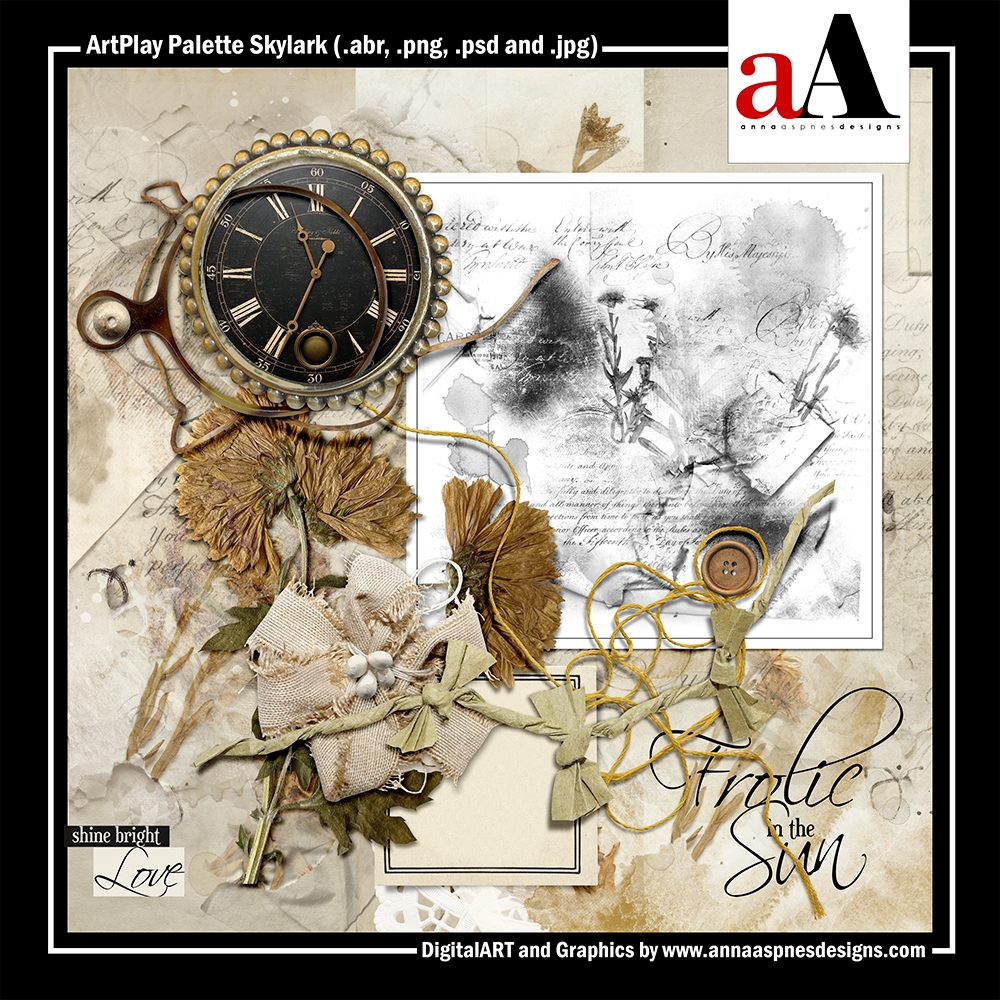
This FREE ArtPlay Palette Skylark will be used throughout this course for demonstrations.

  • Available for IMMEDIATE download on registration.

Includes:

  • 9 – 12 x 12 Artsy and Solid Digital Papers
  • 15 Dimensional Embellishments
  • 2 ArtsyTransfers
  • 11 Transfers and Overlays
  • 20 Photoshop Brushes (2 Size formats)

Ask questions in the comments below 🙂

Reviews

There are no reviews yet.

Be the first to review “Masterly Brushes (3) Master Custom Blending”

Your email address will not be published. Required fields are marked *