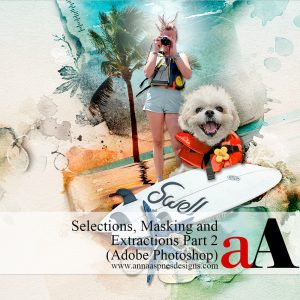
A LIVE 2-session workshop conducted in Adobe Photoshop CC designed to introduce you to the foundations of selections, masking, and extractions for your digital scrapbook and photo artistry pages.
Introduction to Photo Extractions the Mindset for creating them.
Understanding selections: What they are and how they work.
Create and move Selections, plus convert them to Masks.
Different approaches to Adding, Subtracting, and Intersecting selections.
Simple edits using the Select and Mask panel.
Multiple ways to Test your selections.
Master the Selection options from the Tools Panel to create extractions.
How and when to use the Marquee (Rectangular and Elliptical), Lasso (Lasso, Polygonal and Magnetic), and Magic Wand Tools for better selections.
Adding and removing Segments, plus Closing a selection.
Clever Shortcuts to speed up and make your process more efficient.
SESSION #2
Save, Load, Modify, and Copy selections.
Use the underrated Grow and Similar for more efficient selections.
Make Selections using the Color Range and Focus Area tools.
Tips and tricks for better extractions with Select Subject.
A variety of ways to select and replace the Sky in your photos.
Use Sky Replacement to create artsy Backgrounds for your digital scrapbook pages.
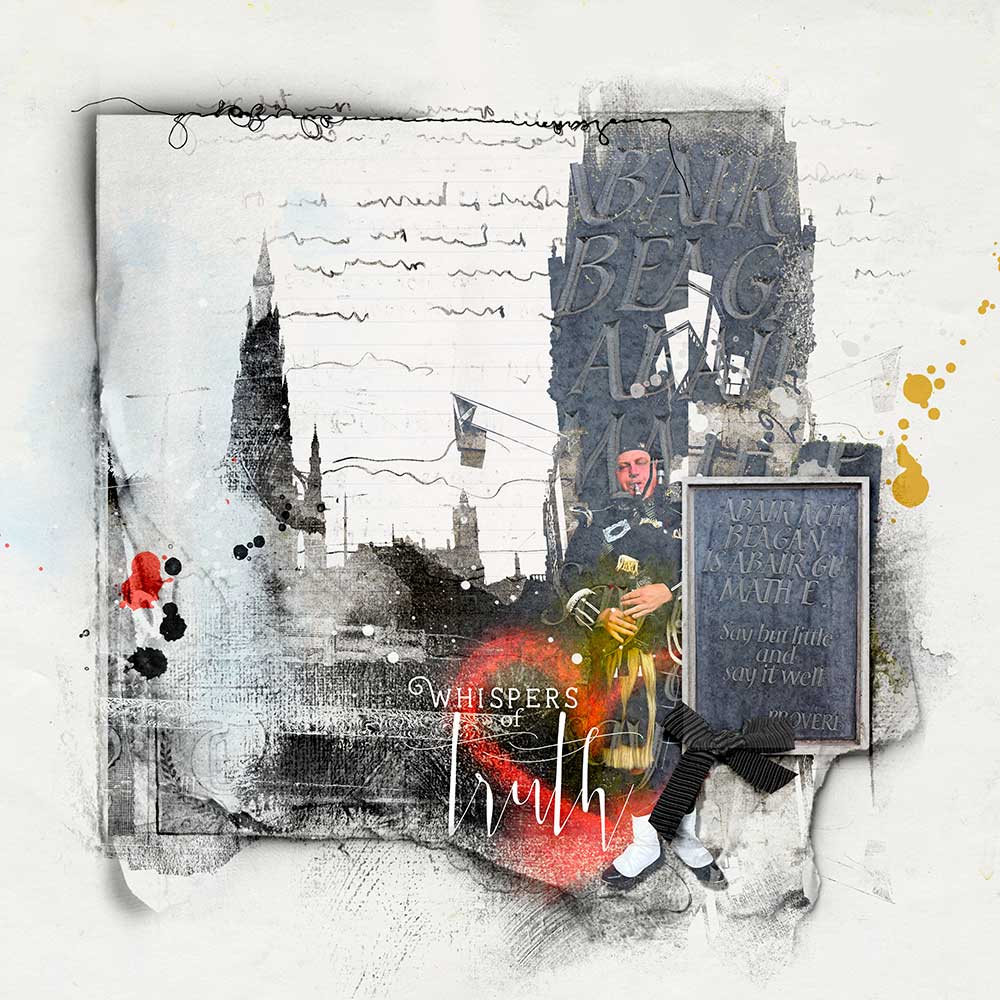
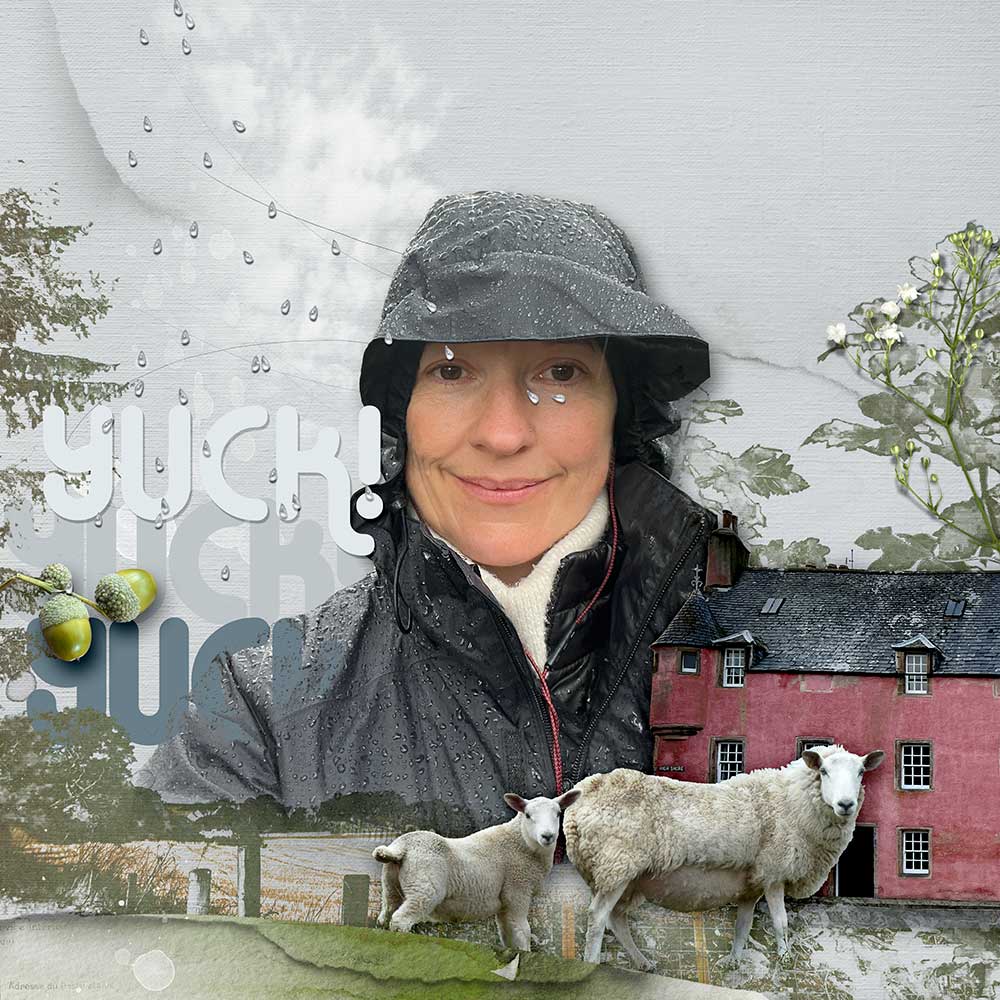
Incorporate Transform (Skew, Distort, and Warp) tools, Blending Modes, Adjustment Layers, Layer Styles,Clone Stamp Tool, and Masking with your extractions.
Clever Shortcuts to speed up and make your process more efficient.
WHAT TO EXPECT:
2 X 1- 1/2 HR LIVE Class Sessions + REPLAYS in MP4 format.
Step-by-step demonstration of techniques and processes in Adobe Photoshop.
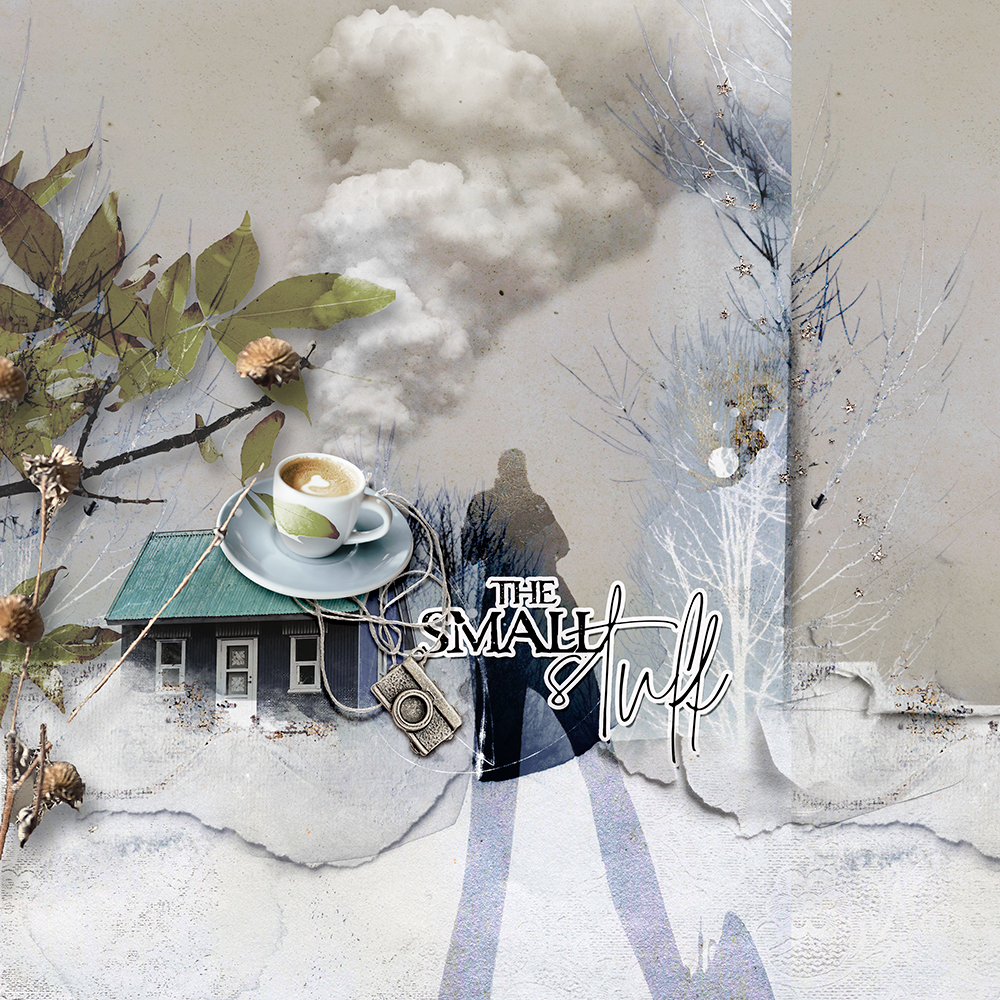
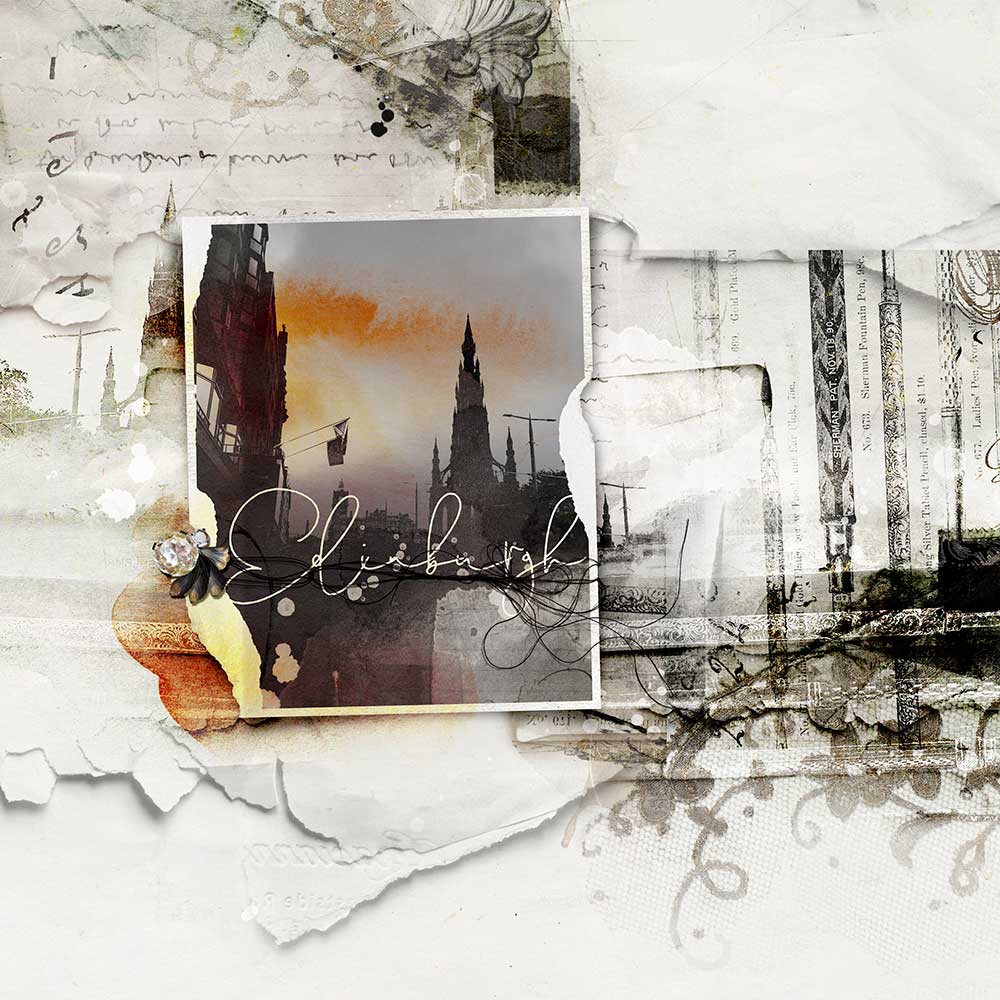
Lots of digital scrapbook and photo artistry Examples to support the guided approaches.
14-Page comprehensive Written Course Content in .pdf format.
Direct Support via email and/or dedicated Community Facebook Group.
Reviews
There are no reviews yet.