Description
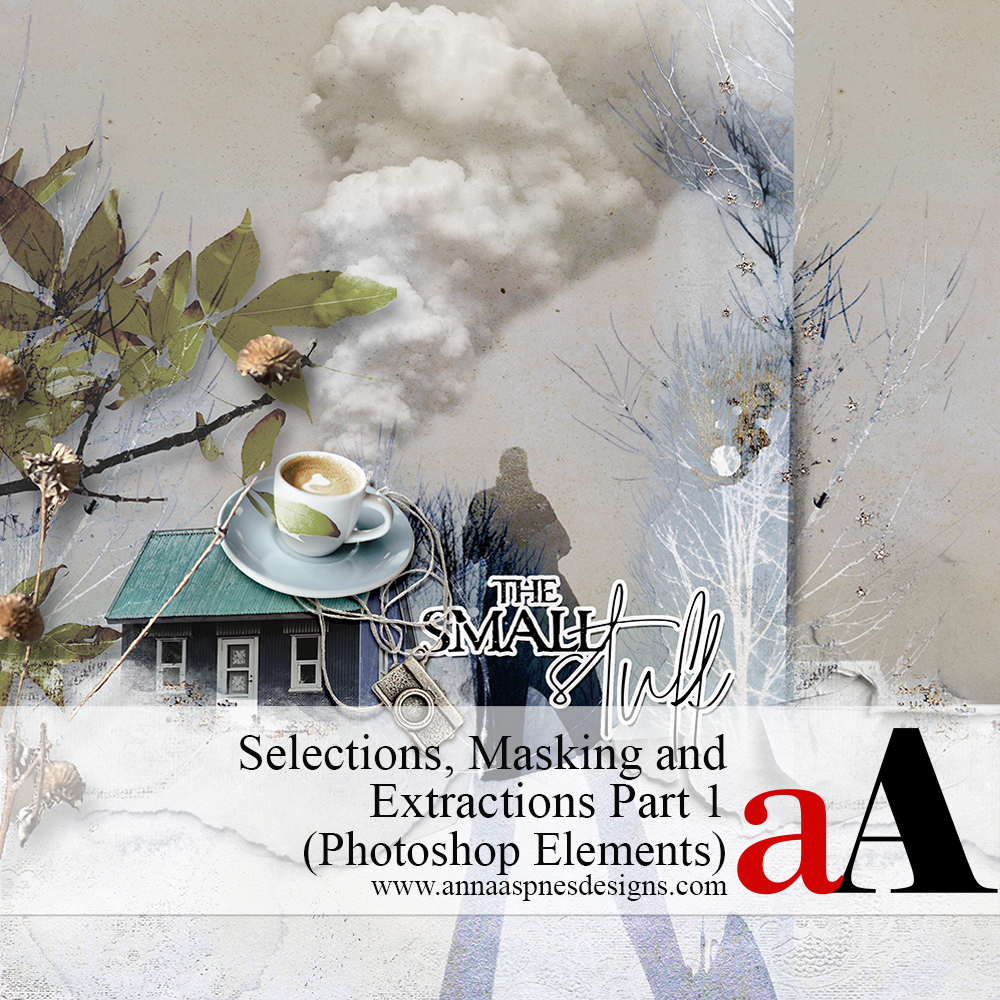
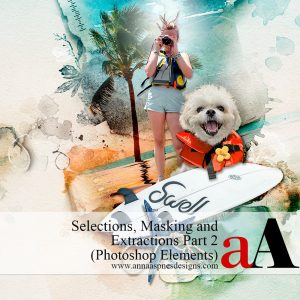
Selections, Masking, and Photo Extractions Part 1 (Photoshop Elements)
The first part of a multiple-class workshop in mastering photo extractions in your digital scrapbooking, photo artistry, and collage pages.
Part 1 is a REPLAY of the LIVE 2-session class to introduce you to the foundations of selections, masking, and extractions.
Conducted in Adobe Photoshop Elements 2023.
***REGISTER FOR THE PHOTOSHOP CLASS HERE***
WHAT YOU WILL LEARN:
SESSION #1
- Introduction to Photo Extractions the Mindset for creating them.
- Understanding selections: What they are and how they work.
- Create and move Selections, plus convert them to Masks.
- Different approaches for Adding, Subtracting, and Intersecting selections.
- Guidance for using the Refine Edge panel.
- Multiple ways to Test your selections.
- Master the Selection options from the Tools Panel to create extractions.
- How and when to use the Marquee (Rectangular and Elliptical), Lasso (Lasso, Polygonal and Magnetic), and Magic Wand for better selections.
- Add and remove Segments, plus Closing a selection.
- Clever Shortcuts to speed up and make your process more efficient.
SESSION #2
- Guidance for using the Smart Brush Tools,
- Save, Load, Modify, and Copy selections.
- Use the underrated Grow and Similar for more efficient selections.
- Make selections using the Perfect Landscape and Change Background guided edits.
- Tips and tricks for better extractions with Select Subject.
- Use Guided Edits to create artsy Backgrounds for your digital scrapbook pages.
- Incorporate Transform (Skew, Distort, and Warp) tools, Blending Modes, Adjustment Layers, and Masking with your extractions.
- More clever Shortcuts to speed up and make your process more efficient.
WHAT TO EXPECT:
- 2 X 1- 1/2 HR Class Sessions REPLAYS in MP4 format.
- Step-by-step demonstration of techniques and processes in Adobe Photoshop.
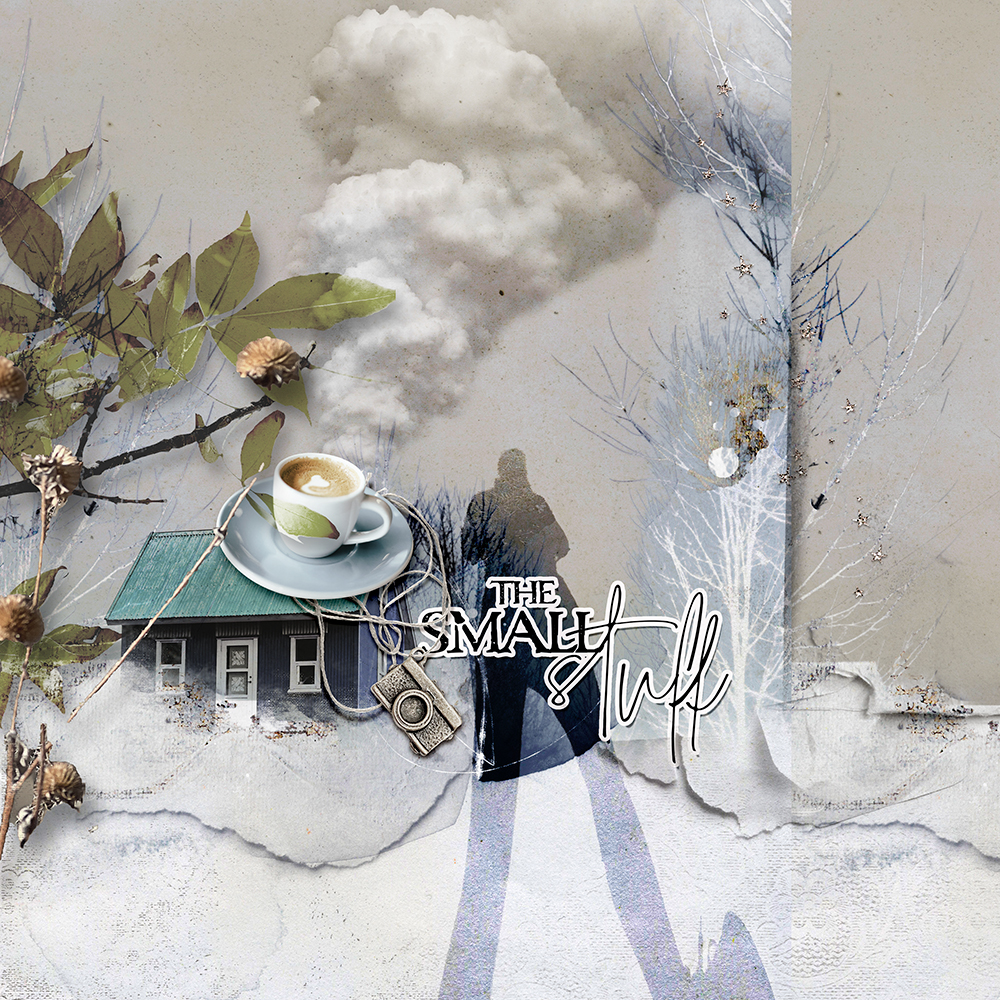
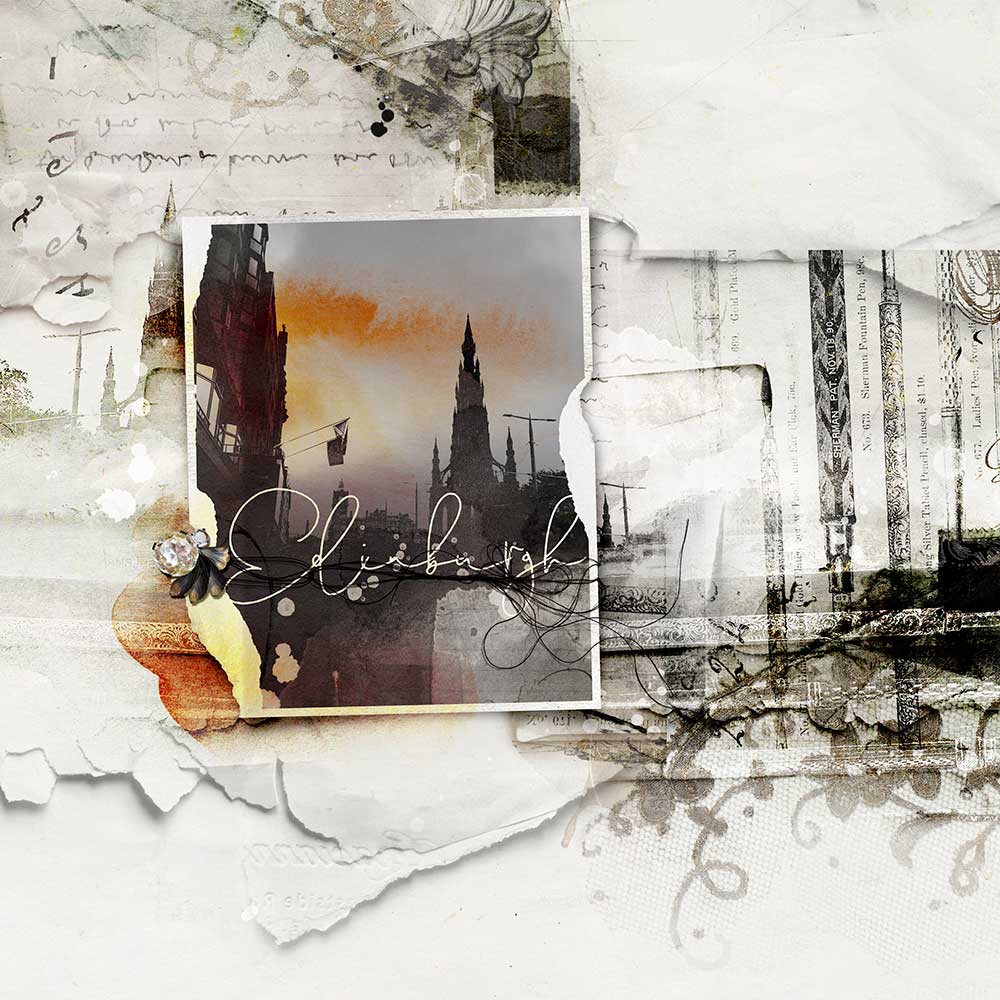
- Lots of digital scrapbook and photo artistry Examples to support the guided approaches.
- 13-page comprehensive Written Course Content in .pdf format.
- Direct Support via email and/or dedicated Community Facebook Group.
LIVE Class Sessions
- Classes have been recorded via Zoom.
- Recorded sessions are available for IMMEIDATE download in .MP4 format shortly after each LIVE event.
- Watch .mp4 files on your computer using a Media Player or load into iTunes for viewing on Smart Devices.
- Demonstrations for this class are conducted in Adobe Photoshop Elements 2023.


Reviews
There are no reviews yet.