Join my daily email list for small, doable sparks of inspiration, tutorials, and exclusive product news.
Sale!

(1) Selections, Masking, and Photo Extractions for Digital Scrapbooking (Photoshop Elements)

Original price was: $ 70.00.Current price is: $ 35.00.

A LIVE 2-session workshop conducted in Photoshop Elements designed to introduce you to the foundations of selections, masking, and extractions for your digital scrapbook and photo artistry pages.

Description

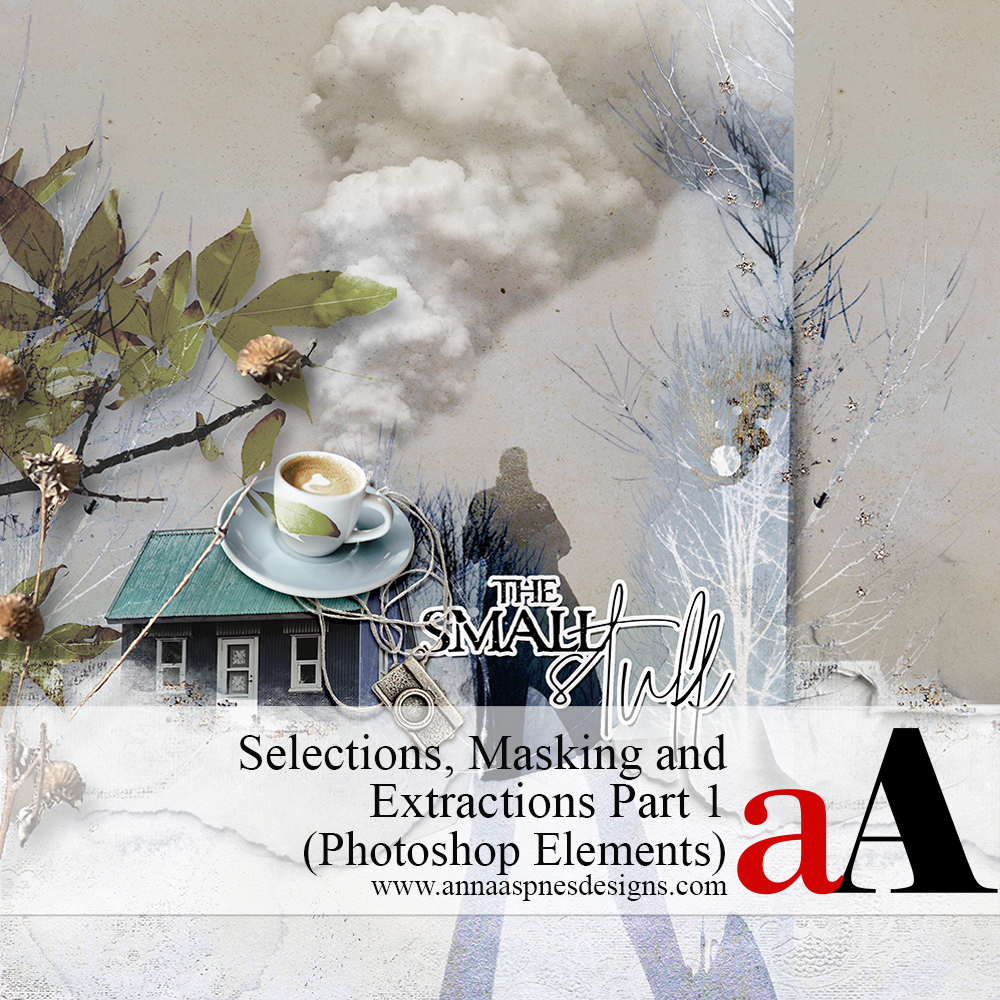
Selections, Masking, and Photo Extractions Part 1 (Photoshop Elements)

The first part of a multiple-class workshop in mastering photo extractions in your digital scrapbooking, photo artistry, and collage pages.

Part 1 is a REPLAY of the LIVE 2-session class to introduce you to the foundations of selections, masking, and extractions.

Conducted in Adobe Photoshop Elements 2023.

***REGISTER FOR THE PHOTOSHOP CLASS HERE***

WHAT YOU WILL LEARN:

SESSION #1

  • Introduction to Photo Extractions the Mindset for creating them.
  • Understanding selections: What they are and how they work.
  • Create and move Selections, plus convert them to Masks.
  • Different approaches for Adding, Subtracting, and Intersecting selections.
  • Guidance for using the Refine Edge panel.
  • Multiple ways to Test your selections.
  • Master the Selection options from the Tools Panel to create extractions.
  • How and when to use the Marquee (Rectangular and Elliptical), Lasso (Lasso, Polygonal and Magnetic), and Magic Wand for better selections.
  • Add and remove Segments, plus Closing a selection.
  • Clever Shortcuts to speed up and make your process more efficient.

SESSION #2

  • Guidance for using the Smart Brush Tools,
  • Save, Load, Modify, and Copy selections.
  • Use the underrated Grow and Similar for more efficient selections.
  • Make selections using the Perfect Landscape and Change Background guided edits.
  • Tips and tricks for better extractions with Select Subject.
  • Use Guided Edits to create artsy Backgrounds for your digital scrapbook pages.
  • Incorporate Transform (Skew, Distort, and Warp) tools, Blending Modes, Adjustment Layers, and Masking with your extractions.
  • More clever Shortcuts to speed up and make your process more efficient.

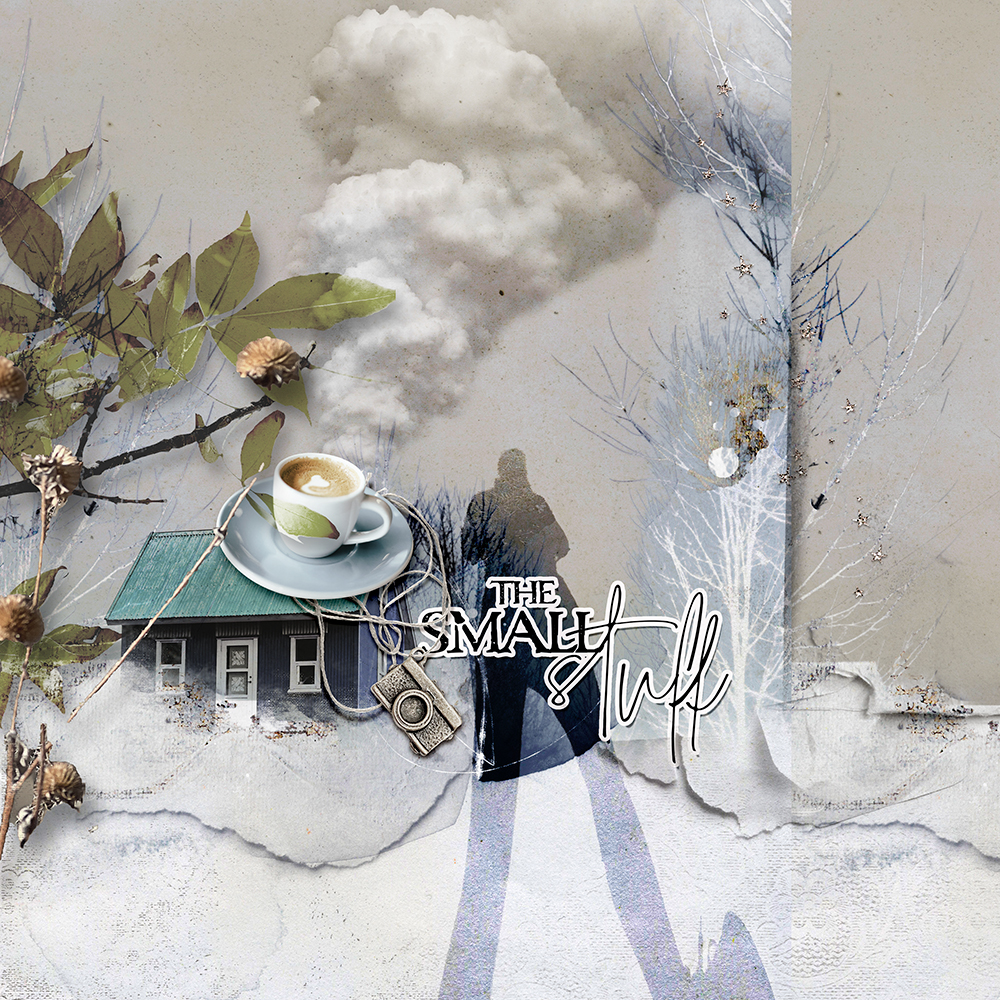
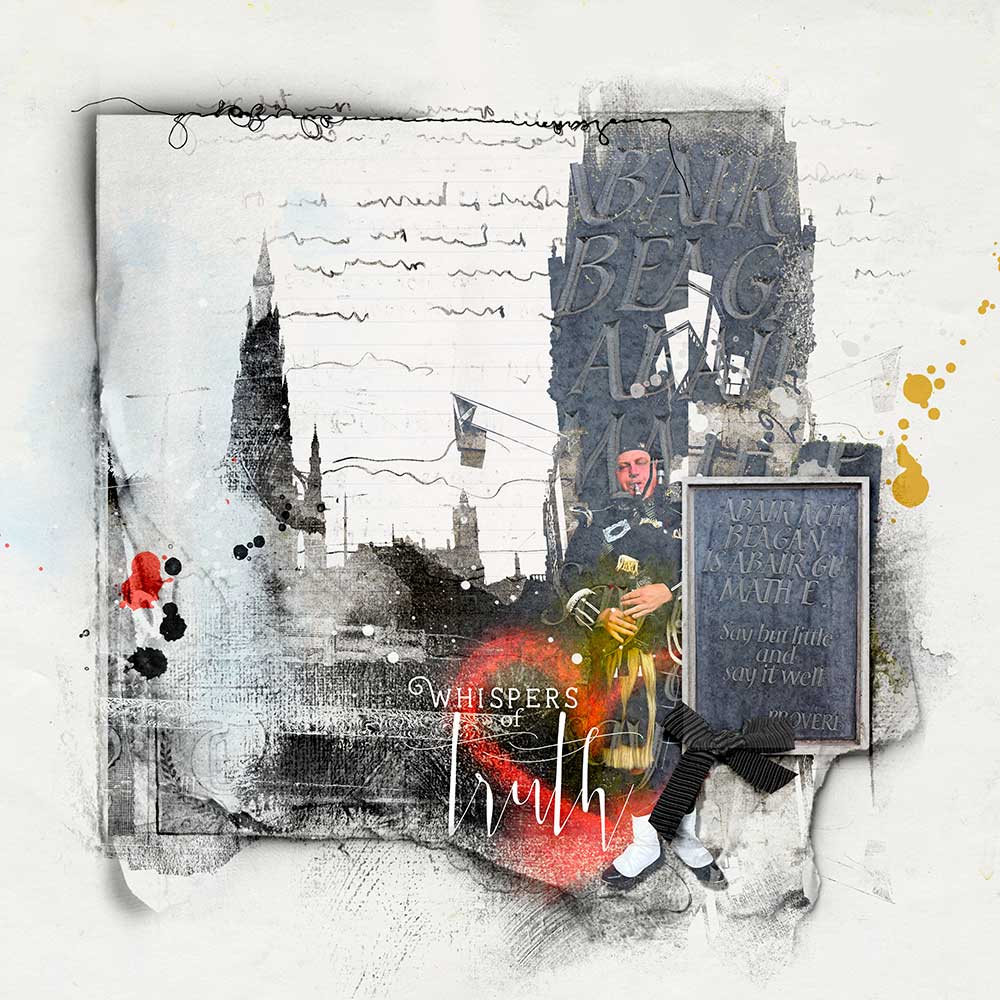
Photo Selections, Masking and Extractions for Digital Scrapbooking, Collage and Photo Artistry Class by Anna Aspnes Designs for Adobe Photoshop

WHAT TO EXPECT:

  • 2 X  1- 1/2 HR Class Sessions REPLAYS in MP4 format.
  • Step-by-step demonstration of techniques and processes in Adobe Photoshop.
  • Lots of digital scrapbook and photo artistry Examples to support the guided approaches.
  • 13-page comprehensive Written Course Content in .pdf format.
  • Direct Support via email and/or dedicated Community Facebook Group.

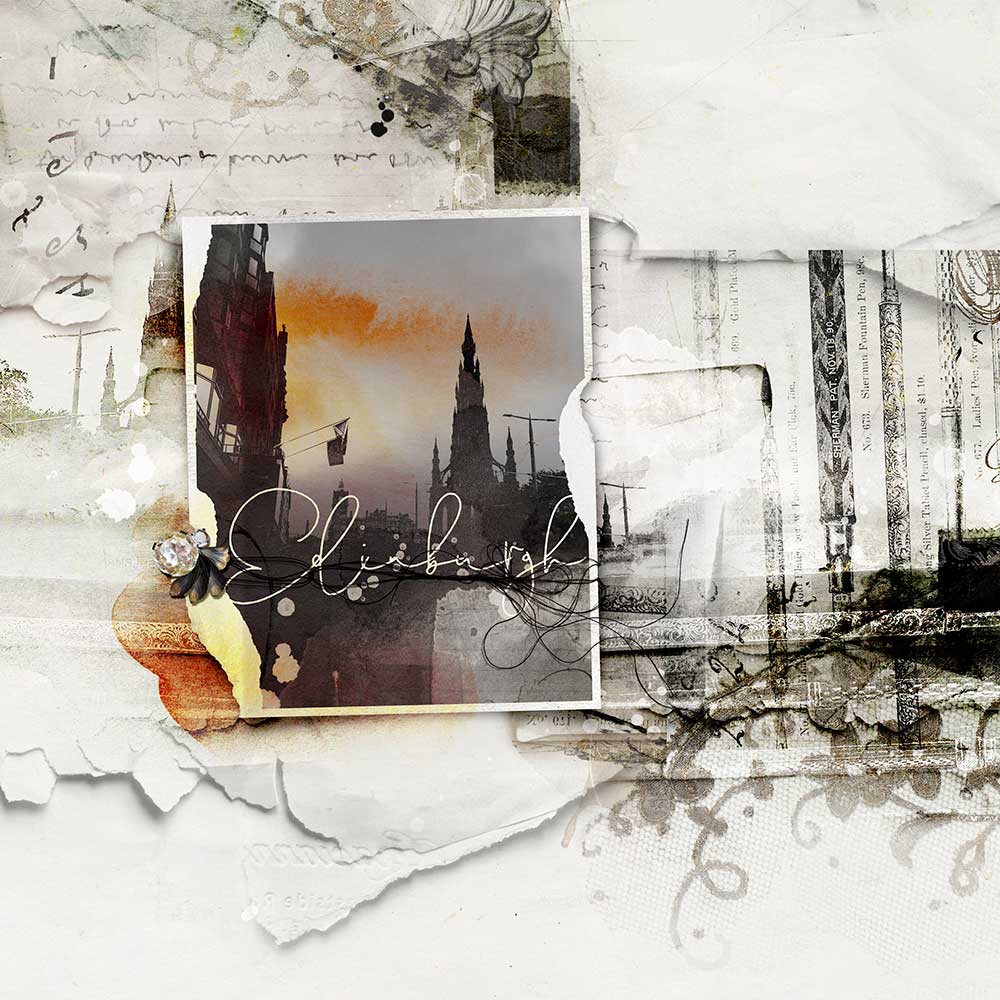
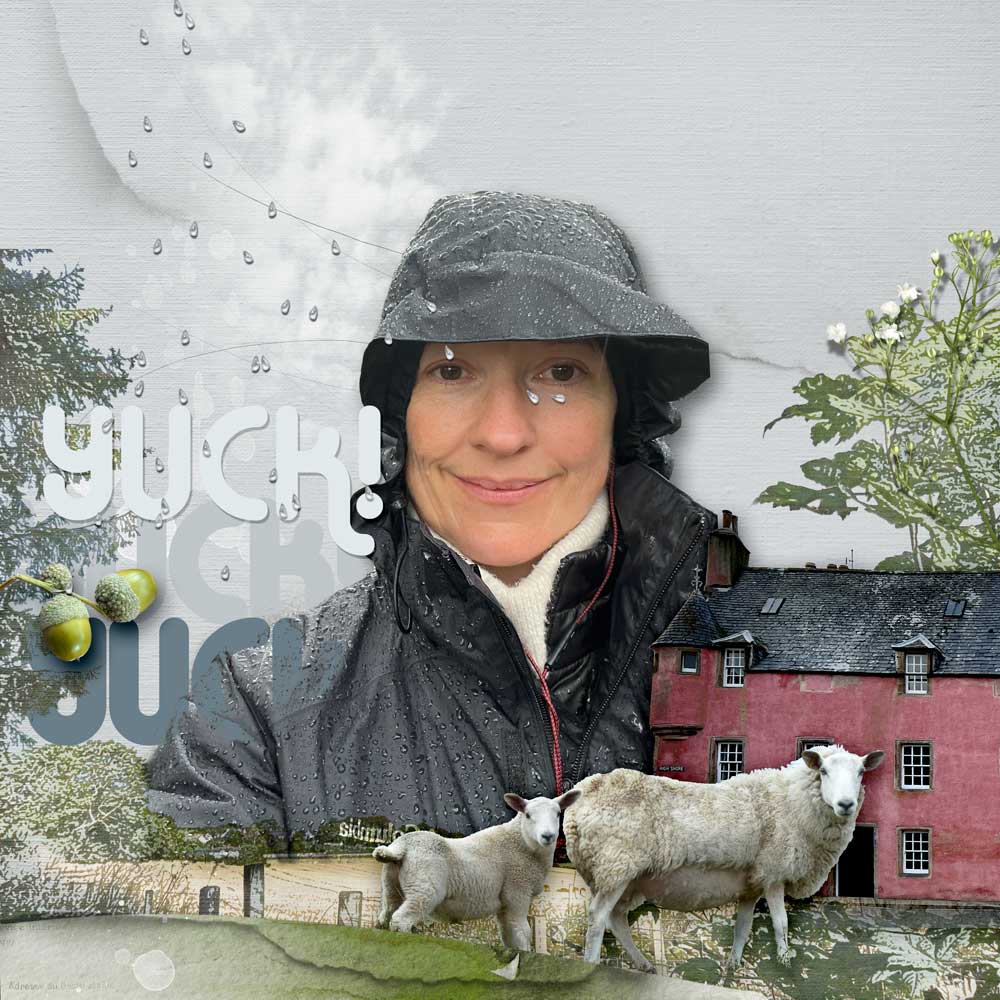
Photo Selections, Masking and Extractions for Digital Scrapbooking, Collage and Photo Artistry Class by Anna Aspnes Designs for Adobe Photoshop and Elements

LIVE Class Sessions

  • Classes have been recorded via Zoom.
  • Recorded sessions are available for IMMEIDATE download in .MP4 format shortly after each LIVE event.
  • Watch .mp4 files on your computer using a Media Player or load into iTunes for viewing on Smart Devices.
  • Demonstrations for this class are conducted in Adobe Photoshop Elements 2023.

Photo Selections, Masking and Extractions for Digital Scrapbooking, Collage and Photo Artistry Class in Photoshop Elements by Anna Aspnes Designs

Got Questions?

Email classes@annaaspnesdesigns.com

Reviews

There are no reviews yet.

Be the first to review “(1) Selections, Masking, and Photo Extractions for Digital Scrapbooking (Photoshop Elements)”

Your email address will not be published. Required fields are marked *