Description
Cut, Blend and Align Digital Scrapbook Layout Design
A REPLAY of a live class designed to up-level your digital scrapbooking and photo artistry layout design skills.
Simple step-by-step approaches to collectively transform your pages.
ENHANCE AND AUGMENT USING CUT, BLEND AND ALIGN TECHNIQUES IN ADOBE PHOTOSHOP/ELEMENTS.
- Create an angled and ‘sliced’ Custom Matte Foundation with Cast Shadow Dimension.
- ‘Artsify’ your digital scrapbook pages using a variety of techniques to Blend your photos and digital art supplies.
- Learn the Concepts of Alignment to place your layout components to create balance but Interesting layout design.
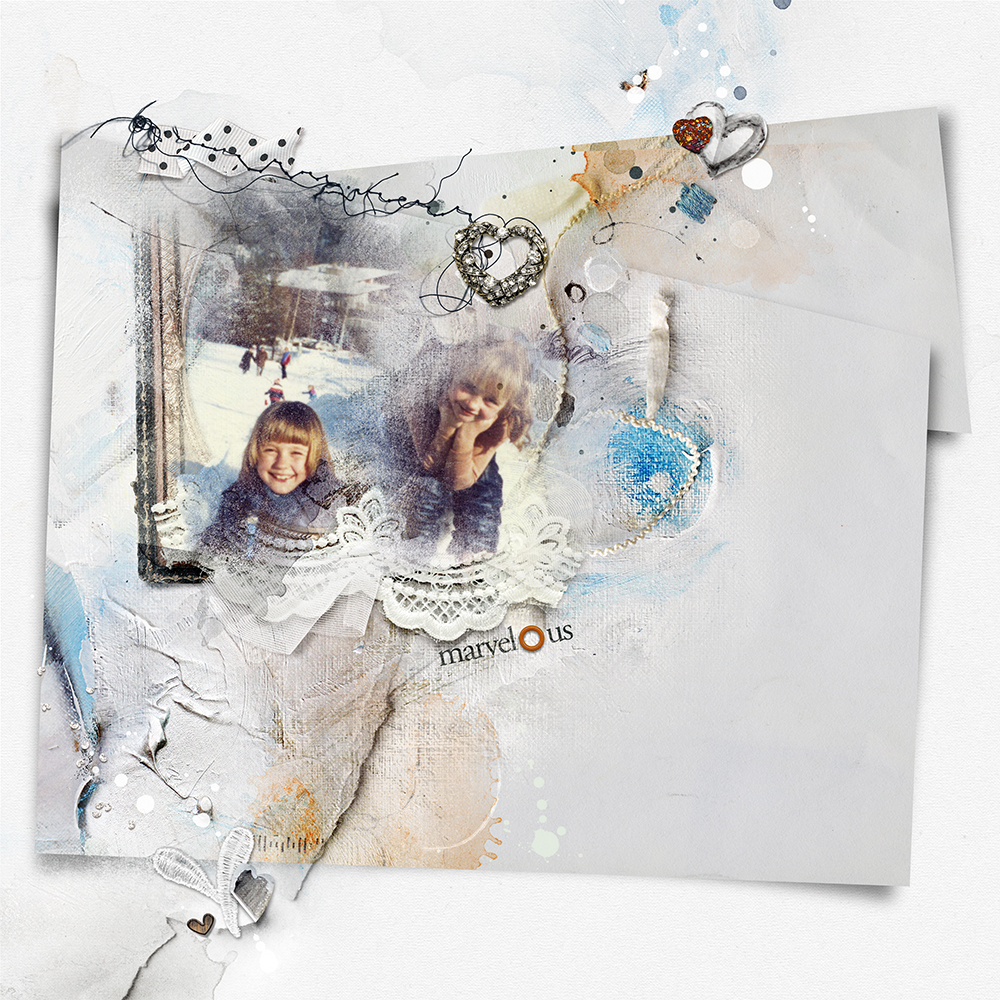
WHAT YOU WILL LEARN:
- Establish a New Layout foundation.
- Select a Background for your digital scrapbooking page.
- Create a Dimensional ‘Cut Matte using any paper design.
- Expand of this technique to create a Variety of effects.
- Resize and change the Orientation of elements.
- Benefits of enabling and using your Rulers.
- Making Selections and using Shapes.
- Why you should Layer your digital art supplies
- Apply a dimension Cast ‘Drop’ Shadow to an element.
- Importance of Intersections, how to Determine and work with them.
- Divide your layout to guide Placement of elements.
- Different ways to Blend elements using the Clipping Mask function.
- Modify masks to work better with your photos.
- Understand how to use Alignment Design Principle to improve your pages.
- Guidance on using Line and Shape to place elements.
- Ways to Lead the Eye in layout design.
- The Function of embellishments.
- Instruction for Creating and Placement of Titles.
- Ideas for Expanding on these techniques to yield even more layout designs.
Video Content
- 2 Hour LIVE class REPLAY recorded via Zoom.
- Session available for IMMEDIATE download in .MP4 format.
- Watch .mp4 files on your computer using a Media Player or load into iTunes for viewing on Smart Devices.
- Demonstrations will be conducted in Adobe Photoshop CC.
Notes to Photoshop Elements Users
- Any variations for Adobe Photoshop Elements are Verbally cued, included in the Written Content (see below) and Demonstratede in Photoshop Elements.
WHAT TO EXPECT:
- Step-by-step layout construct with Comprehensive explanation of techniques and approaches.
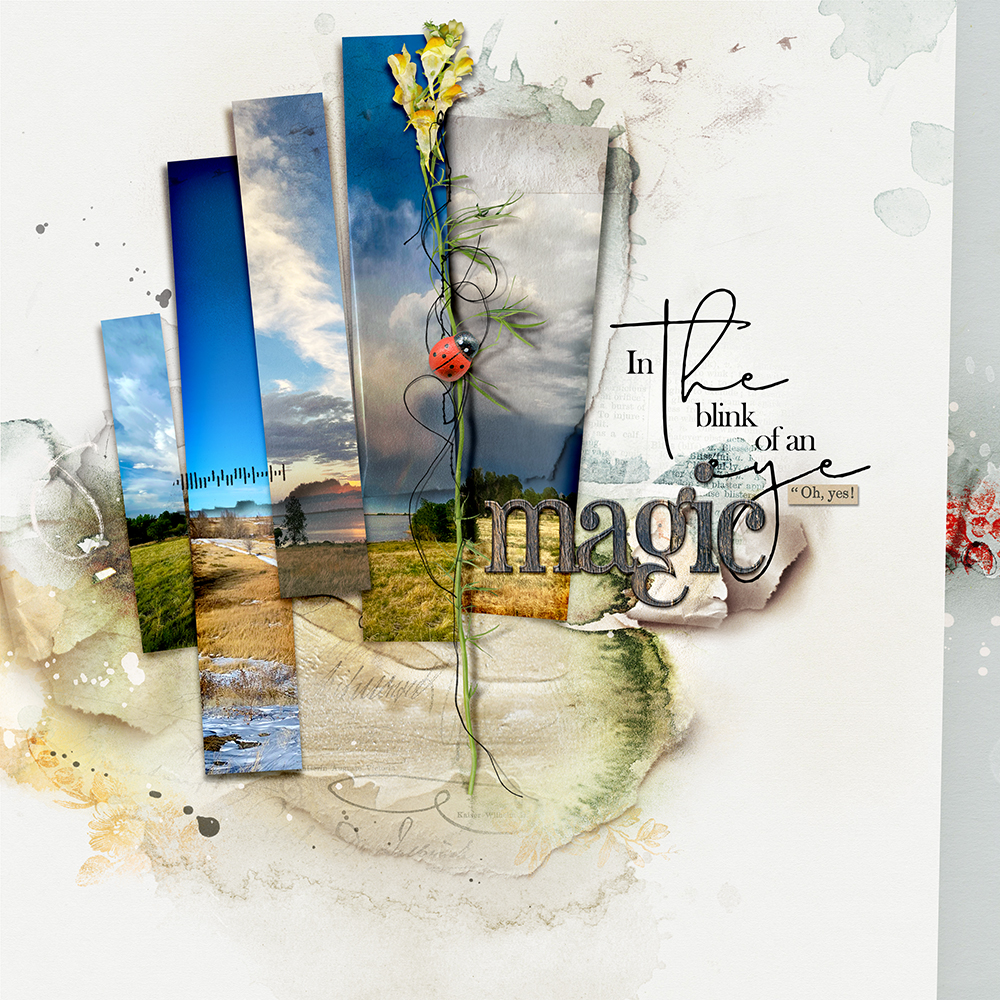
- Inspiration for Technique Adaptation via Layout Examples.
- Post class Support via email.
Written Content
- 22-Page comprehensive Written Course Content + Screenshots in .pdf format.
- Step-by-step approach to completing each of the techniques.
- Course content in Coordinates with the LIVE demonstrations.
BONUS Digital Supplies
Complementary Template of the layout to be created in class is included for your convenience.
- Available for IMMEDIATE download on registration.
- Digital art also available as Individual Elements.
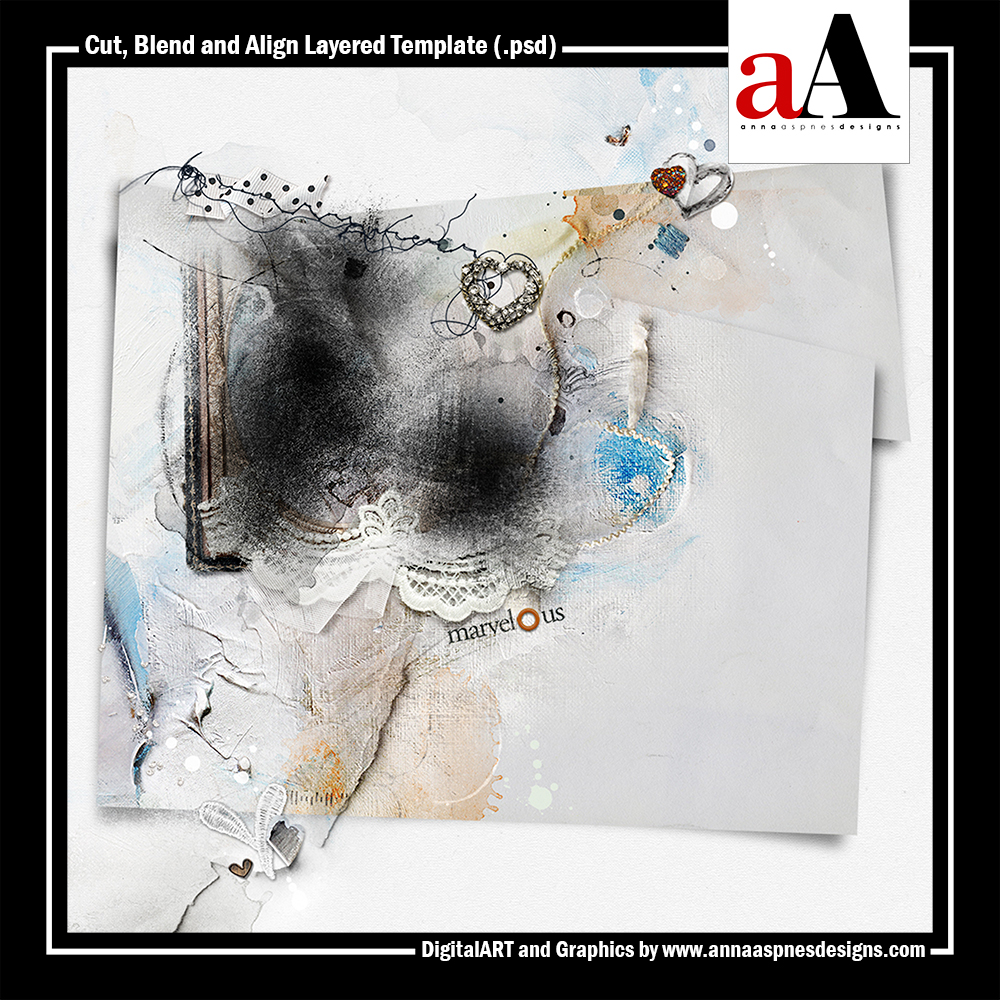
INCLUDES:
Got a Question?
Email me (I am ALWAYS happy to help!)

Reviews
There are no reviews yet.