Description
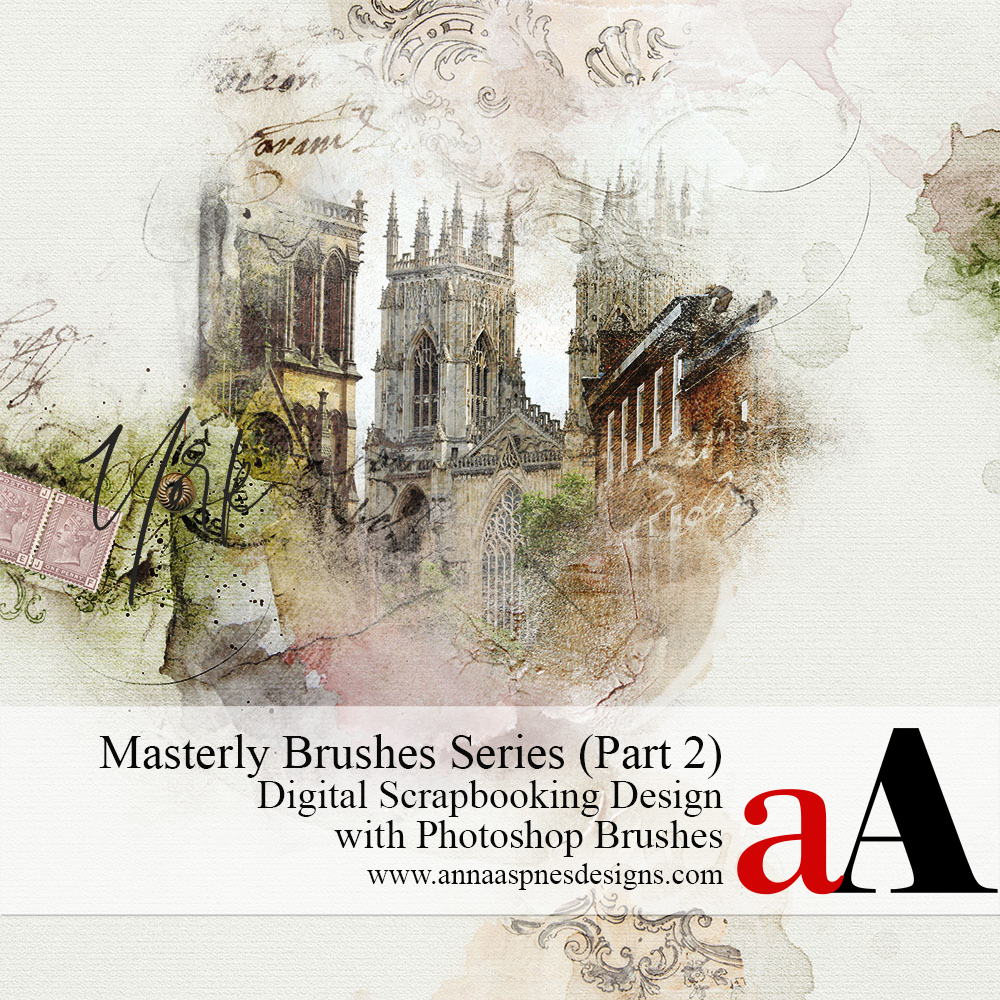
Part 2 of the Masterly Brushes series
Learn more about the Masterly Brushes series.
FORMERLY DESIGN PRINCIPLES AND ELEMENT PROPERTIES PLUS DESIGN WITH BRUSHES
Learn how to design using Photoshop Brushes.
Improve your digital scrapbooking and photo artistry layouts by mastering tried and tested concepts of design.
- Master the art via step-by-step Guidance and Instruction for blending photos with digital art supplies.
- Demonstrations via a series of predesigned photo artistry layouts and on-the-fly constructs.
- Take your blending skills from Basic to Advanced by the end of this course.
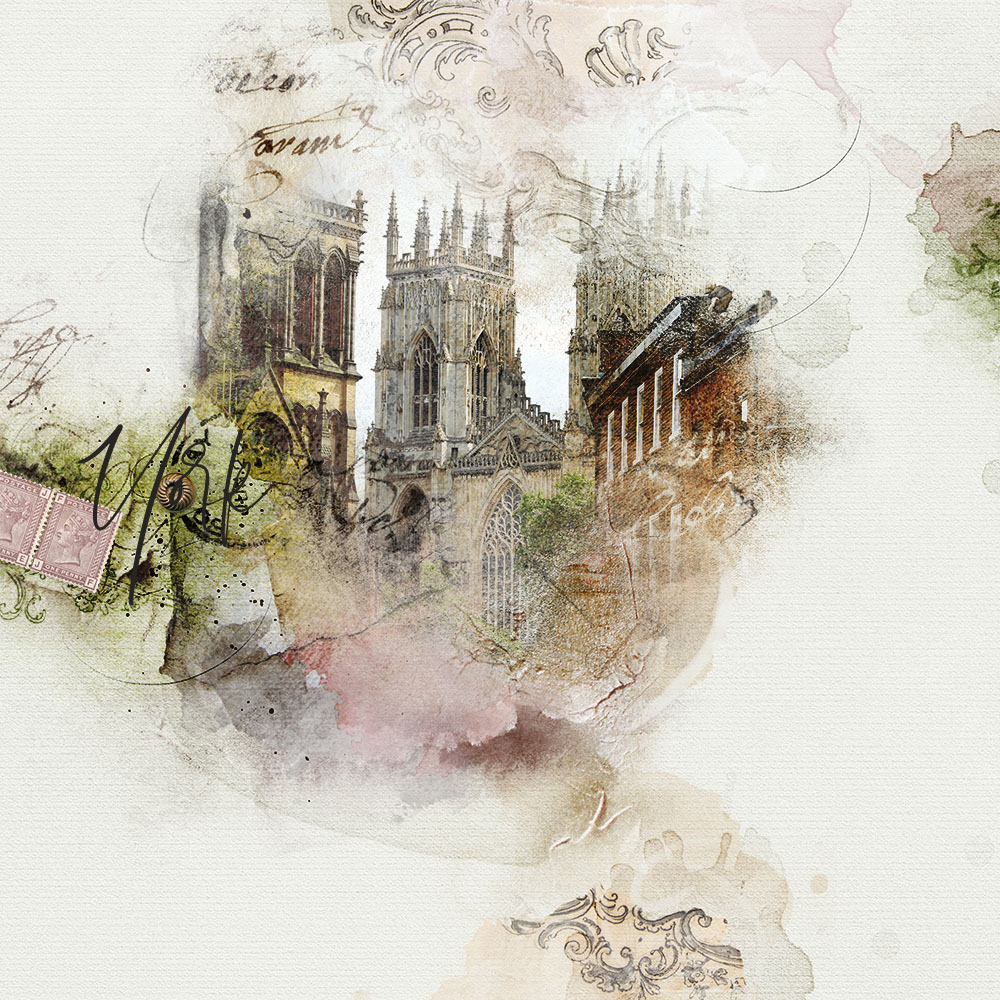
1. Design Principles and Element Properties
WHAT YOU WILL LEARN:
- The ‘Fundamental 5’ Element Properties in digital scrapbooking and photo artistry design.
- The ‘Secret 7’ Design Principles that control the placement of elements according to these fundamental properties.
Master How To:
- Identify the Properties of element your photo artistry and digital scrapbooking supplies.
- Use these Element Properties to create Visual Interest in your digital scrapbooking and photo artistry pages.
- Enhance your digital design and artistry skills using ‘tried and tested’ recognized Design Principles.
What’s Included:
1. HIGH QUALITY VIDEO SESSIONS (.MP4 FORMAT):
- (1) Element Properties (21.22 mins)
- (2) Design Principles (18.33 mins)
2. COMPREHENSIVE WRITTEN GUIDANCE
- Written content outlining Element Properties and Design Principles applicable to digital scrapbooking and photo artistry design (3-page .PDF format)
2. Design with Brushes
WHAT YOU WILL LEARN:
- The Types of Photoshop brushes available at Anna Aspnes Designs.
- The importance of Transparency in the world of Photoshop Brushes.
- Identifying Properties of Brushes to guide you in their usage.
- The best way to Recolor Brushes.
- How to use Brushes with Design Principles
- Inspiration for using Artplay Palette Brushes.
Master How To:
- Select Photoshop Brushes according to Element Properties for use in your digital scrapbooking and photo artistry pages.
- Use them according to these properties with the guidance of Design Principles.
- Select then know where to Place your brushes with ease and confidence to elevate your layout design.
What’s Included:
1. HIGH QUALITY VIDEO SESSIONS (.MP4 FORMAT):
- (1) Design Principles with Brushes (26.52 mins)
- (2) Layout Deconstruct using Brushes (20.24 mins)
2. COMPREHENSIVE WRITTEN GUIDANCE
- Written content to support Design Principles with Brushes video (3-page .PDF format)
- Also includes [aalogo] Basic Techniques Guide (4-page .PDF format)
3. BONUS [aalogo] DIGITALART SUPPLIES
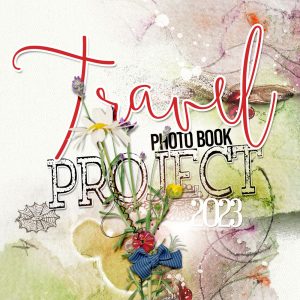
- Digital scrapbooking and art supplies used to to create the class photo photo project
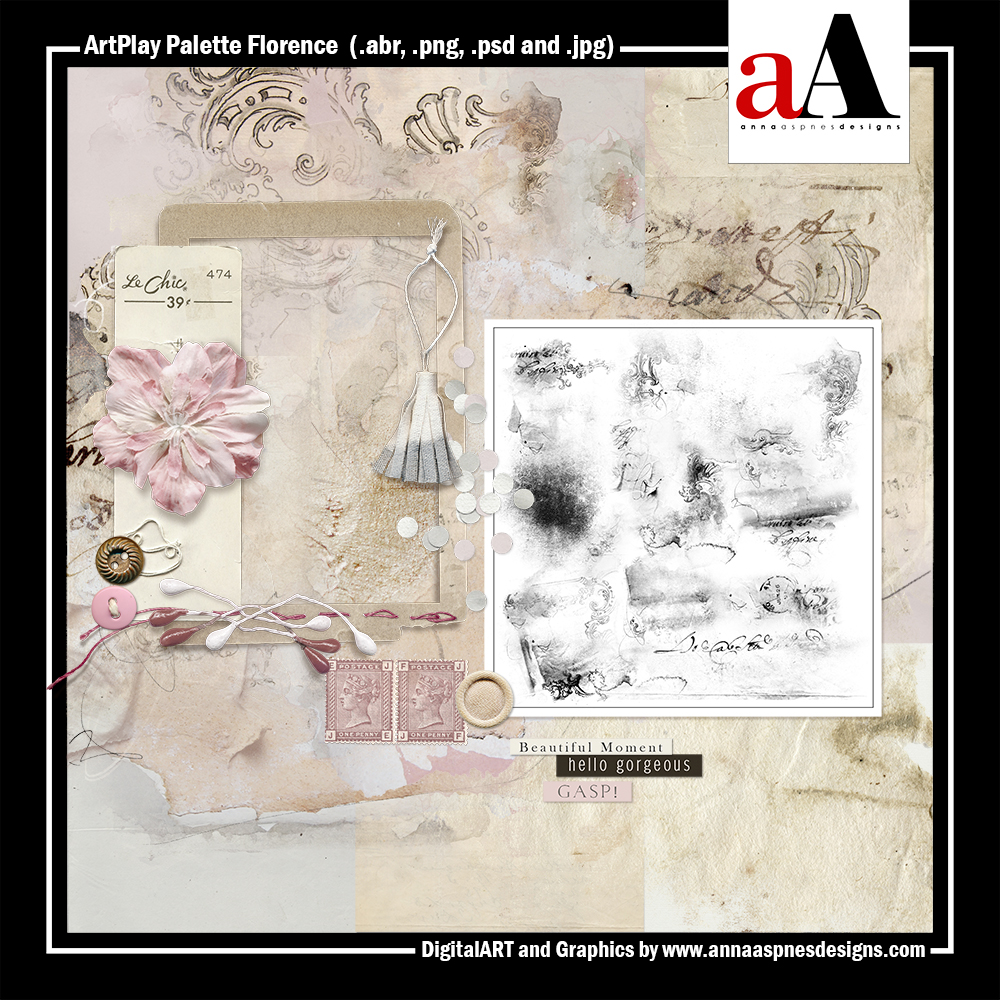
- Includes ArtPlay Palette Florence ($12.99 VALUE) PLUS.
 What To Expect:
- This class is a self-paced course.
- Content is available for IMMEDIATE download.
- Watch .mp4 files on your computer using a Media Player or load into iTunes for viewing on Smart Devices.
- Demonstrations conducted in Photoshop CC, but detailed guidance provided for Photoshop Elements.
Questions?
Email me.

Reviews
There are no reviews yet.