Description
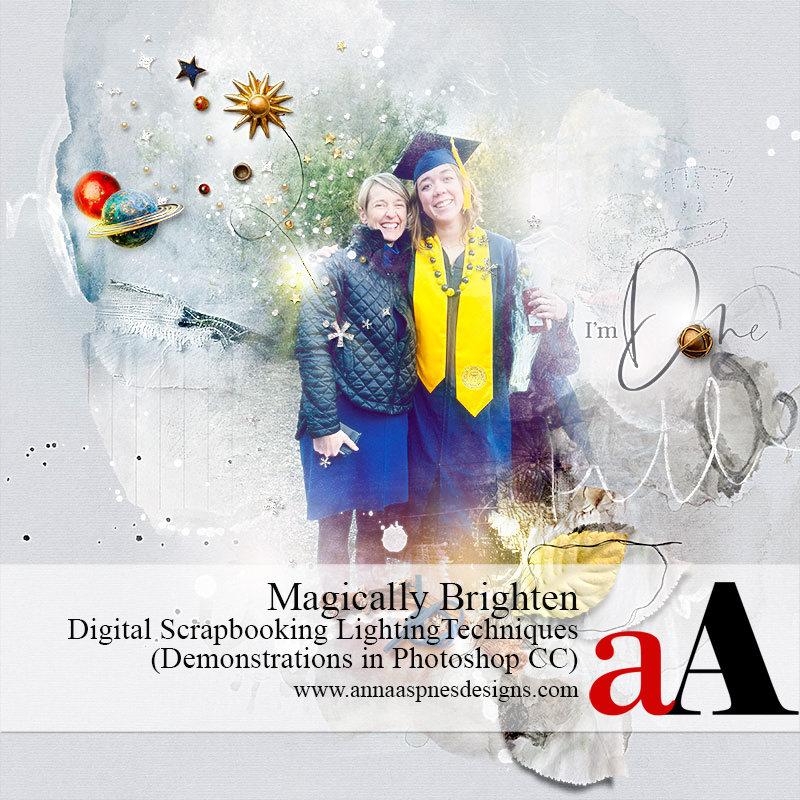
Lighting Techniques for Digital Scrapbooking and Photo Artistry.
This is a 2HR–LIVE class REPLAY.
Conducted in Adobe Photoshop CC.
>>> Click here for the Photoshop Elements version of this class <<<
WHAT YOU WILL LEARN:
- What Blending Modes Are and How to Use Them
- 5 Lighten + Opacity (Contrast) Blending Modes Explained
- How Photoshop Applies These Blending Modes to Your Artistry.
- Shortcuts for These Blending Modes.
- Understand the Pass-Through Blending Mode and When You Should Use It.
- The Difference in Fill v. Opacity Adjustments
- Introduction to The Special 8 Blending Modes.
SPECIFIC TECHNIQUES:
- Edit Photos Blending Modes
- Modify Digital Supplies
- Recolor and Brighten with Overlays
- Apply a ‘Dreamy’ Photo Effect
- Add Light with FotoGlows and Brushes
- FotoGlow Functions and Placement
- Create Your Own FotoGlow Shapes
- Define and Use a Photoshop Brush
- Make Your Words Move and Glow
- Lighten with a Variety of Filters.
- Add Magic with Blur Filters
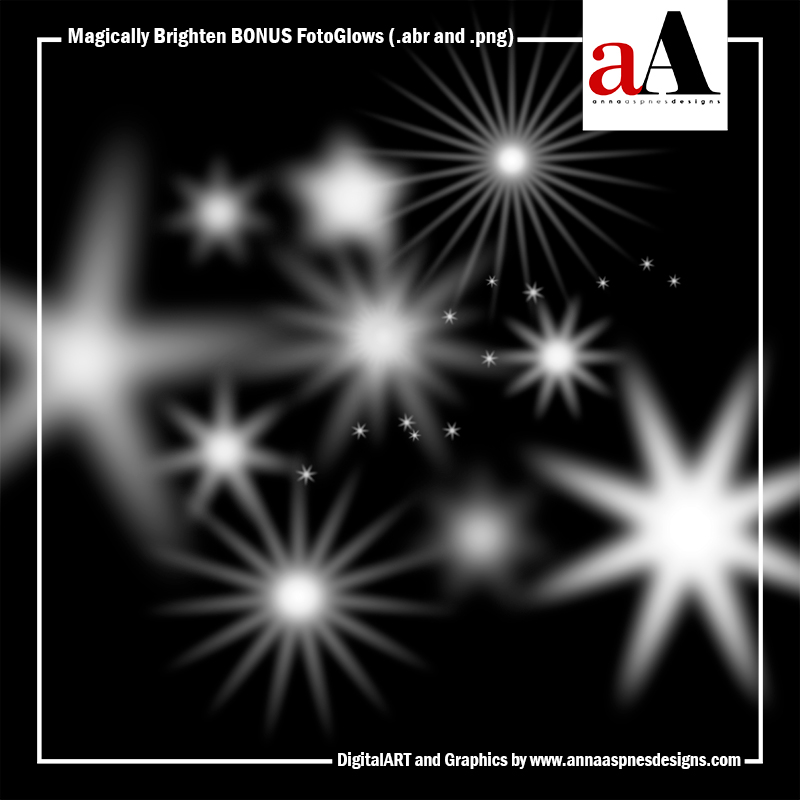
BONUS FOTOGLOW BRUSHSET
You will learn to make these brushes in class but sharing the ones I created as a special BONUS 🙂
*** Excluded from the Savvy Photobook Project Class Coupon Offer ***


Reviews
There are no reviews yet.