Description
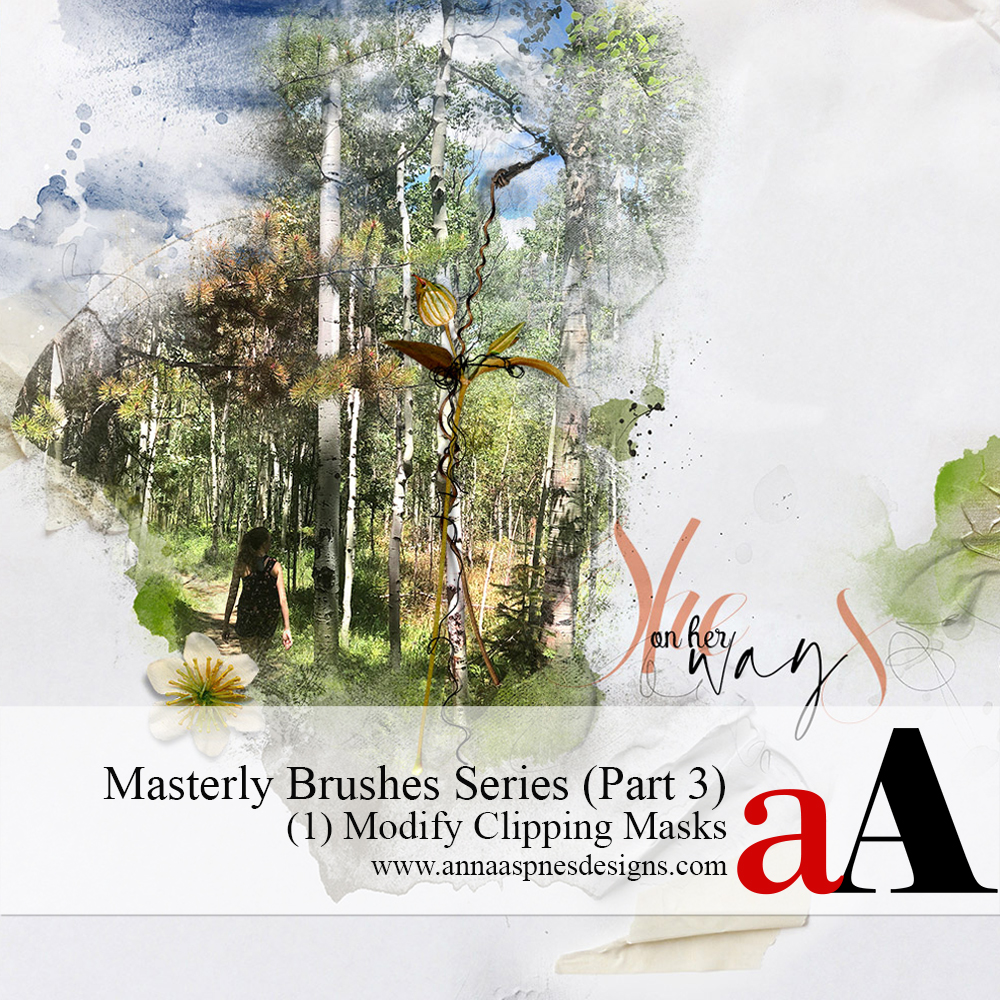
Session 1 of Part 3 in the Masterly Brushes series
Learn more about the Masterly Brushes series.
Learn how to use Photoshop Brushes to Modify FotoBlendz Clipping Masks
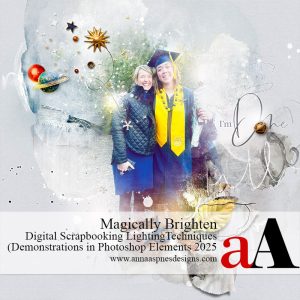
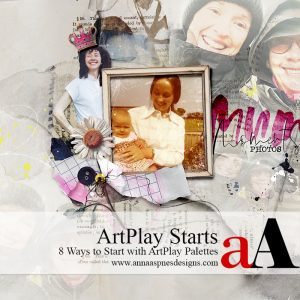
CUSTOMIZE FOTOBLENDZ CLIPPING MASKS FOR USE WITH YOUR PHOTO FOR BETTER BLENDED DIGITAL SCRAPBOOKING AND PHOTO ARTISTRY LAYOUTS.
- Master the art via step-by-step Guidance and Instruction for blending photos with digital art supplies.
- Demonstrations via a series of predesigned photo artistry layouts and on-the-fly constructs.
- Take your blending skills from Basic to Advanced by the end of this course.
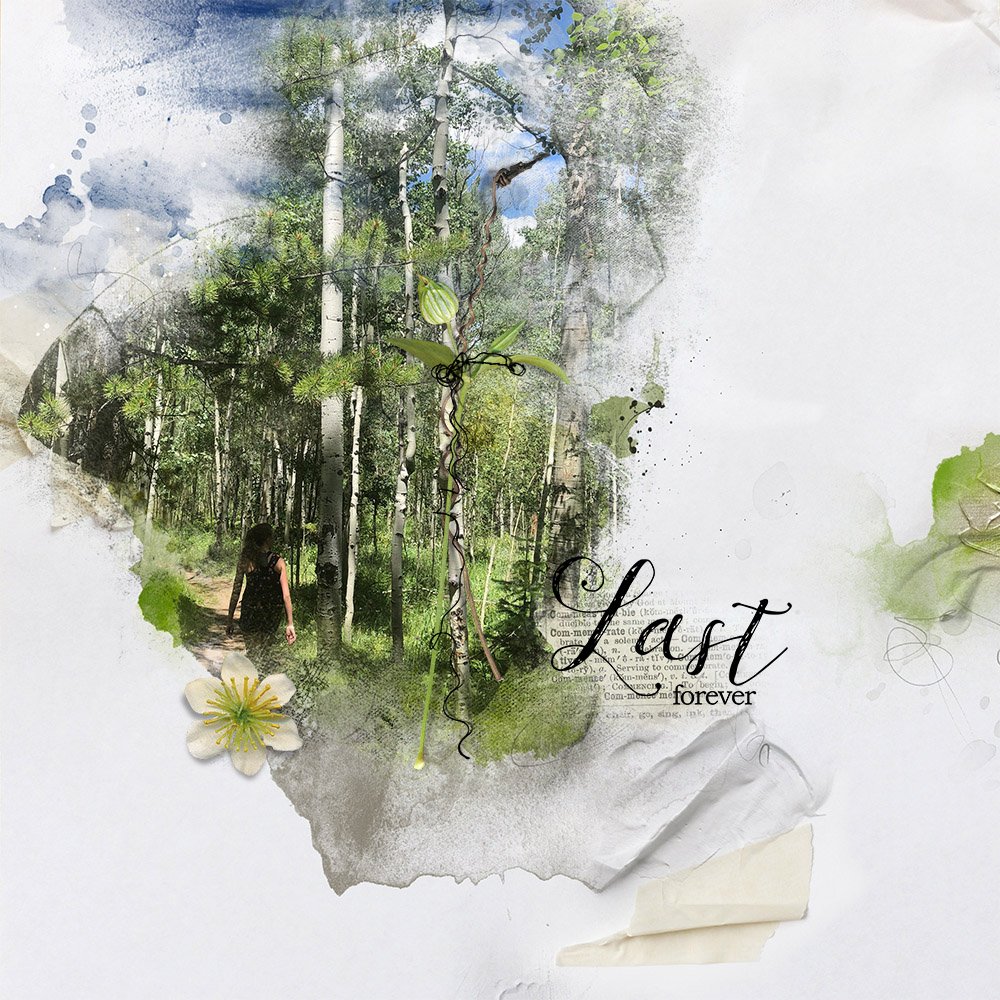
Video 1: Introduction (26 mins)
What a Clipping mask is and how to use one to effectively blend your photos.
You will learn:
Video 2: Extend Masks (28 mins)
Change the size, the shape and density of a clipping mask to better enhance your photos.
You will learn:
- Best practices for RESIZING Clipping Masks.
- 4 Ways to increase the SIZE or change the SHAPE of Clipping Masks.
- Reveal more detail in your blended photos.
- Mix and Match techniques to maximize the advantages of each method.
Video 3: Reduce Masks (16 mins)
Customize your masks in terms of size, shape, embellishment and texture.
You will learn:
- 3 Reasons you might need to reduce the SIZE of Clipping Masks.
- Pros/Cons of the Eraser Tool verses Layer Mask and Brushes technique.
- Modifications to Brushes to refine their effect on your Clipping Masks.
- Limitations of using Layer Mask and Brushes technique with Clipping Masks.
Video 4: FotoBlendz Layer Mask (6 mins)
Transfer any clipping mask selection to a Layer Mask.
You will learn:
- The most dynamic way to apply clipping masks to your images.
- Customize the Clipping Masks with Brushes.
- Why you should know ALL these techniques.
Video 5: Extend Photo (21 mins)
Apply a variety of solutions to resolve those hard photo edges in Clipping Set scenarios.
You will learn:
Video 6: [aalogo] Creative Team Layouts (23 mins)
A variety of layout examples demonstrating the techniques in this course.
- 7 layouts + Commentary
- Layout Deconstruct by Anna Aspnes
What to Expect
- 6 Videos delivered in .MP4 format available for Immediate download.
- Comprehensive Written Course Content in .pdf format.
- Demonstrations are in Photoshop CC but verbal and written guidance is provided for Photoshop Elements.
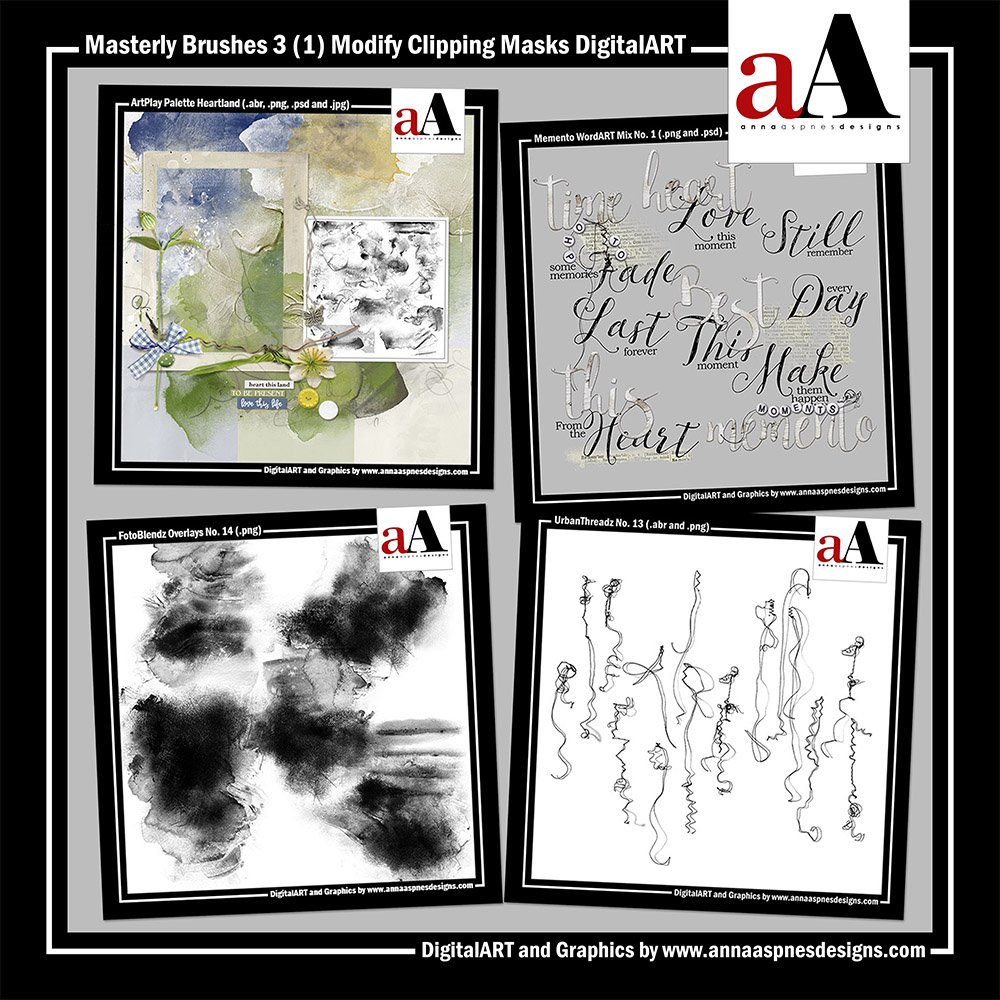
- Includes [aalogo] DigitalART to recreate the class project
Questions?
Email me.


Reviews
There are no reviews yet.