Description
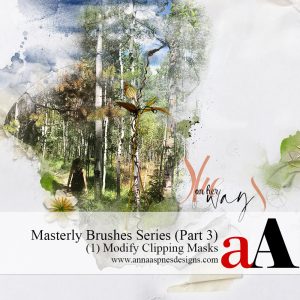
Session 2 of Part 3 in the Masterly Brushes series
Learn more about the Masterly Brushes series.
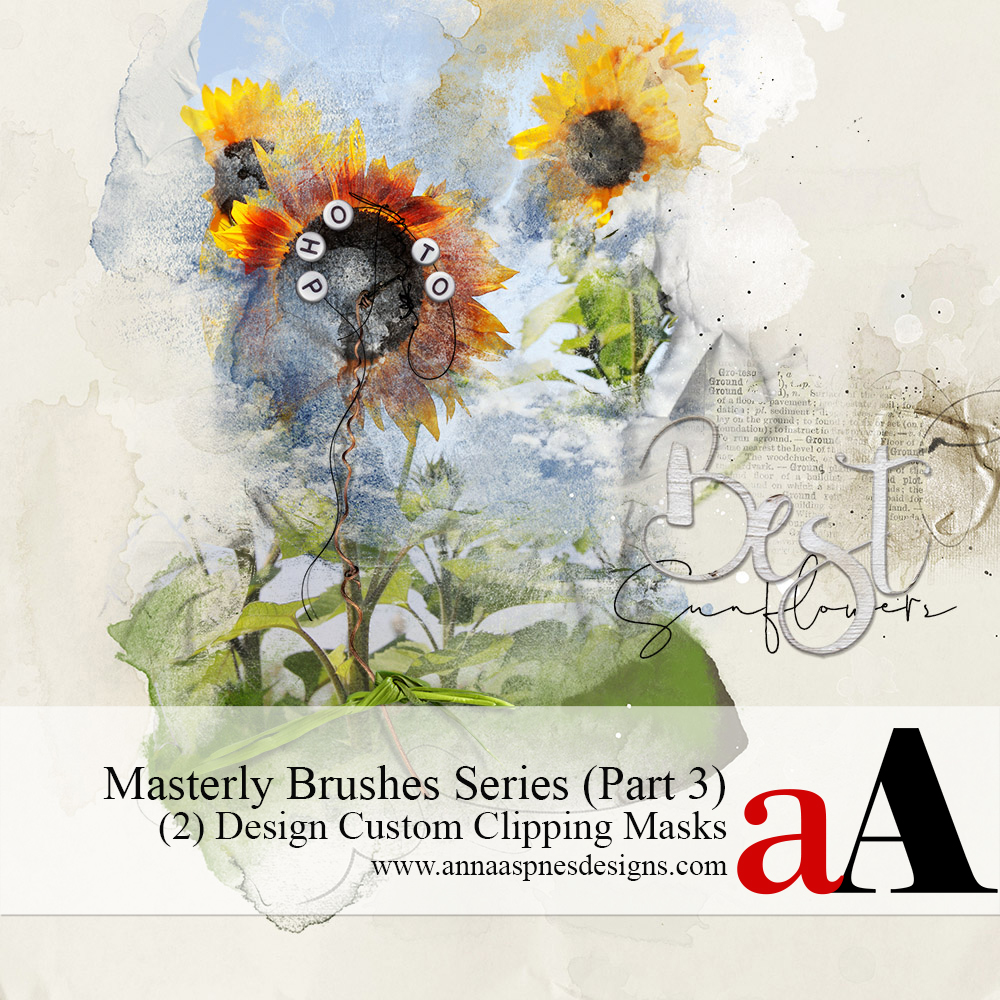
Design Custom Masks with Photoshop Brushes
TECHNIQUES AND APPROACHES FOR DESIGNING YOUR OWN CUSTON ‘FOTOBLENDZ’ CLIPPING MASKS USING PHOTOSHOP BRUSHES.
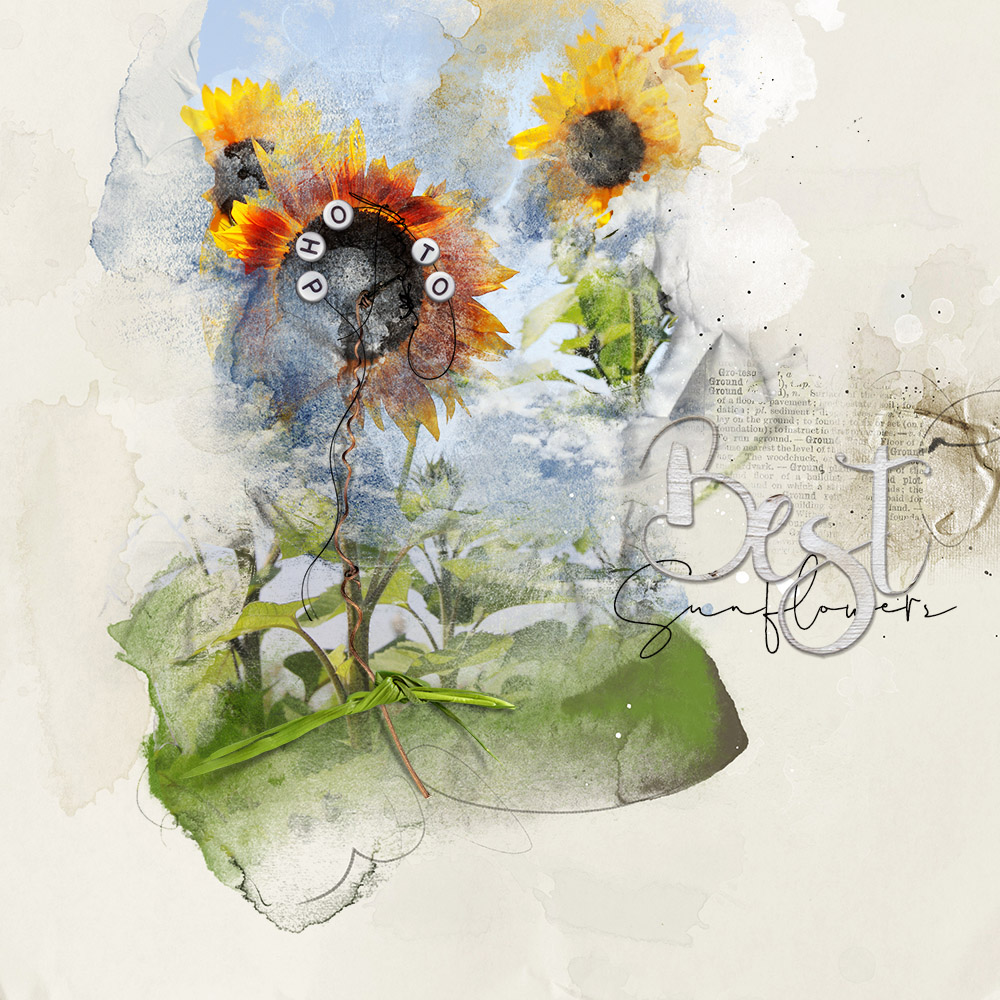
Video 1: Introduction (6.50 mins)
Introduction to creating own custom FotoBlendz clipping masks.
You will learn to:
- Personalize and create your own CUSTOM clipping masks using multi-layered format.
- Use your selection of photos and DigitalART supplies as a GUIDE.
- Inject MORE play, practice, and experimentation using Photoshop Brushes.
Video 2: Use a Guide (24.15 mins)
Establish a foundation as a roadmap for your custom mask design.
You will learn:
- Why a ‘roadmap’ is CENTRAL to your success in this process.
- Different TECHNIQUES for setting a foundation for your custom mask design.
- How to use Design Principles with Photoshop Brushes to create your mask.
- Considerations for USING and APPLYING brushwork to create a mask.
Video 3: Design Techniques – Part 1 Option 1A (21.47 mins)
Guidance for selection and placement of Photoshop Brushes in designing a blended-style custom mask.
Includes:
- Overview of ArtPlay Palette BrushSets.
- Different ways to VIEW and ACCESS your BrushSet files.
- Guidance for using BOTH .abr and .png files.
- ALL the advantages and disadvantages of EACH technique so you can choose the RIGHT one every time.
You will learn about the:
- Pre-position approach to designing your custom masks.
- Power of layer duplication in SUCCESSFUL mask creation.
- Options to choose a process that SUPPORTS your preference and process.
- Different TECHNIQUES for building a custom mask using Design Principles.
- Guidance for MODIFYING Photoshop Brushes.
- Introduction to layer GROUPS and how to use them to SIMPLIFY your process.
- Uncover the SECRETS to ensure seamless workflow.
Video 4: Design Techniques – Part 2 Option 1B (15.53 mins)
Different ways to apply your photos to your abstract custom mask design.
You will learn:
- The IMPORTANCE of grouping your layers.
- A ‘group’ function ALTERNATIVE approach for Photoshop Elements.
- Considerations for PLACING your photo.
- About the CLIPPING MASK function.
- Brush modifications to IMPROVE your custom mask.
- OPTIONS to ‘tailor’ the process to BEST showcase your photos.
Video 5: Design Techniques – Part 3 Option 2 (22.03 mins)
An ‘inverse’ approach to designing your own custom artsy blended masks.
You will learn:
- Extensive insight into a CLEVER ’empty’ masking approach.
- Wielding the POWER of clipping sets with confidence and ease.
- Inspiration for BEST practices in supporting your creativity and QUICKENING your workflow.
- Problem SOLVING in making an AWESOME custom mask design.
- ENSURE your carefully designed custom mask is EDITABLE but ‘stays in place.’
- Add more CLARITY to you custom ‘FotoBlendz’ masks.
- ‘Inverse’ Approach with layer GROUPS.
Video 6: Optional Techniques (25.41 mins)
All the techniques to enhance your blended photo mask.
- Simple EFFECTS to yield complex artistry.
- Add VISUAL INTEREST with Layer Masks and Brushes.
- Subtle adjustments to PERFECT your custom ‘FotoBlendz’ mask.
- Targeted Blending Mode approaches to elevate your skills.
- More FUN with layer groups.
Video 7: [aalogo] Creative Team Layouts (35.36 mins)
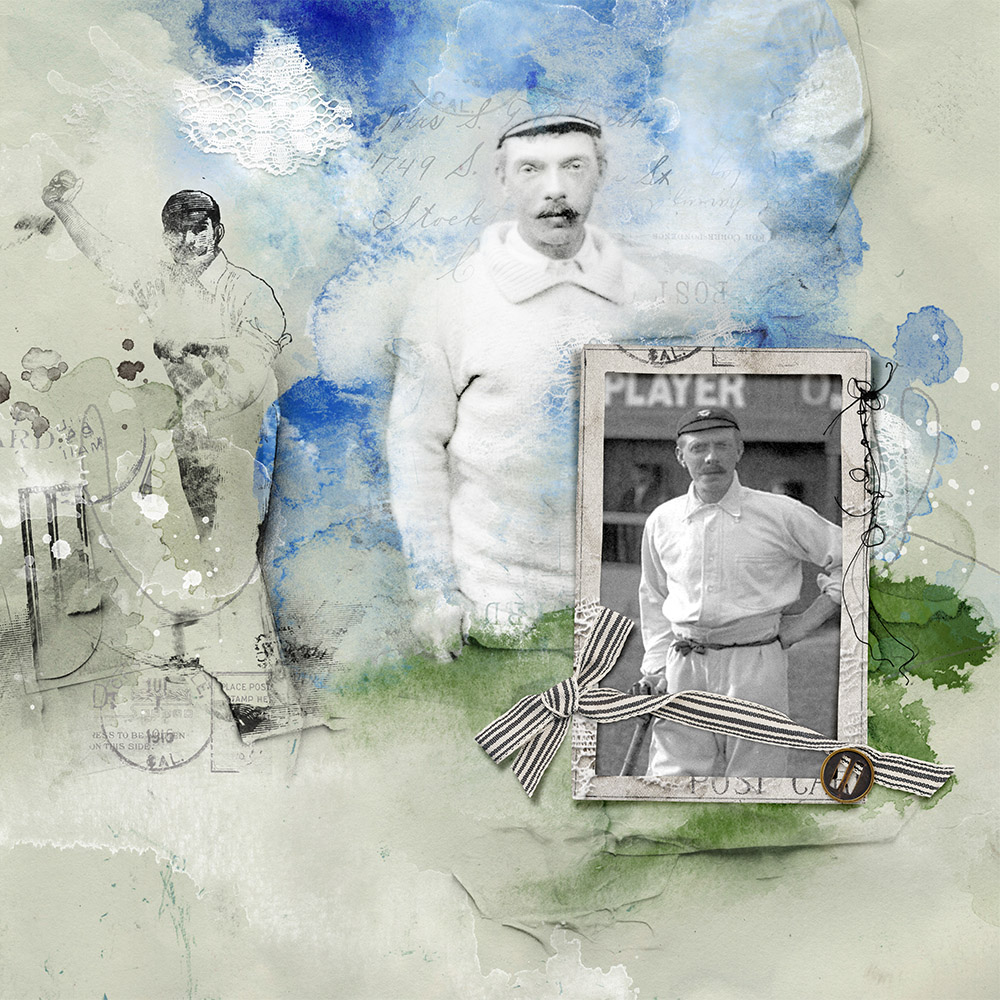
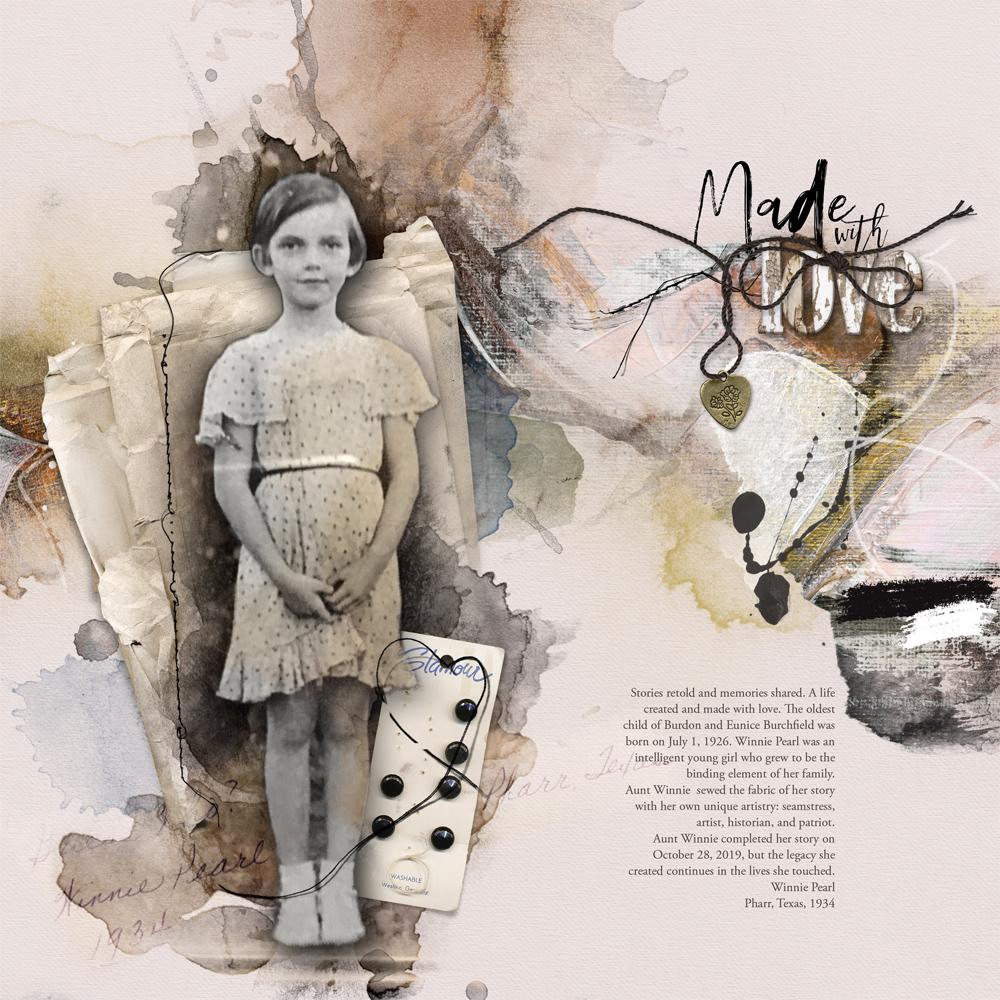
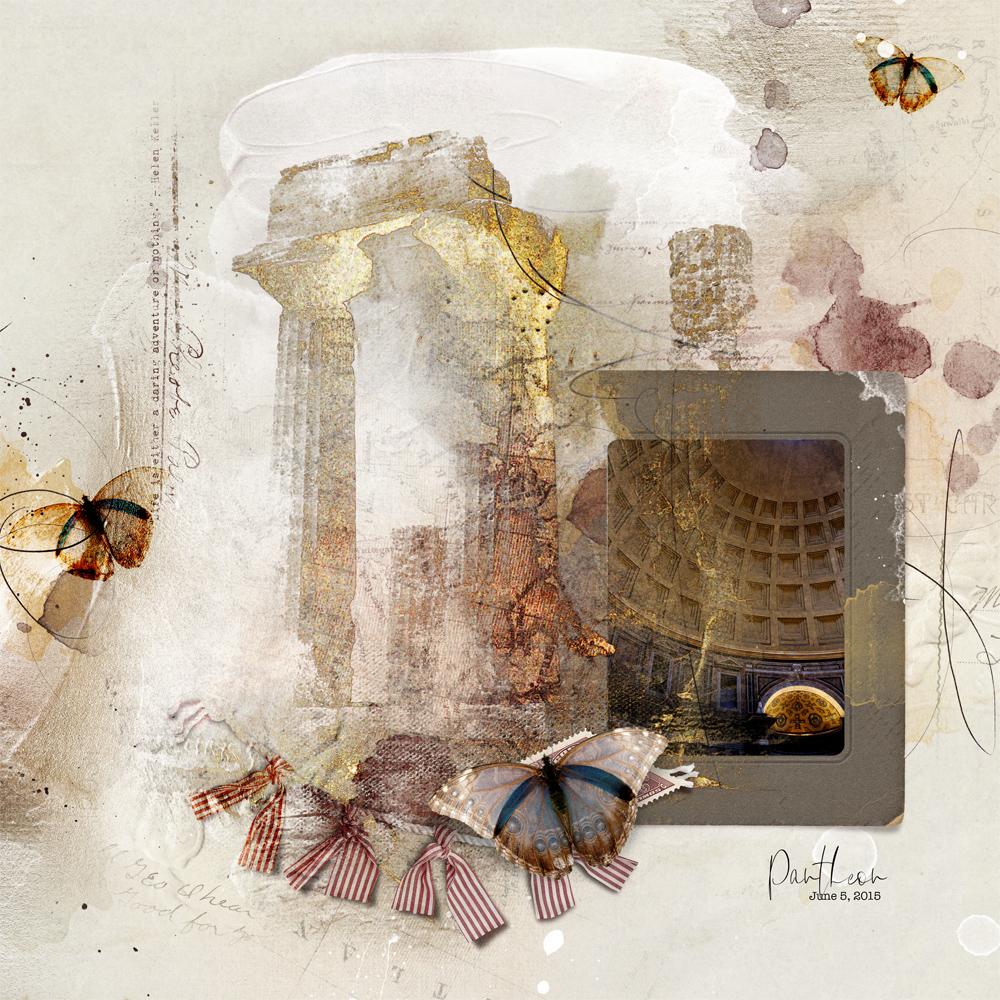
A variety of layout examples demonstrating the techniques in this course.
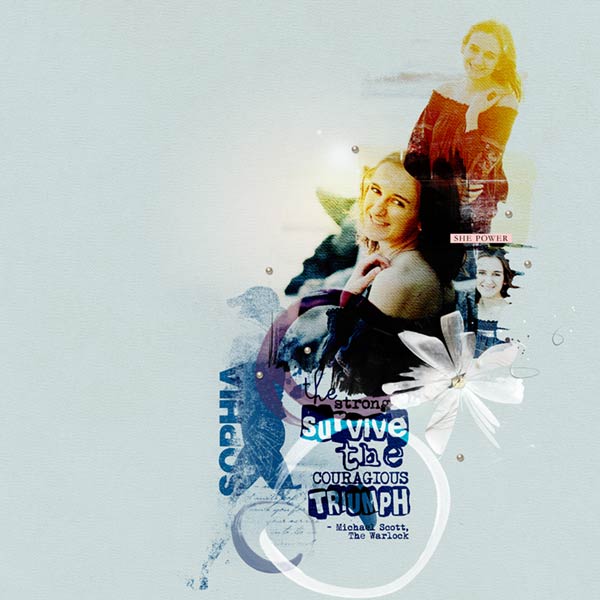
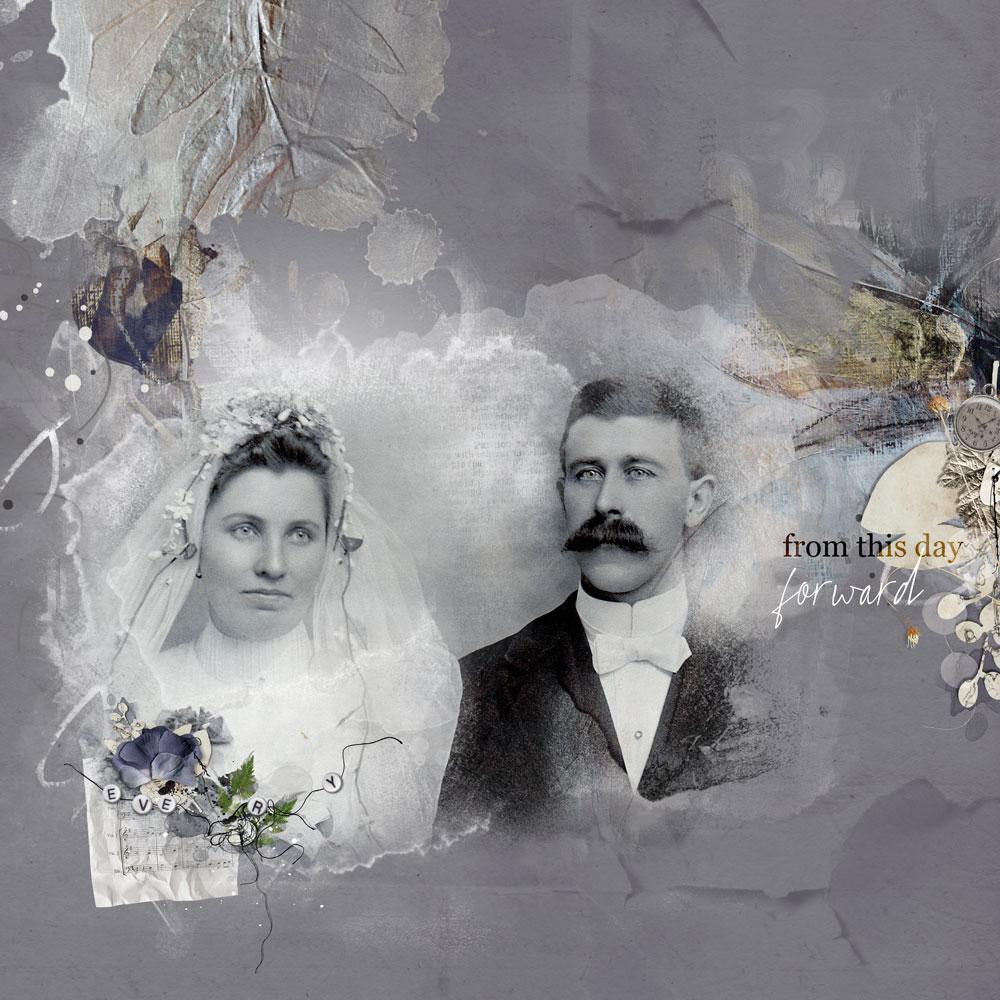
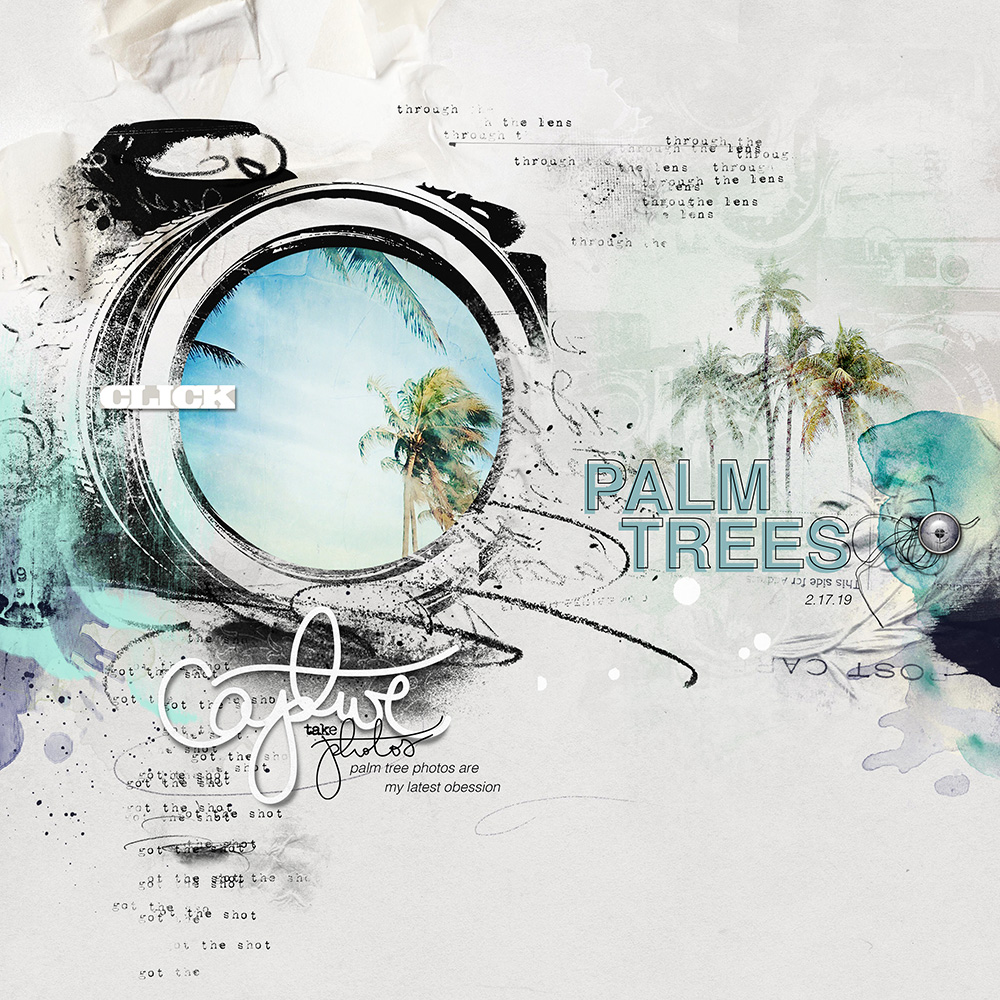
- 7 layouts by the [aalogo] Creative Team + Commentary by Anna Aspnes
- 3 X Comprehensive Layout Deconstructs
What To Expect
- 7 Self-Paced Videos delivered in .MP4 format.
- Download and view on your computer or load into iTunes for Smart Devices.
- Comprehensive Written Course Content in .pdf format.
- Demonstrations are in Photoshop CC but verbal and written guidance is provided for Photoshop Elements.
- Includes [aalogo] DigitalART included to recreate the class project.
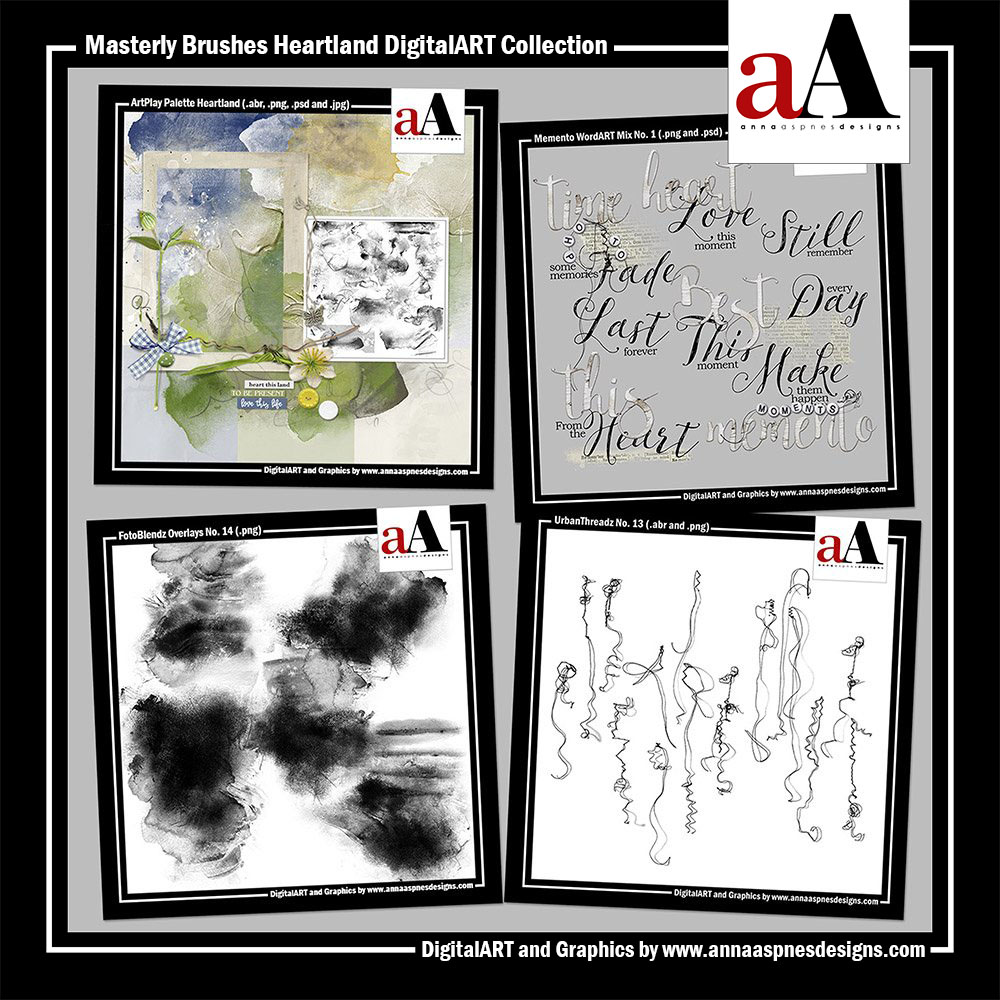
BONUS BrushSet MegaPack
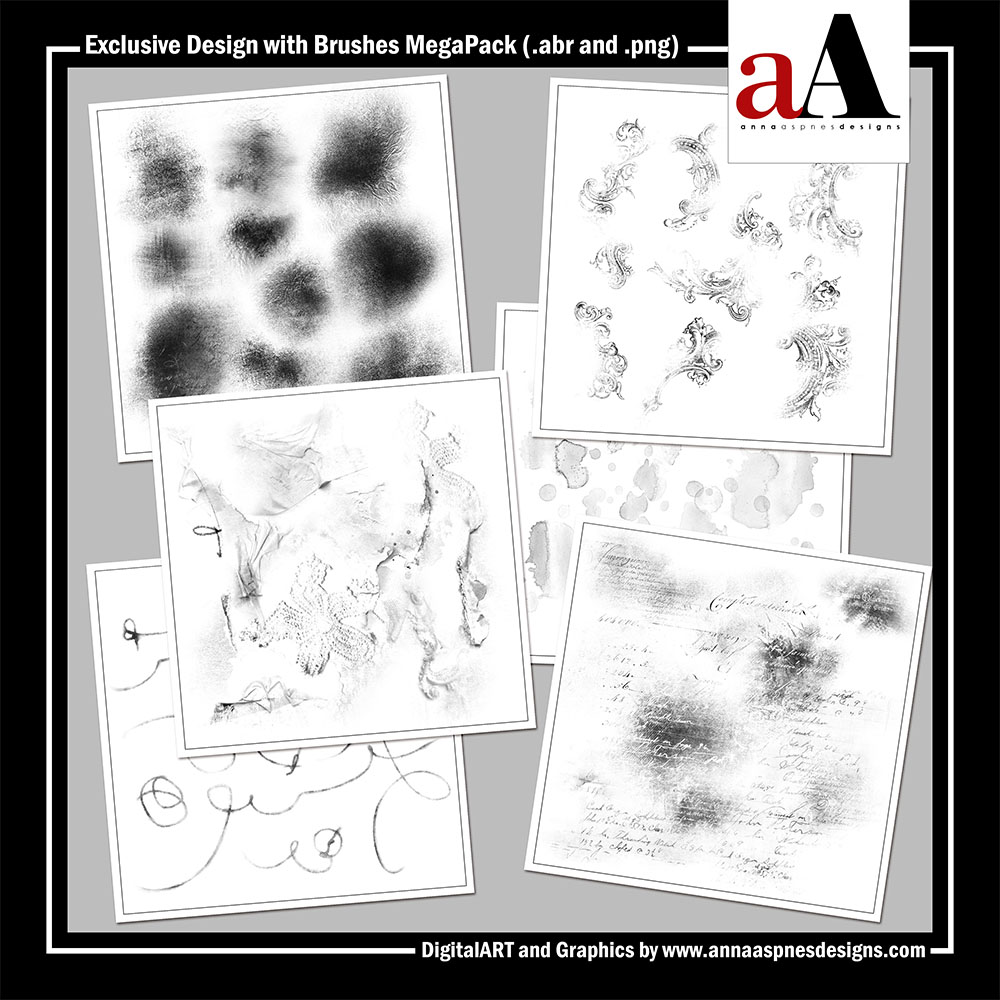
A collection of 60 [aalogo] brushes delivered in .abr and .png format.
- This MegaPack is EXCLUSIVE to the Design Custom Masks course.
- Designed to assist in the creation of your own custom ‘FotoBlendz’ style masks.
- Includes .abr for BOTH Adobe Photoshop and Elements.
Got a Question?
Email me – I am ALWAYS happy to help!
Reviews
There are no reviews yet.