Description
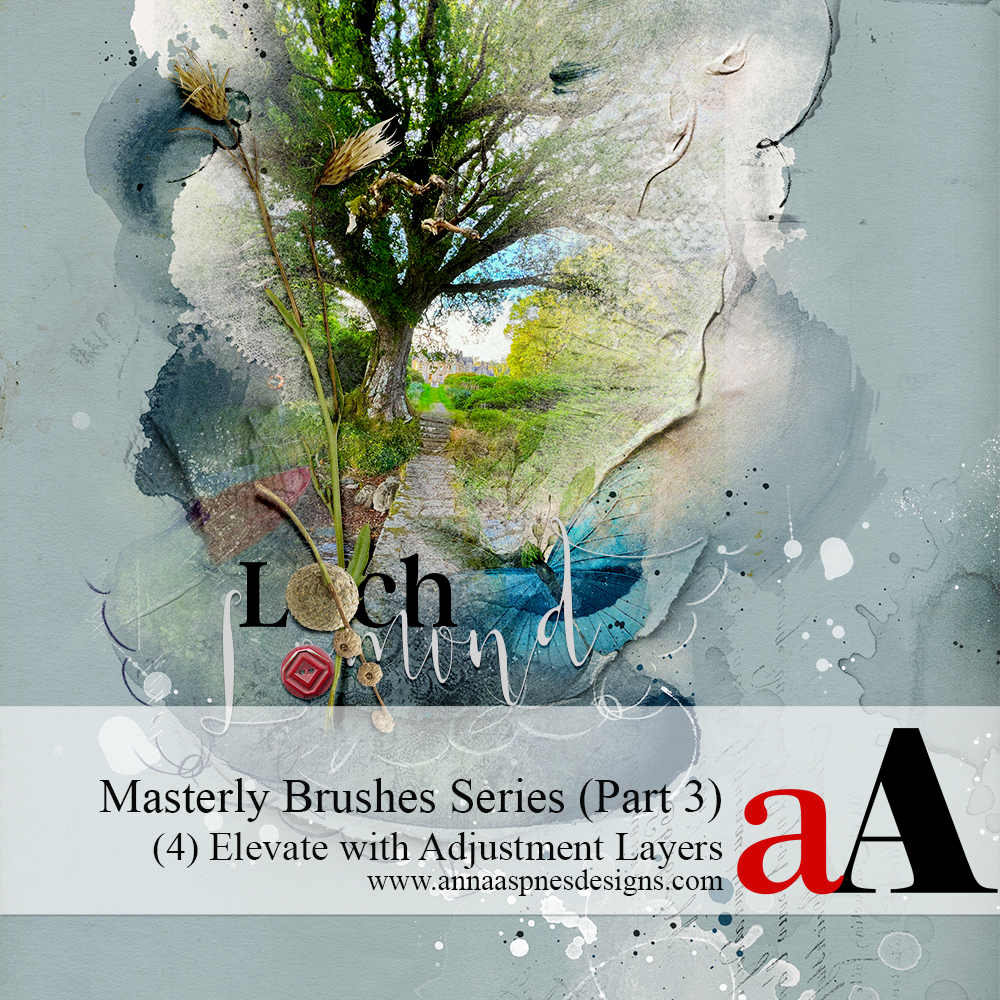
Session 4 of Part 3 in the Masterly Brushes series.
Learn more about the Masterly Brushes series.
Elevate Your Blending with Adjustment Layers and Photoshop Brushes
ENHANCE YOUR DESIGN SKILLS AND UPLEVEL YOUR ARTISTRY USING ADJUSTMENT LAYERS IN ADOBE PHOTOSHOP.
- Master Adjustment Layers to improve your digital scrapbooking and photo artistry pages.
- Use them to find more Ease in your creative process and memory keeping design approaches.
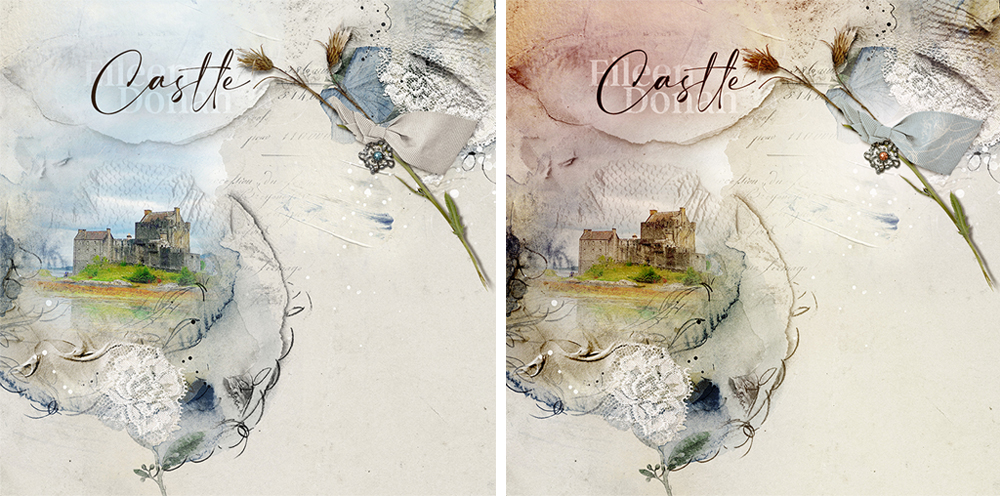
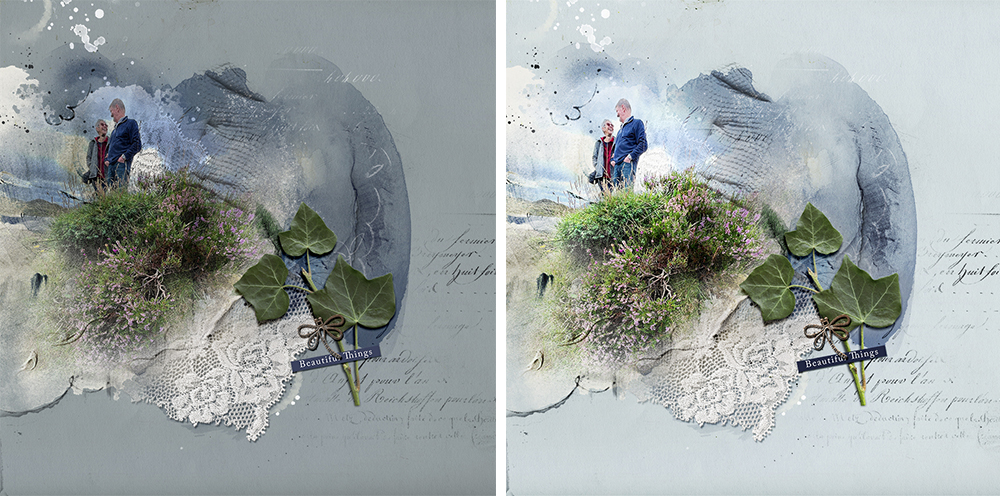
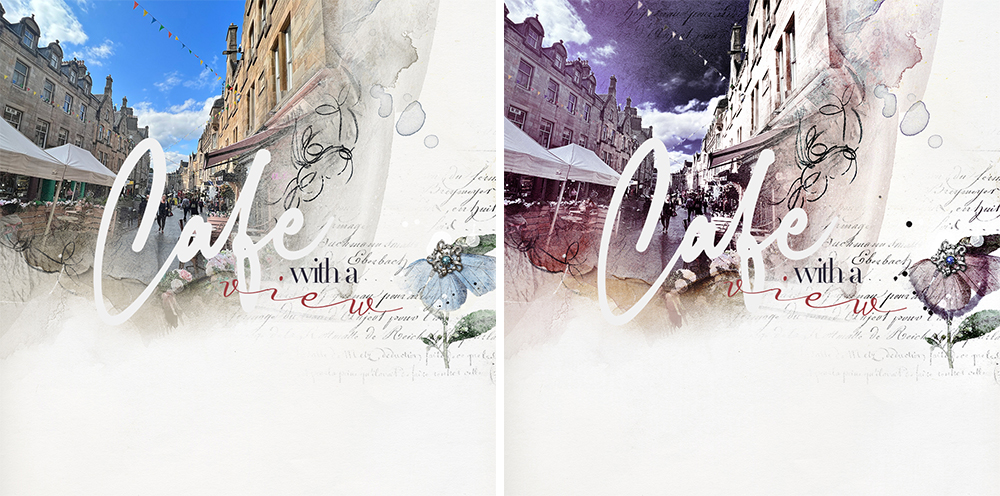
- Create targeted Color, Lighting and Special Effect modifications in your blending.
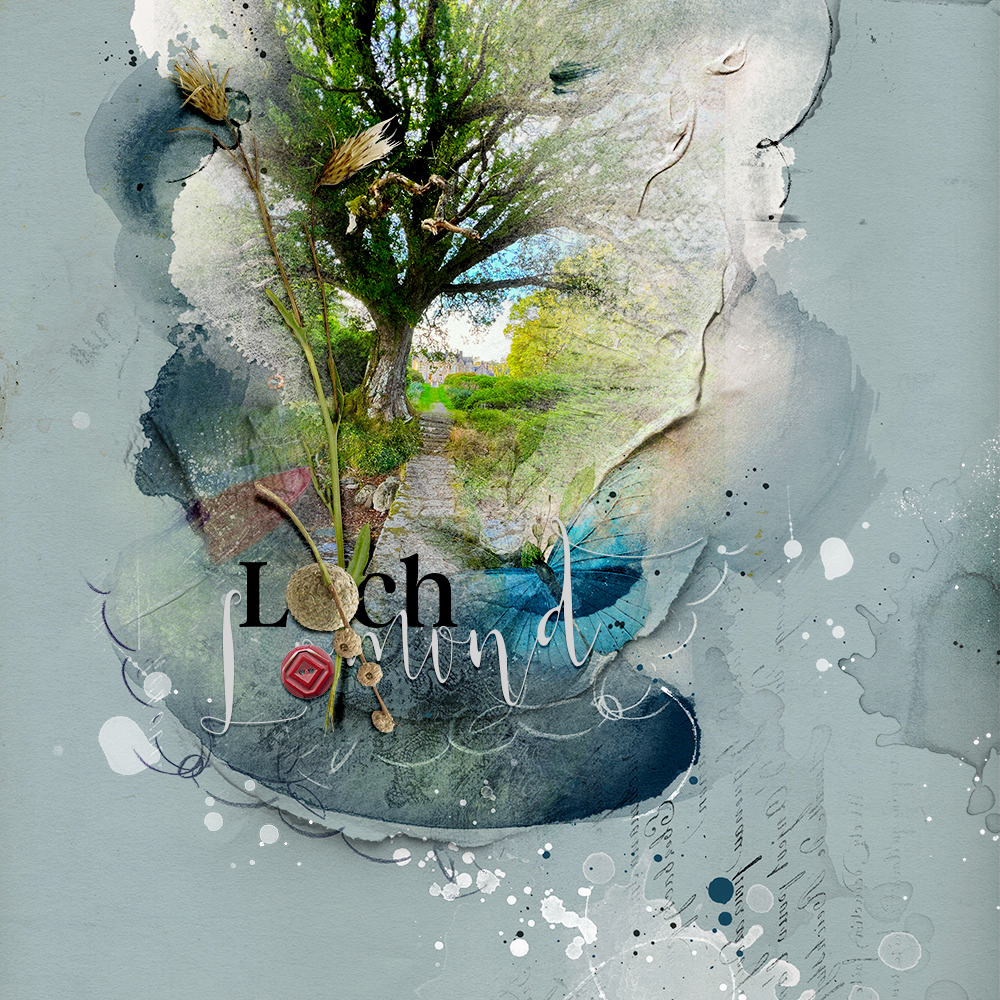
From this… To this….
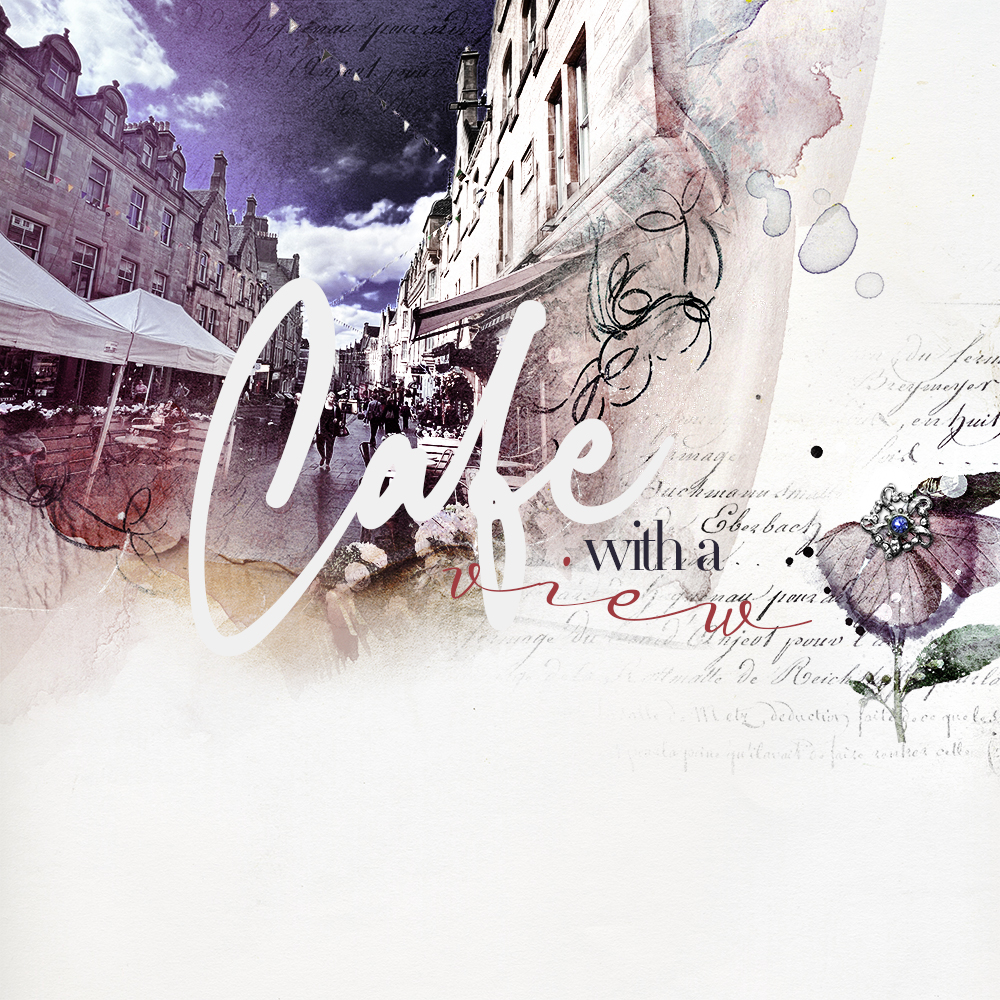
This… To this…
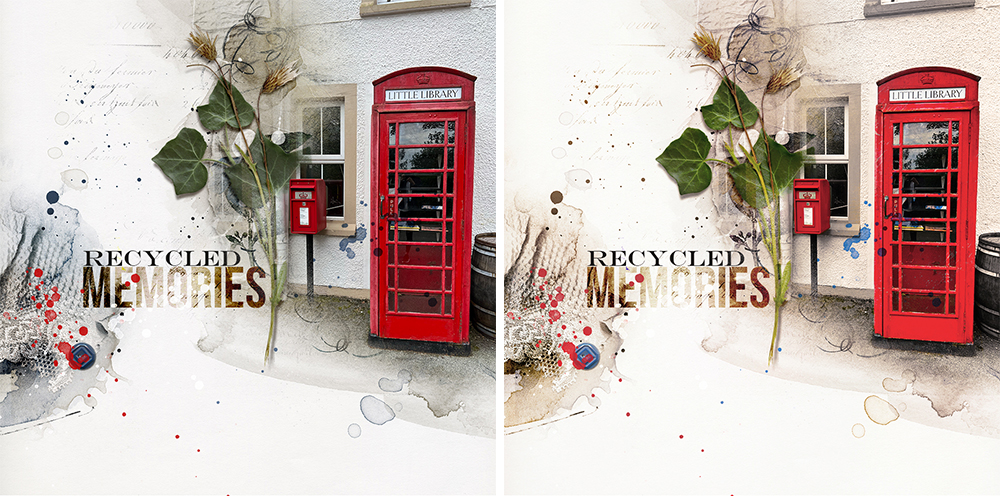
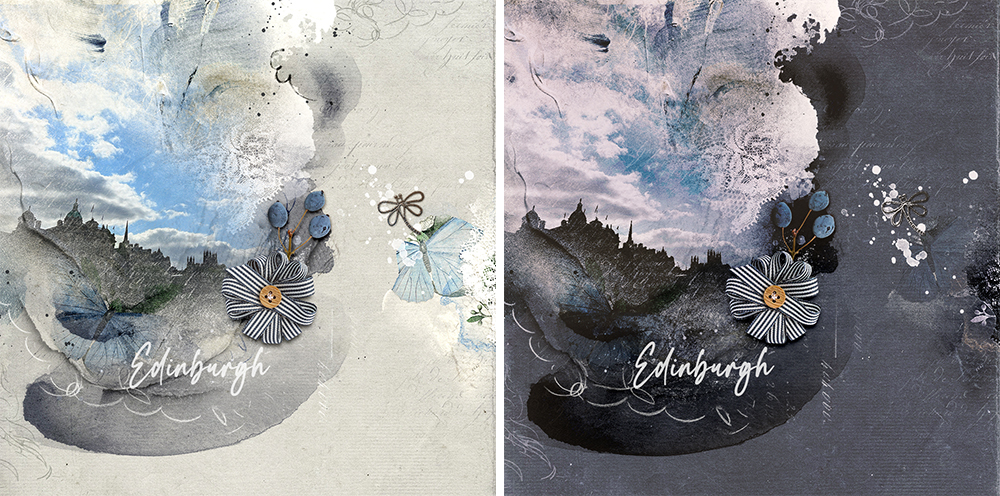
And This… To this…
Part 1: Basic Adjustment Layer Techniques (estimated. 1 1/2-2 hours)
INTRODUCTION TO THE TOOLS AND TECHNIQUES FOR ADDING ADJUSTMENT LAYERS TO YOUR PHOTO PROJECT PAGES.
WHAT YOU WILL LEARN:
- An Introduction to adjustment layers and the guidance for using them to Elevate your digital scrapbooking and photo artistry process.
- All the ways to Apply them to your layout designs and use the layer mask to Transform your blending.
- Using all the different Color Fill options to make modifications and improve your layout designs.
Part 2: Light and Color Editing Tools Explained (estimated. 1 1/2-2 hours)
ELEVATE YOUR BLENDING USING LIGHT AND COLOR EDITING TOOLS.
WHAT YOU WILL LEARN:
- Make light and color Improvements to the elements in your digital scrapbooking and photo artistry layouts.
- Understand how and when to use each of the different options to Enhance your blending and masking.
- Combine with Layer Mask and Brushes, Blending Modes, Channels, Clipping Masks (and More!) to target special effects.
Part 3: Special Effects PLUS Q&A (estimated. 1 -2 hours)
USE SPECIAL EFFECTS ADJUSTMENT LAYERS TO INJECT THE IMAGINATION INTO YOUR ARTISTRY.
WHAT YOU WILL LEARN:
- Different approaches to improve your Black and White conversions and create Spot/Selective Color edits to your digital elements.
- Impart Graphic effects and tell better stories with your photos by empowering your creativity and enacting Creative License.
- Sharpen elements, create custom LightLeak/FotoGlow effects and Manipulate your digital art supplies.
Video Content
- REPLAYS of 3 LIVE sessions available for IMMEDIATE download.
- Sessions were recorded via Zoom and available in .MP4 format.
- Watch .mp4 files on your computer using a Media Player or load into iTunes for viewing on Smart Devices.
- Demonstrations are conducted in Adobe Photoshop CC with any variations shown Adobe Photoshop Elements.
Notes to Photoshop Elements Users
- Adjustment Layers work the same way with blending in BOTH programs.
- This means the Concepts of using adjustment layers also Applies to Photoshop Elements.
- Photoshop, however, has a LOT MORE adjustment layer Options than Photoshop Elements.
- That said, I have found WORK-AROUNDS and Alternatives in this class if you use Photoshop Elements.
Written Content
- Course Introduction included for your convenience.
- Comprehensive Written Course Content in .pdf format for ALL 3 Sessions in this workshop.
- BONUS adjustment layer Menu Options guide.
BONUS DigitalART
This FREE ArtPlay Palette Impressario will be used throughout this course for demonstrations.
- Available for IMMEDIATE download on registration.
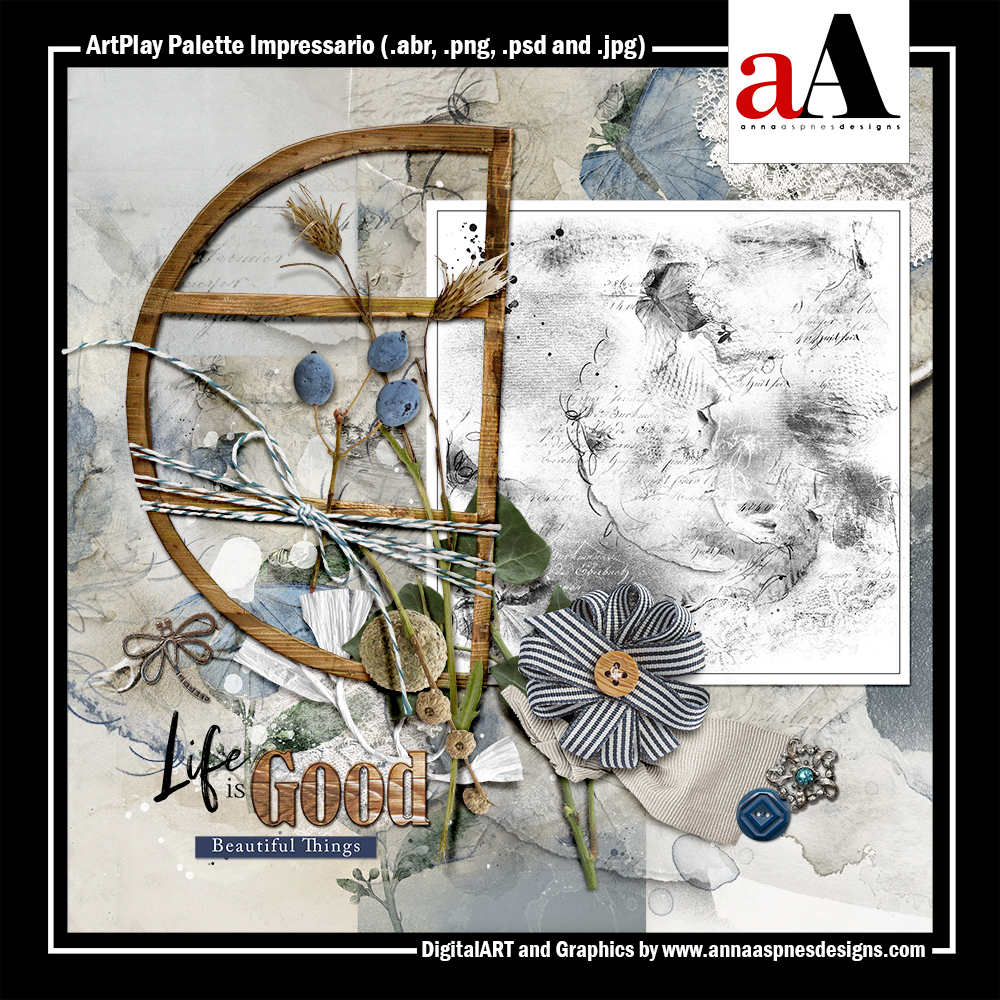
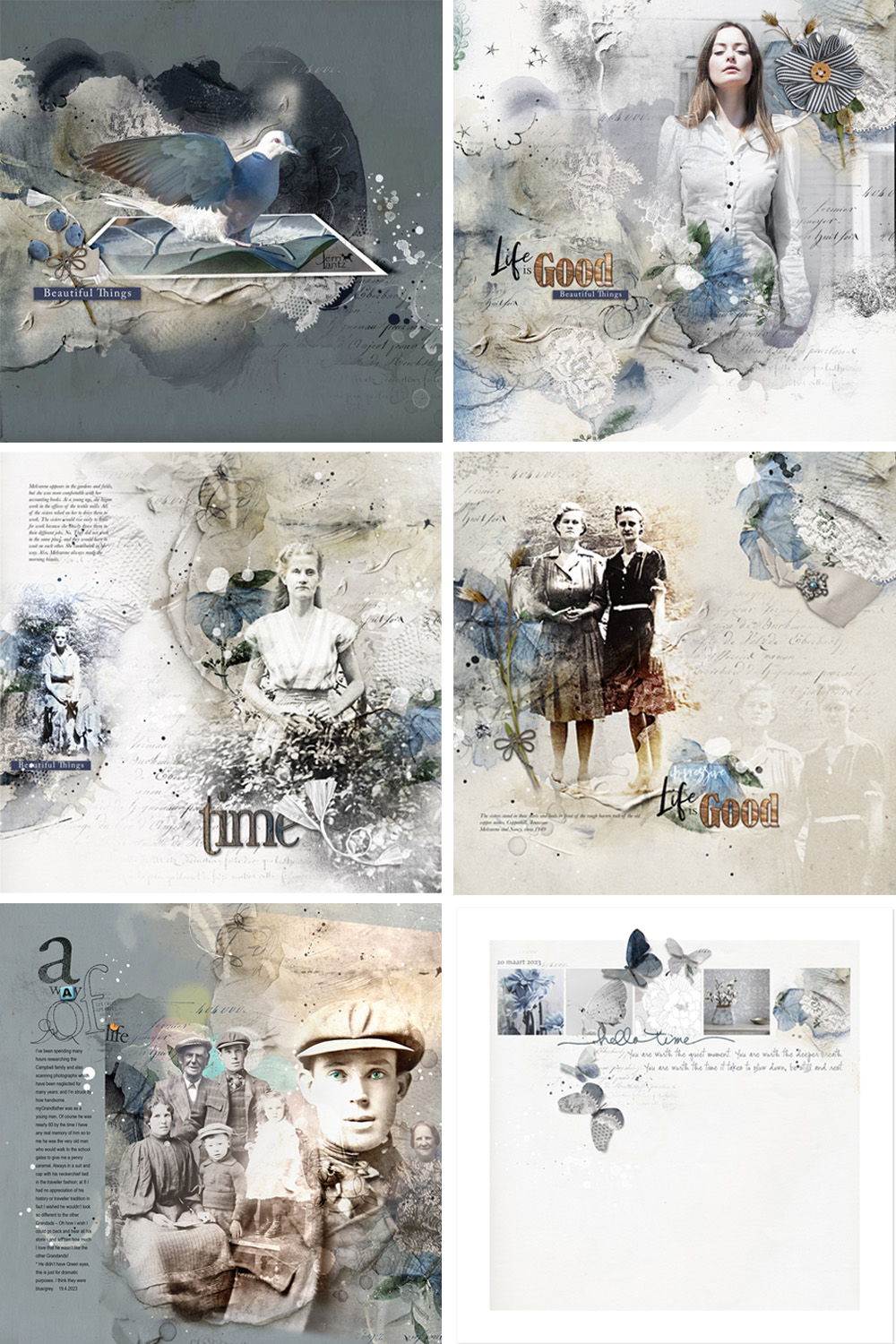 INCLUDES:
- 9 – 12 x 12 Artsy and Solid Digital Papers
- 16 Dimensional Embellishments
- 2 ArtsyTransfers
- 11 Transfers and Overlays
- 20 Photoshop Brushes (2 Size formats)
Got a Question?
Email me (I am ALWAYS happy to help!)


Reviews
There are no reviews yet.