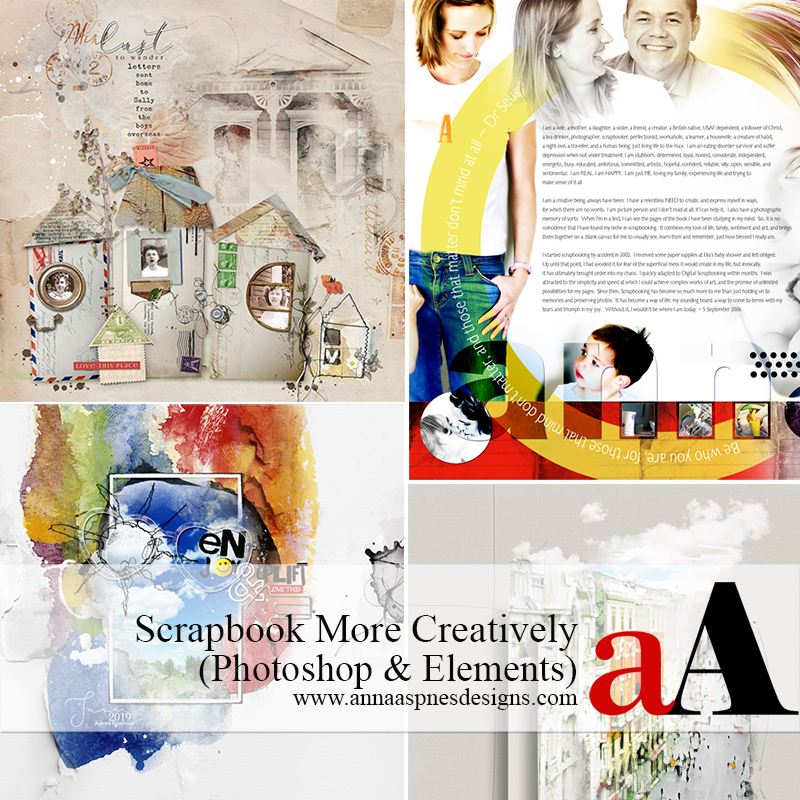
Description
Scrapbook More Creatively
PROVIDES INSPIRATION AND TECHNIQUES FOR USING EXTRACTIONS AND ELEMENTS FOR MORE CREATIVE SCRAPBOOK AND ARTISTRY PAGES.
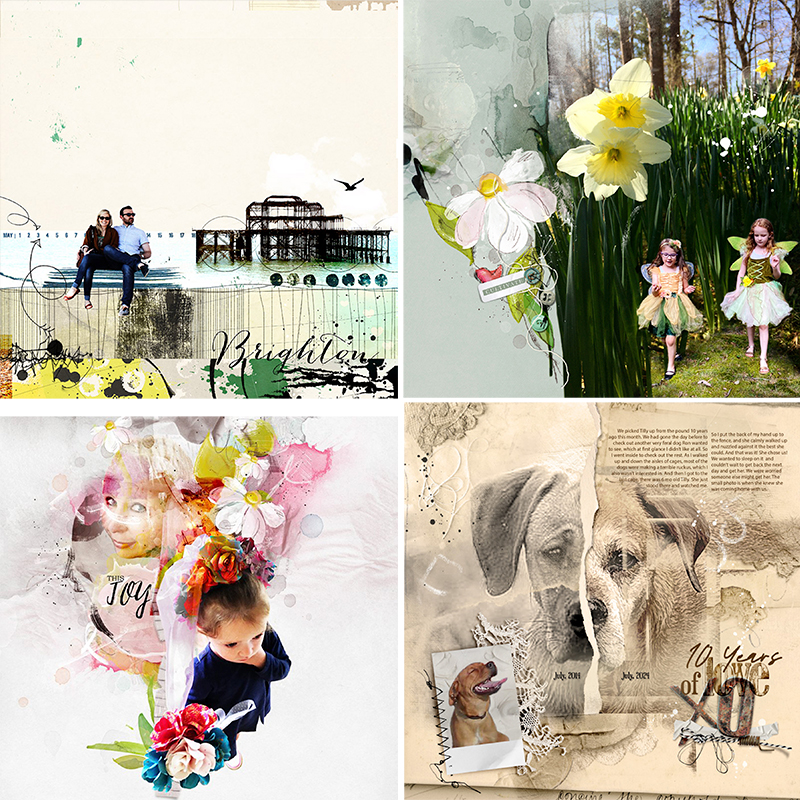
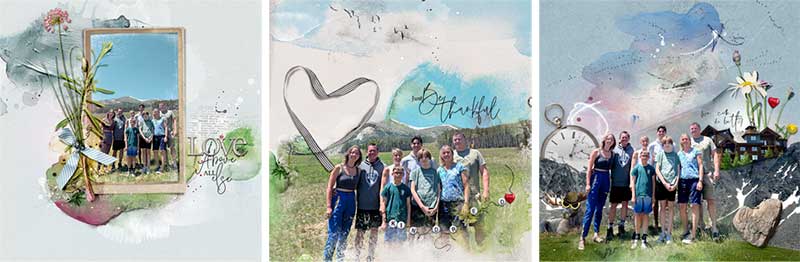
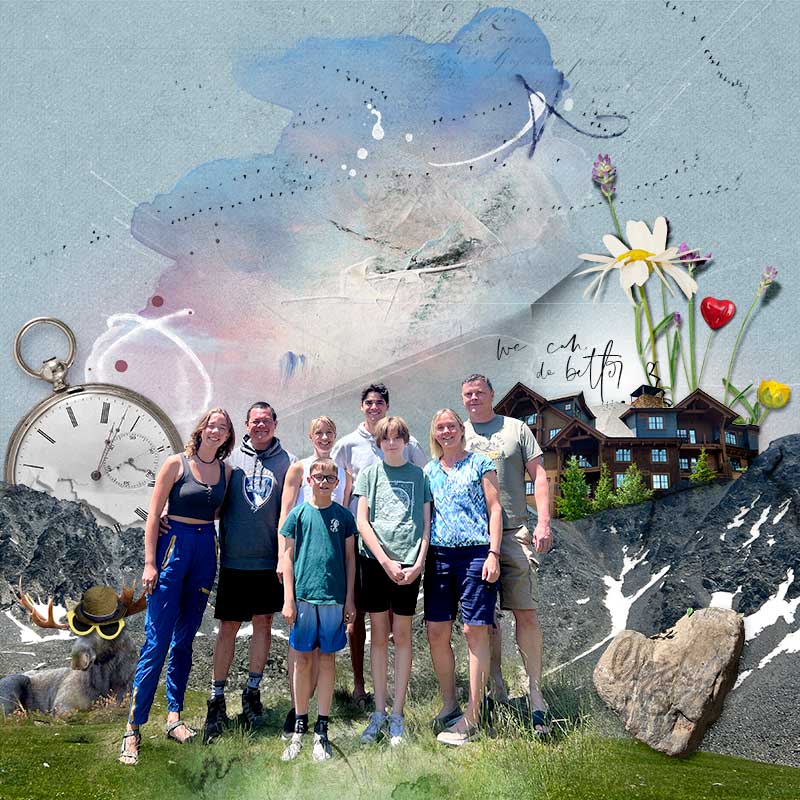
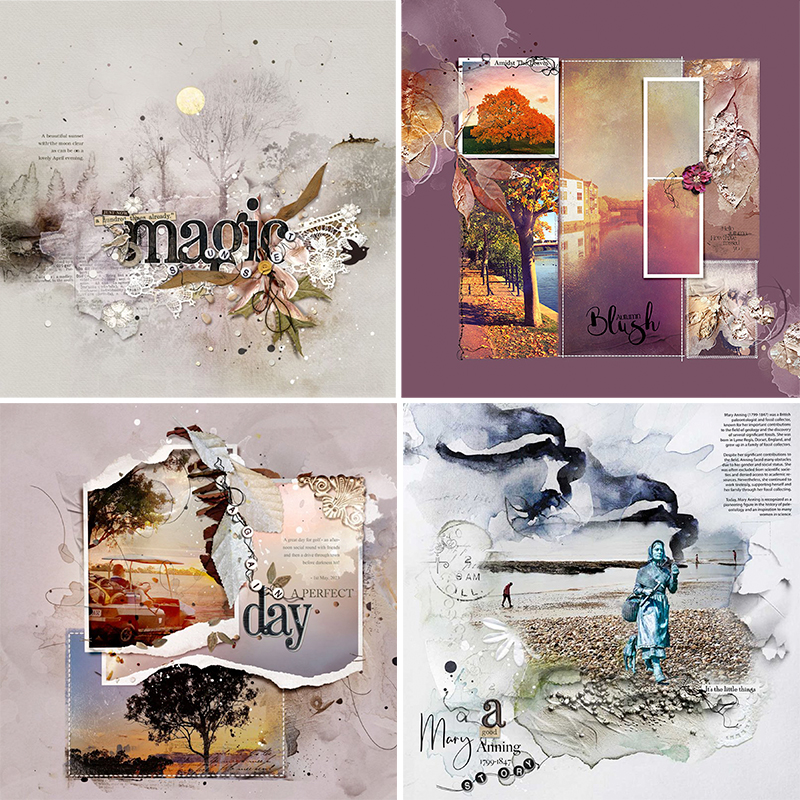
This is a 2-session class REPLAY inspires, approaches and techniques for telling stories with images and photos in a more creative fashion.
Conducted in Adobe Photoshop CC for Photoshop and Elements.
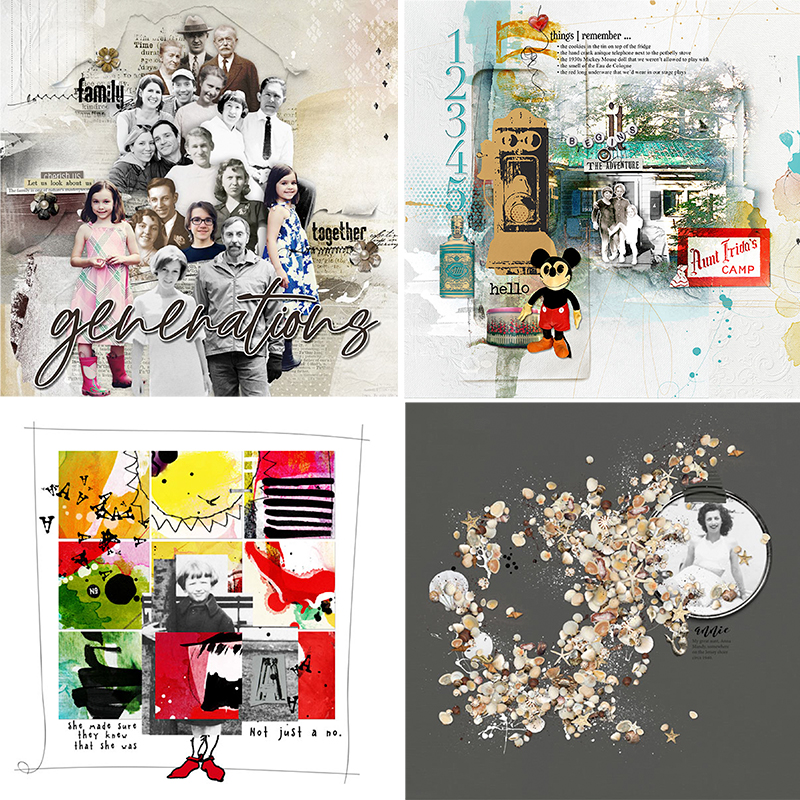
WHAT YOU WILL LEARN:
SESSION #1
- Explore ways to Creatively enhance your pages using techniques mastered in the Extractions class series.
- Discover the ways Collage and Assemblage can be used to tell your stories with more Artistic Expression.
- The Connection between collage and scrapbooking.
- Understand the ratios in Narrative Structure.
- The 3 Foundational Principles of collage approaches in your memory keeping.
- Learn 3 key Element Types to elevate visual storytelling.
- The goals of scrapbooking ‘Mission Statement’ Checklist.
- Core Techniques and Products to support and enhance your extraction-inspired layouts.
- Incorporate Juxtaposition to add Wow-Factor to your pages.
- Master Layering and Transparency to create harmony in your artistry.
- Approaches for Text Integration to convey meaning.
- Wielding the use of Symbolism to say more with less.

SESSION #2
- Create more creatively using this Performing Arts analogy
- A 7-Step Process you can follow to scrapbook more creatively.
- How to define your Story and establish the overall Theme.
- The importance of setting Parameters for your layout design.
- Guidance for Gathering the elements to tell your story.
- Tips for arranging Digital Elements using a brilliant little checklist.
- Choose the right Font to build Titles and convey meaning.
- Key Final edits for your collage-style compositions.
- A go-to layout Review Checklist to proof your pages.
- Understand Juxtaposition and how to use it to enhance Creativity in your layouts.
- Step-by-step approach this new Design Principle in your layout designs.
WHAT TO EXPECT:
- 2 X Class session REPLAYS with 3-1/2 Hours of learning.
- Watch .mp4 files on your computer using a Media Player or load them into iTunes for viewing on Smart Devices.
- Step-by-step demonstration of techniques and processes in Adobe Photoshop CC.
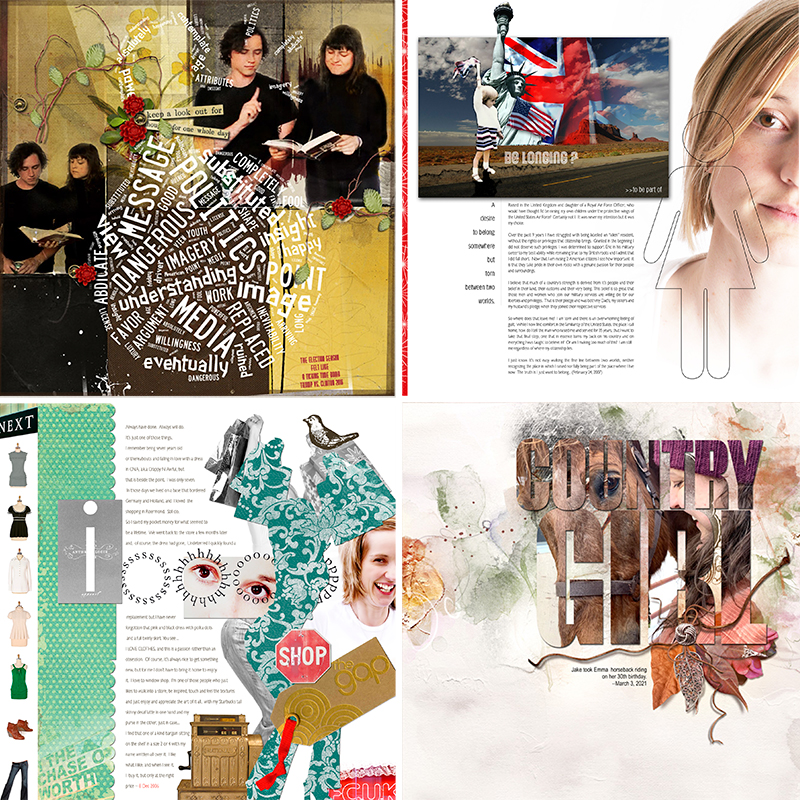
- Digital scrapbook Examples by myself from the last 2 decades supported by the [aalogo] Creative Team.
- 10-page comprehensive Written Course Content in .pdf format.
- 3-page step-by-step guidance for understanding and using the design principles of Juxtaposition in your scrapbook pages.
- Topaz Gigapixel + Photo AI chat included with your downloads.
- Elevate your layout creation process with the BONUS Inspiration Checklist.
- Direct Support via email and dedicated Community Facebook Group.
*** CLICK HERE FOR ALL THE EXTRACTION PRECURSOR CLASSES IN THIS SERIES***


Reviews
There are no reviews yet.